Plot Outputs
R2026bUse this to plot the outputs of your data sets.
To view a plot,
Select View > Plot or click the
 toolbar
button.
toolbar
button.Select an expression from the list to view.
A plot of the selected output factor appears in the top pane.
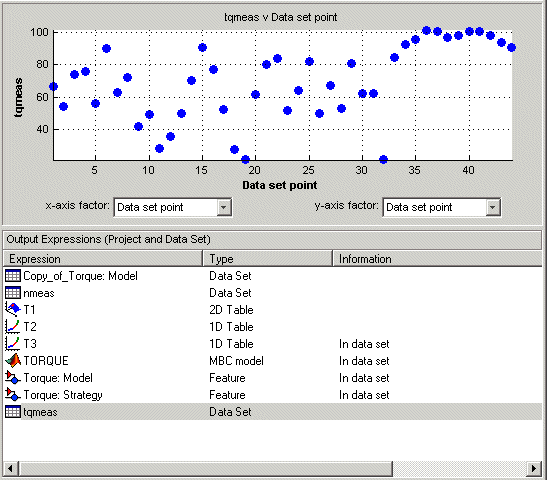
Use the pop-up menus below the plot to change the factors displayed.
To zoom in on an area of interest,
Press both mouse buttons simultaneously and drag a rectangle; double-click the graph to return to full size.
Plotting Multiple Selections
You can plot a multiple selection by using standard Ctrl+click and Shift+click operations.
A legend at the top of the screen displays the key to the graph.
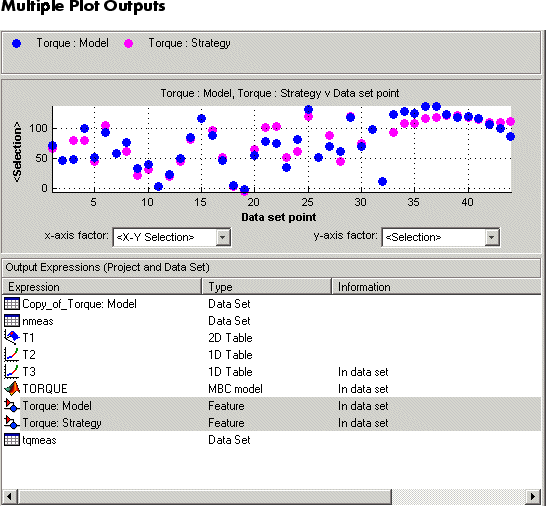
When exactly two items are displayed, further plot options are available:
Plot the first item against the second item (X-Y Selection).
Display the error using one of the following options:
Error
Absolute error
Relative error (%)
Absolute relative error (%)

