Pan Tilt Hat
R2026bPan Tilt Hat block
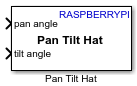
To add a block to a model, double-click the canvas and start typing the block name. Then, select the block from the list.
Libraries:
Raspberry Pi Blockset /
Basic
Description
Use the Pan Tilt Hat block to control the pan and tilt motions of hardware using the PCA-9685-based PWM I2C driver. This block accepts pan and tilt angles in the range –90 to 90 degrees. The PCA9685 driver controls the movement of the pan and tilt hardware module in two degree of freedom (DoF), namely along the horizontal and vertical axes, respectively.
Note
To generate C/C++ code for this block, you must have an Embedded Coder® license.
Activate, Load, and Verify PCA9685 Kernel Module
Follow these steps to activate and load the PCA9685 kernel module on your Raspberry Pi® hardware and then use the Pan Tilt Hat block in your Simulink® model.
Execute these commands on the MATLAB® Command Window to open the Raspberry Pi terminal.
r=raspberrypi('<Raspberry Pi IP address>','<Raspberry Pi username>','<Raspberry Pi password>');
r.openShell
Open the
/boot/config.txtfile in a text editor.To activate the PCA9685 kernel module, add this code to the
/boot/config.txtfile.dtoverlay=i2c-pwm-pca9685a
Save and close the
/boot/config.txtfile.Reboot your Raspberry Pi.
To load the PCA9685 kernel module on your Raspberry Pi, execute this code in the Raspberry Pi terminal.
sudo modprobe pwm-pca9685
To verify whether you have successfully loaded the PCA9685 module on your Raspberry Pi hardware, execute this code in the Raspberry Pi terminal.
i2cdetect -y <i2c bus number>
For example,
i2cdetect -y 1
Observe that the PCA9685 kernel module reserves an I2C address
0x40for the pan tilt hardware, indicated by UU.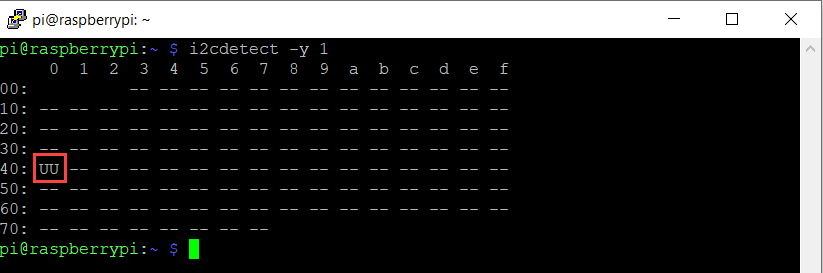
Examples
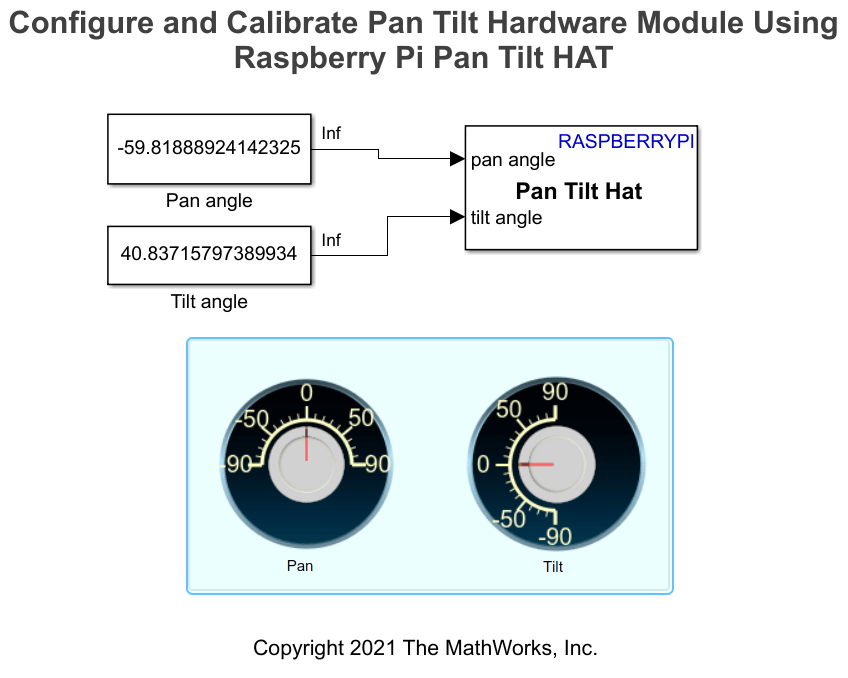
Configure and Calibrate Pan Tilt Hardware Using Raspberry Pi Pan Tilt HAT
Configure and calibrate the pan and tilt hardware using the Pan Tilt HAT block from Raspberry Pi® Blockset.
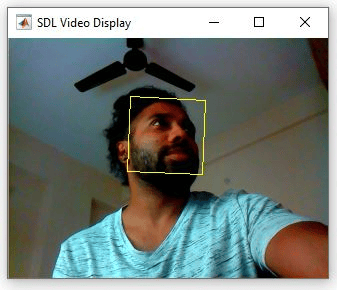
Detect and Track Face Using Raspberry Pi Pan Tilt HAT
Use the Pan Tilt HAT block from Raspberry Pi® Blockset to detect and track a face in a video frame. The example also tracks a face when a person tilts their head either left or right or moves toward or away from the camera. If the face is not visible or goes out of focus, the model tries to reacquire the face and then tracks the face. The model in this example can detect and track only one face at a time. You can also enable the proportional-integral-derivative (PID) controller to achieve a smooth motion of the pan and tilt hardware module for tracking the face.
Video Mosaicking Using Raspberry Pi Pan Tilt HAT
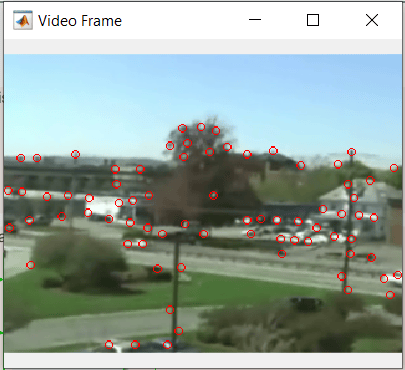
Use the Pan Tilt HAT block from Raspberry Pi® Blockset to create a mosaic from a video sequence. Video mosaicking is the process of stitching video frames together to form a comprehensive view of a scene. The resulting mosaic image is a compact representation of the video data. This technique is often used in video compression and surveillance applications.
Ports
Input
Parameters
Extended Capabilities
Version History
Introduced in R2022a

