主要内容

Classify Image in Simulink Using SqueezeNet

This example shows how to classify an image in Simulink® using the Classify block.

The example uses a pretrained SqueezeNet neural network to perform the classification.

Pretrained SqueezeNet Network

SqueezeNet has been trained on over a million images and can classify images into 1000 object categories (such as keyboard, coffee mug, pencil, and many animals). The network has learned rich feature representations for a wide range of images. The network takes an image as input, and then outputs a label for the object in the image together with the probabilities for each of the object categories.

[net,classNames] = imagePretrainedNetwork;
inputSize = net.Layers(1).InputSize;
numClasses = numel(classNames);
disp(classNames(randperm(numClasses,10)))
    "speedboat"
    "window screen"
    "isopod"
    "wooden spoon"
    "lipstick"
    "drake"
    "hyena"
    "dumbbell"
    "strawberry"
    "custard apple"

Read and Resize Image

Read and show the image that you want to classify.

I = imread("peppers.png");
figure
imshow(I)
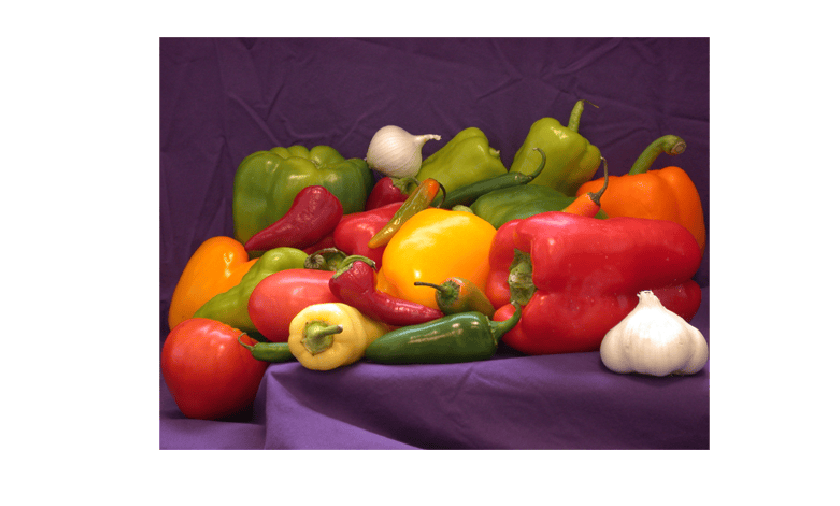
Figure contains an axes object. The hidden axes object contains an object of type image.

To import this data into the Simulink model, specify a structure variable containing the input image data and an empty time vector.

simin.time = [];
simin.signals.values = I;
simin.signals.dimensions = size(I);

Simulink Model for Prediction

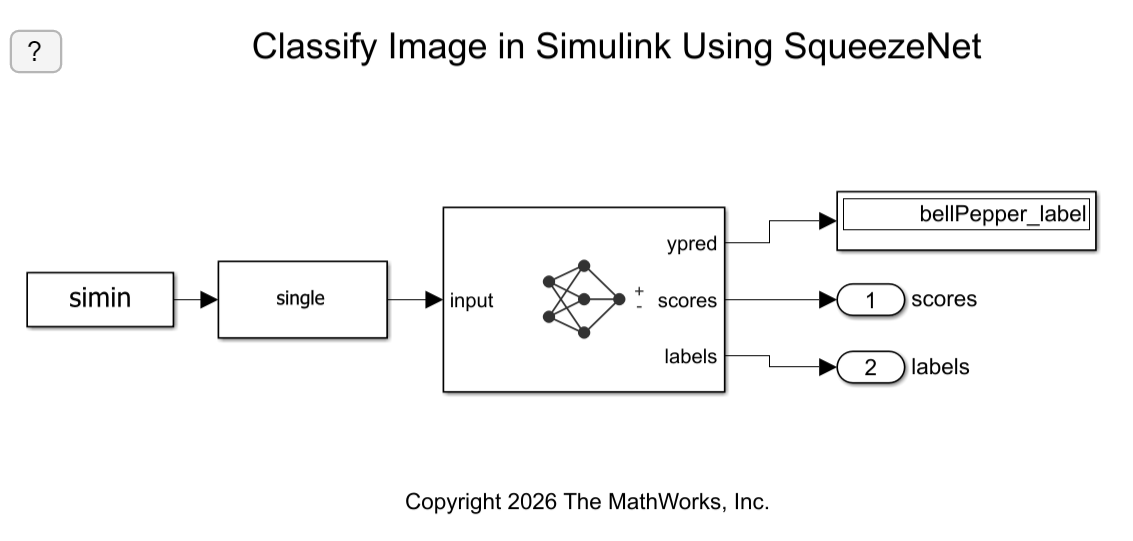
The Simulink model for classifying images is shown. The model uses a From Workspace block to load the input image, a Classify block from the Deep Neural Networks library that classifies the input, and Display block to show the predicted output.

model = "SqueezeNetClassifier";
open_system(model);
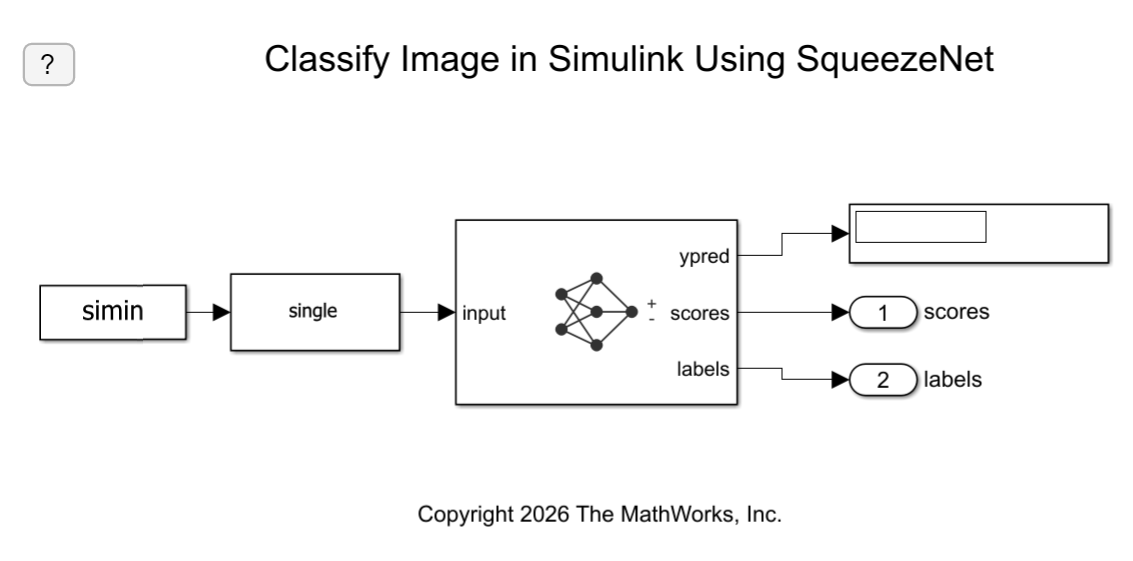
Screenshot of Simulink model. The simin block is connected to a single block and then the classify block. The calssify block has the outputs ypred, scores, and labels.

Run the Simulation

To validate the Simulink model, run the simulation.

set_param(model,"SimulationMode","Normal");
sim(model);

The network classifies the image as a bell pepper.

Screenshot of Simulink model. The ypred output is connected to display block that shows bellPepper_label.

Display Top Predictions

Display the top five predicted labels and their associated probabilities as a histogram. Because the network classifies images into so many object categories, and many categories are similar, it is common to consider the top-five accuracy when evaluating networks. The network classifies the image as a bell pepper with a high probability.

scores = yout.signals(1).values(:,:,1);
labels = yout.signals(2).values(:,:,1);
[~,idx] = sort(scores,"descend");
idx = idx(5:-1:1); 
scoresTop = scores(idx);
labelsTop = split(string(labels(idx)),"_"); 
labelsTop = labelsTop(:,:,1);

figure
imshow(I)
title(labelsTop(5) + ", " + num2str(100*scoresTop(5) + "%"));
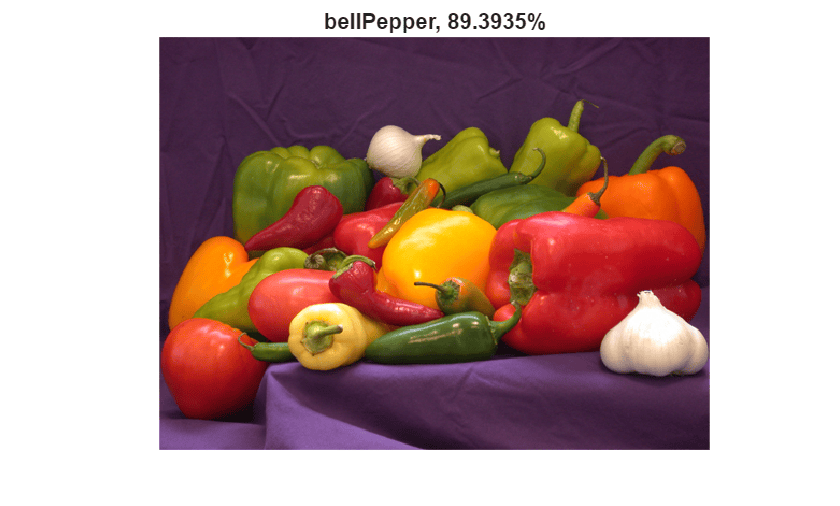
Figure contains an axes object. The hidden axes object with title bellPepper, 89.3935% contains an object of type image.

figure
barh(scoresTop)
xlim([0 1])
title("Top 5 Predictions")
xlabel("Probability")
yticklabels(labelsTop)
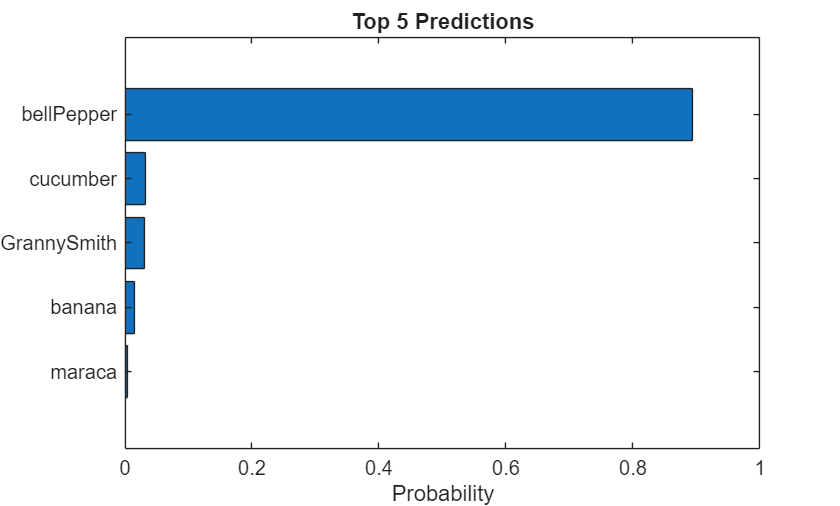
Figure contains an axes object. The axes object with title Top 5 Predictions, xlabel Probability contains an object of type bar.