应用
R2026a使用音频和自定义 MATLAB 函数扩展 Qualcomm® Hexagon® 工作流
本页上的示例说明如何在音频系统中使用 Qualcomm Hexagon 处理器,以及如何使用具有自定义代码替换库 (CRL) 的自定义 MATLAB 函数来生成代码。
精选示例
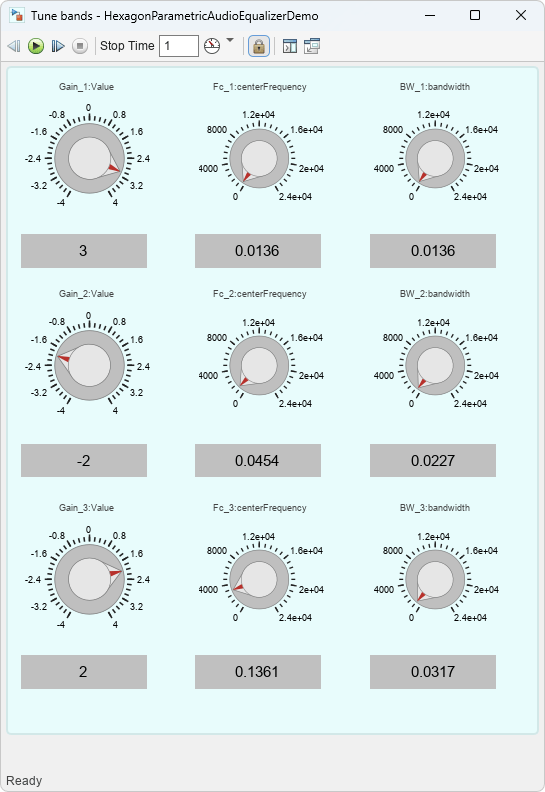
Parametric Audio Equalizer for Qualcomm Hexagon DSP
Generate and run optimized code for a three-band parametric audio equalizer on Qualcomm Hexagon Simulator.
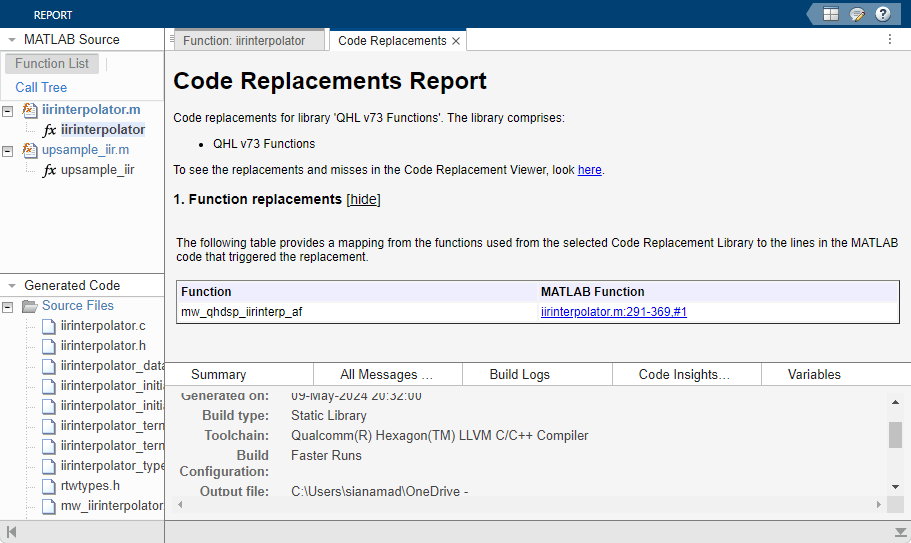
Custom MATLAB Function Code Generation with CRL
Replace a custom MATLAB function with a custom CRL for Qualcomm Hexagon hardware during code generation.
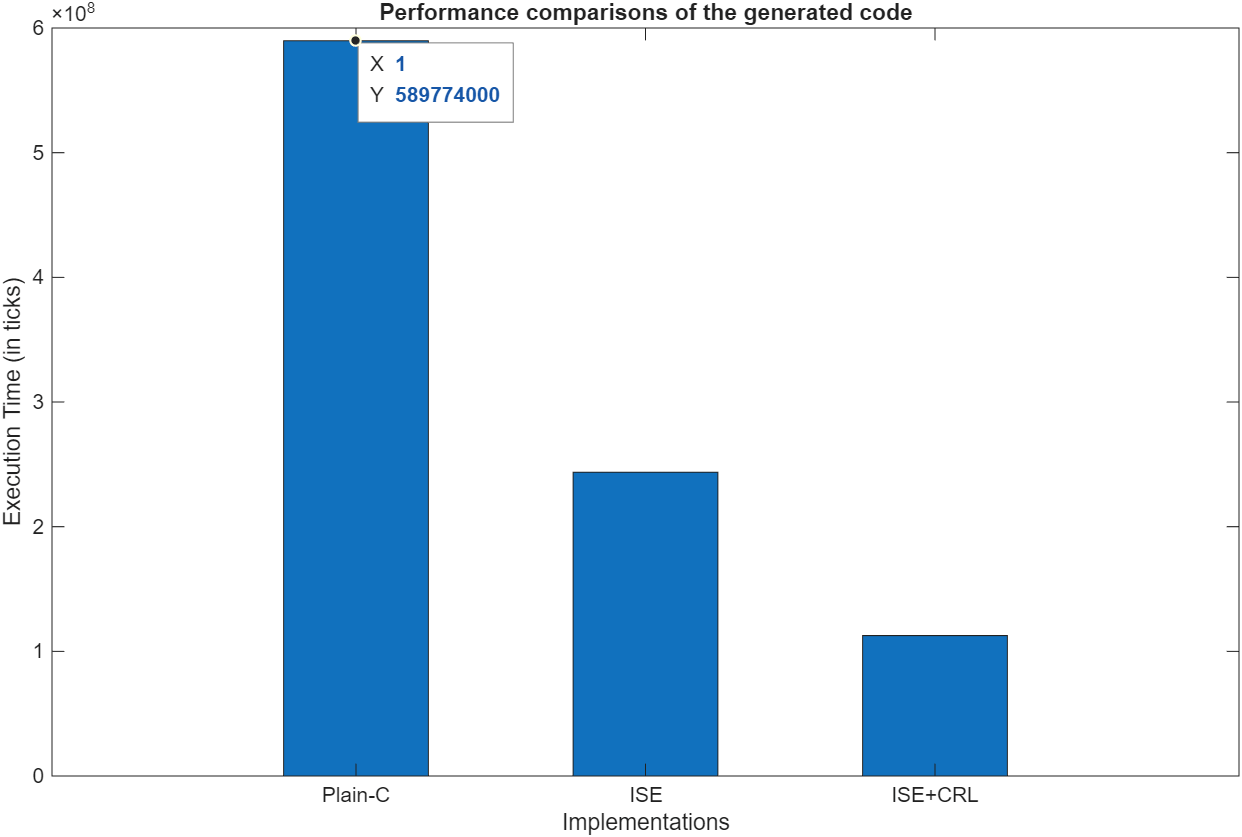
Deploy Smart Speaker Model on Qualcomm Hexagon DSP
Deploy a Simulink model designed as smart speaker system on Qualcomm Hexagon DSP.

