simulinkScreenshot
R2026bDescription
Examples
Take a screenshot of a Simulink model and a block within that model.
Load the sf_car model and take a screenshot of it.
load_system("sf_car");
simulinkScreenshot("sf_car");
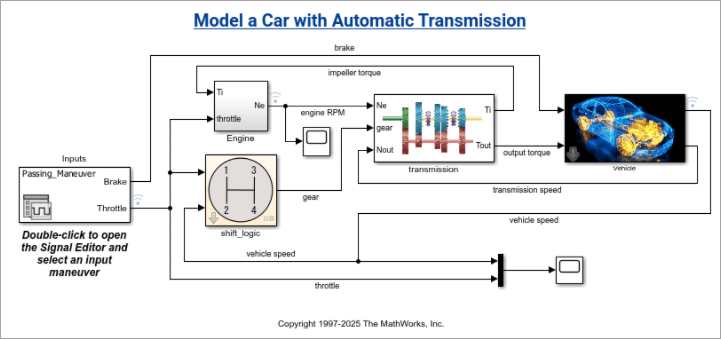
Take a screenshot of the Engine block inside the
sf_car model.
simulinkScreenshot("sf_car/Engine");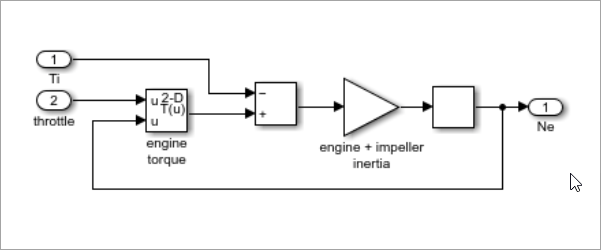
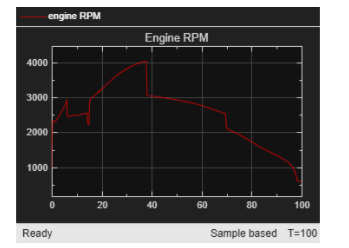
Take a screenshot of a Simulink scope result.
Load the sf_car model and run the simulation. Then, take a
screenshot of the Scope1 scope result.
load_system("sf_car");
sim("sf_car");
simulinkScreenshot("sf_car/Scope1");
Input Arguments
Version History
Introduced in R2026b

