Export Results
R2026bAfter filling the lookup tables, you can export the results from CAGE.
In the CAGE browser, click File > Export > Calibration.
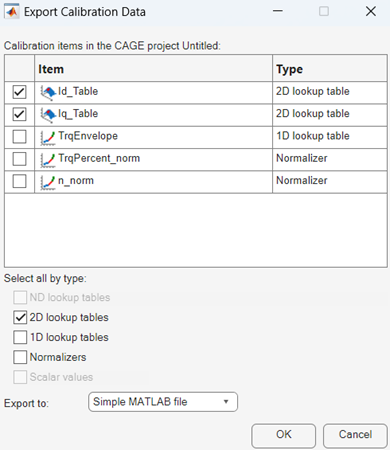
In the Export Calibration Data dialog box, select the items to export and format. For example, export the
IdandIqtables and breakpoints to the MATLAB® filegs_example.m.