Generate Calibration
R2026bAfter you fit the model, you can create functions and tables, run the optimization, and fill the calibration tables. For this example, you first calibrate the torque envelope and then calibrate the final torque and field weakening control current reference lookup tables.
For comparison, the PMSM maximum efficiency calibration case study contains the calibration results.

Import Models and Create Functions
Import models and create the functions to use when you optimize the calibration.
In MATLAB®, on the Apps tab, in the Automotive group, click MBC Optimization.
In the CAGE Browser under Import, select Models. If the project is not already opened, then in the MBC Model Fitting browser, open the
gs_example.matproject.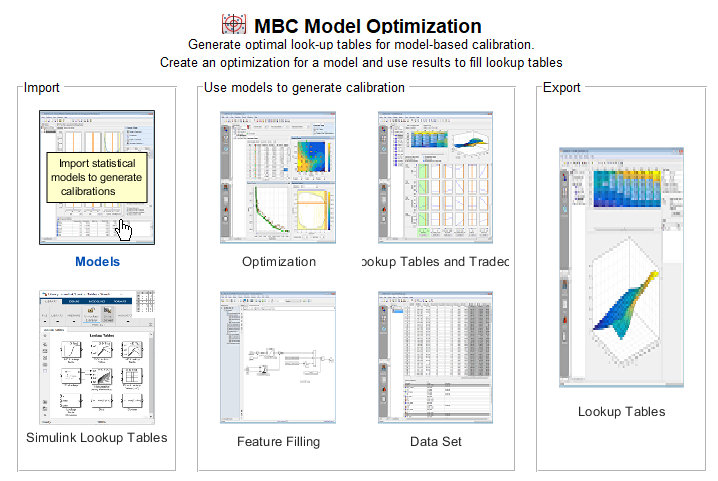
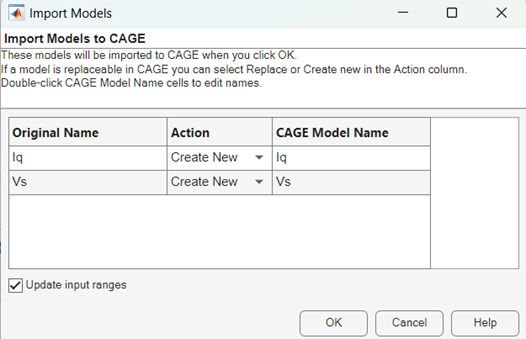
In the Import Models dialog box, click OK. Close the CAGE Browser.
Select File > Save Project. Save the
gs_example.cagfile to theworkfolder.

