Audio Processing
R2026bCapture audio from microphones, play audio through speakers, process audio signals, and convert text-to-speech using blocks and MATLAB® functions. Leverage audio capabilities that enable development of audio-based applications on Raspberry Pi hardware.
Blocks
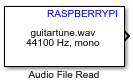 | Audio File Read | Read audio frames from an audio file |
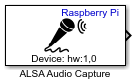 | ALSA Audio Capture | Capture audio from sound card using ALSA |
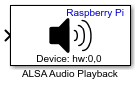 | ALSA Audio Playback | Send audio to sound card for playback using ALSA |
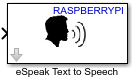 | eSpeak Text to Speech | Convert text into speech on default audio device |
Objects
audiocapture | Connection between audio input device and Raspberry Pi hardware |
audioplayer | Connection between audio output device and Raspberry Pi hardware |
Functions
listAudioDevices | List available ALSA audio devices |
capture | Capture data from audio device connected to Raspberry Pi |
play | Play audio from audio device connected to Raspberry Pi |
Apps
| Raspberry Pi Resource Monitor App | Monitor and manage Raspberry Pi resources |
Topics
- Play High-Quality Audio from Raspberry Pi Using I2S-Based DAC
Enable I2S drivers to output high-quality audio from Raspberry Pi using DAC.
- Modularize Installation of Third-Party Packages and Libraries for Raspberry Pi Hardware
This section describes the workflow for downloading the core and optional application-based libraries and packages.
Featured Examples
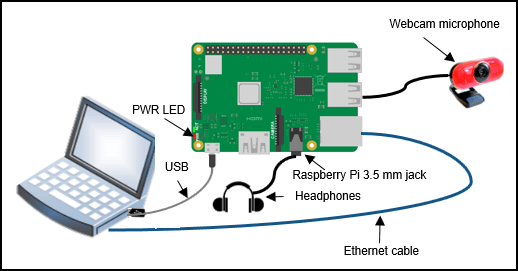
Audio Pitch Shift Using Audio Capture Playback
Shift the pitch of an audio signal on Raspberry Pi® hardware using audio capture and playback.
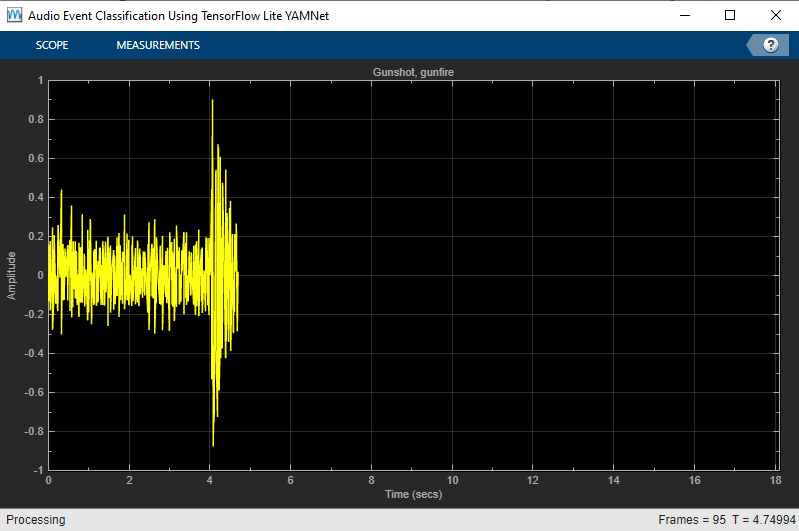
Audio Event Classification Using TensorFlow Lite on Raspberry Pi
Demonstrates audio event classification using a pretrained deep neural network, YAMNet, from TensorFlow™ Lite library on Raspberry Pi®. You load the TensorFlow Lite model and predict the class for the given audio frame on Raspberry Pi using a processor-in-the-loop (PIL) workflow. To generate code on Raspberry Pi, you use Embedded Coder®, Raspberry Pi Blockset and Deep Learning Toolbox Interface for TensorFlow Lite. Refer to Audio Classification and yamnet classification for more details on the YAMNet model description.
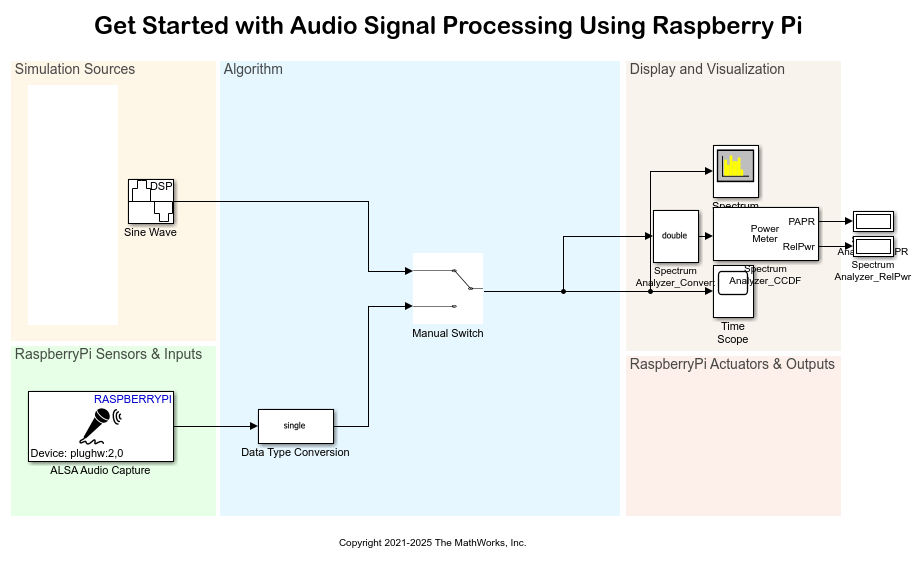
Get Started with Audio Signal Processing Using Raspberry Pi
Use Raspberry Pi® Blockset to get started with audio signal processing applications on the Raspberry Pi hardware. It also shows how to:
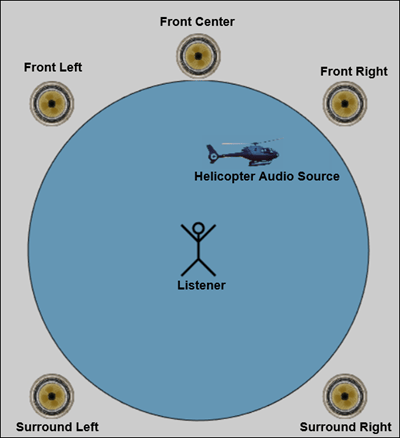
Spatialize Monaural Audio into 5.1 Channel Surround Sound Using Raspberry Pi
Spatialize a monaural audio signal into a 5.1 channel surround sound on Raspberry Pi® hardware by using a MATLAB Function block with Raspberry Pi® Blockset.
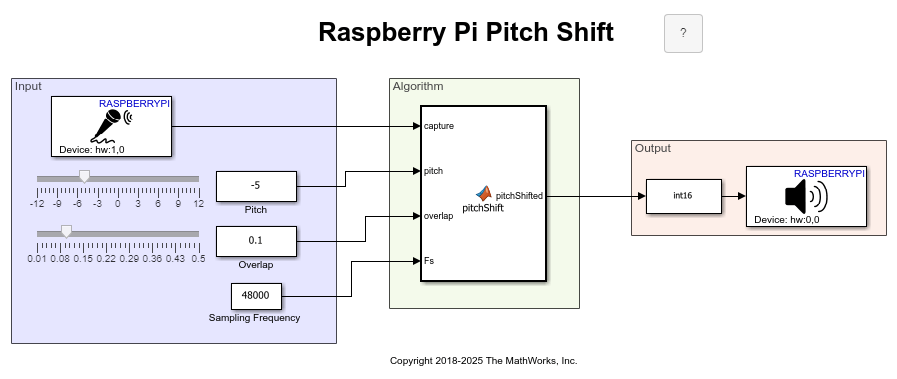
Shift Pitch of Audio Signal Using Raspberry Pi
Shift the pitch of an audio signal on Raspberry Pi® hardware by using a MATLAB Function block with Raspberry Pi Blockset.
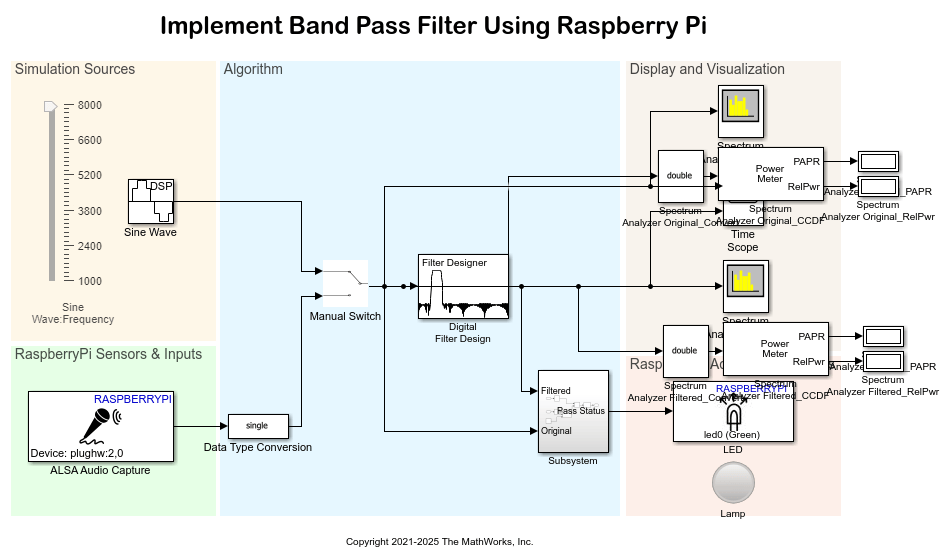
Implement Bandpass Filter on Raspberry Pi
Use Raspberry Pi® Blockset to design a bandpass filter using DSP System Toolbox™.
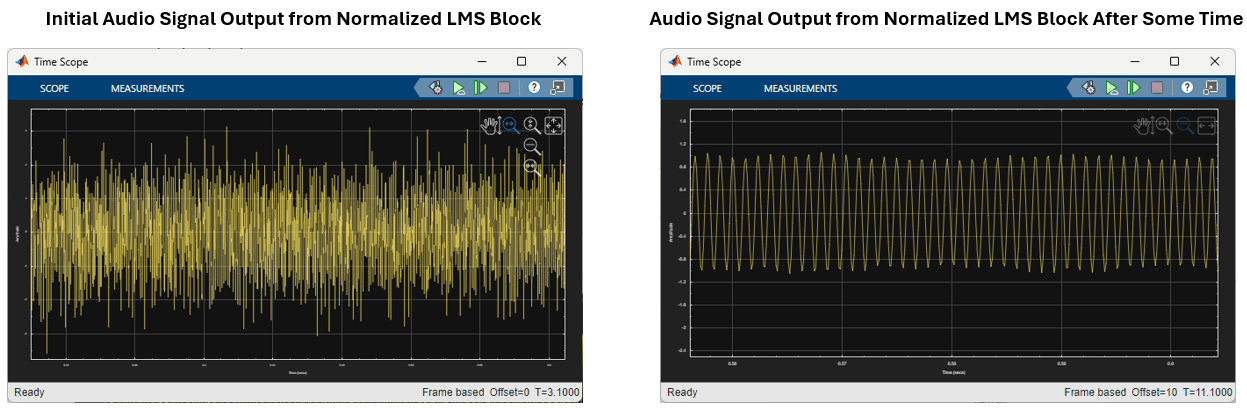
Implement Adaptive Filter for Noise Cancellation Using Raspberry Pi
Use Raspberry Pi® Blockset to implement an adaptive filter for noise cancellation using DSP System Toolbox™.
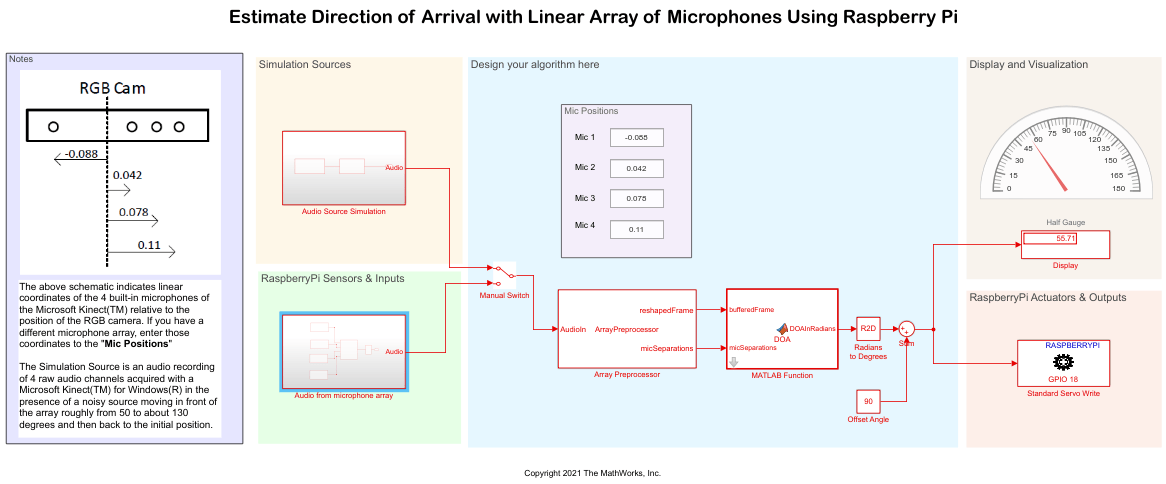
Estimate Direction of Arrival with Linear Array of Microphones Using Raspberry Pi
Use Raspberry Pi® Blockset to estimate the Direction of Arrival (DOA) of a sound source using multiple microphone pairs within a linear array using the Raspberry Pi hardware board. A servo motor is used to point towards the sound source based on the estimated DOA.
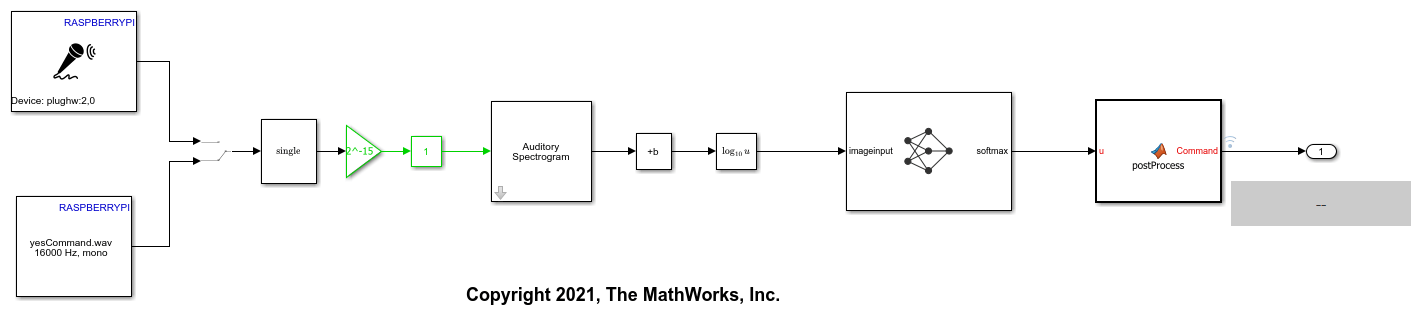
Speech Command Recognition on Raspberry Pi Using Simulink
Deploy feature extraction and a convolutional neural network for speech command recognition on Raspberry Pi.
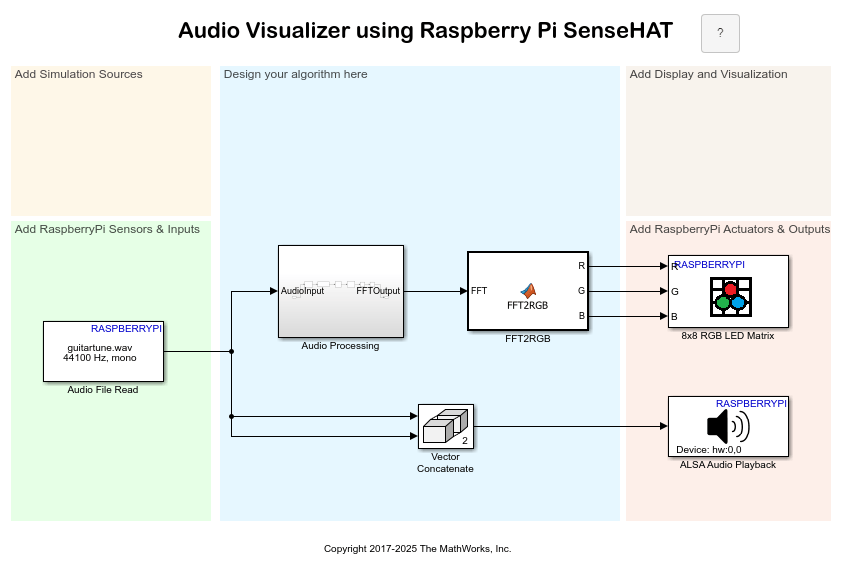
Simulate Audio Visualizer on Raspberry Pi Sense HAT
Simulate an audio visualizer on Sense HAT using Raspberry Pi® Blockset.

