Plan Path Using Articulated Steering MPPI Controller in Simulink
R2026bThis example demonstrates how to follow an obstacle-free path with an articulated steering vehicle model between two locations on a given map in Simulink®. It uses the RRT* planning algorithm to generate the path and Articulated Steering MPPI Controller block to generate control commands for navigating this path. It then simulates the vehicle motion based on those commands using the articulated steering kinematic model.
Load Occupancy Map
Load the occupancy map, which defines the map limits and obstacles within the environment. This example uses the offroadMap in the exampleHelperPlotMap function.
exampleHelperPlotMap();
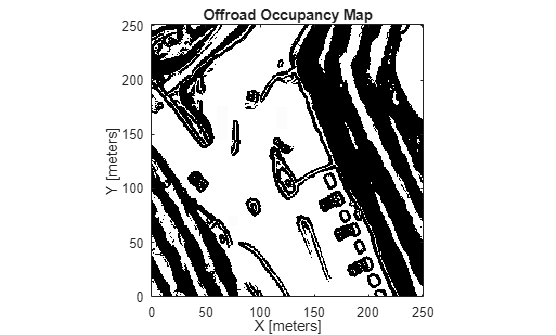
The exampleHelperPlotMap function is a utility that loads an occupancy map from a .mat file, such as occupancyMapData.mat, creates a binaryOccupancyMap object, and visualizes it using the plot function. This visualization allows users and developers to verify the environment in which the robot will navigate.
Specify a start and end location within the map.
startLoc = [2 2];
goalLoc = [18 15];
Open Simulink Model
Open the Simulink model to understand its structure.
open_system('pathPlanningArticulatedMPPI.slx');The model consists of three primary parts:
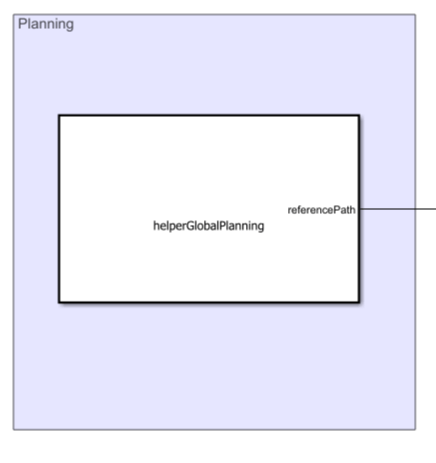
Planning: The Planner MATLAB Function block implements the RRT* algorithm. It takes the start location, goal location, and map as inputs, then outputs an array of waypoints that guide the vehicle to the goal position.
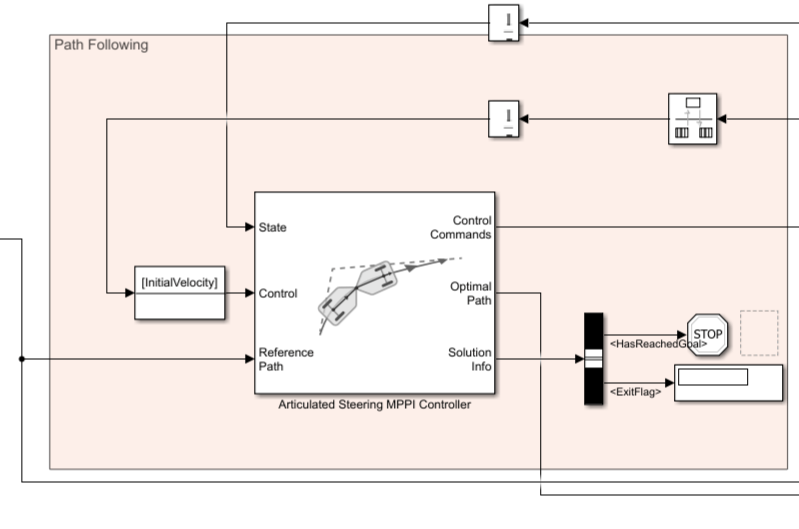
Path Following: This part consists of two key components:
Articulated Steering MPPI Controller: The Articulated Steering MPPI Controller generates the linear and angular velocity commands based on the waypoints and the current vehicle pose.
Has Reached Goal Flag: The
HasReachedGoalflag, output by the Articulated Steering MPPI Controller block within theSolution Infobus, indicates whether the vehicle has successfully reached the goal. This example uses this flag to stop the simulation upon reaching the goal.
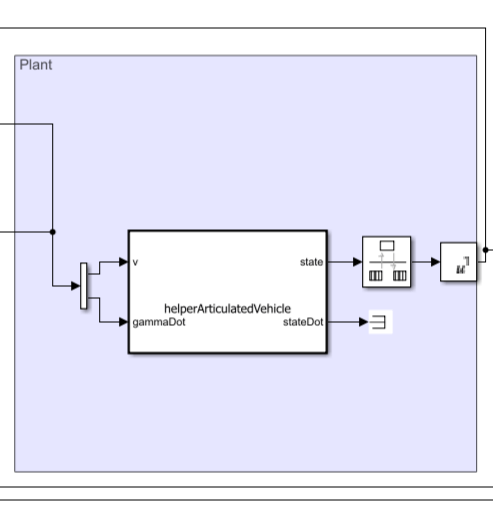
Plant: The Plant model simulates the simplified kinematics of the articulated steering vehicle model, applying the velocity commands to drive the system's motion toward the goal.
Visualize Vehicle Model
The Visualization block in the model displays the real-time motion of the vehicle as it navigates the map. It dynamically updates the vehicle's trajectory and position while overlaying the start and goal locations on the occupancy map. The visualization leverages helper functions, such as exampleHelperAnimateArticulatedVehicle and exampleHelperVehicleGeometry, to ensure accurate rendering of the vehicle's dimensions and movements.
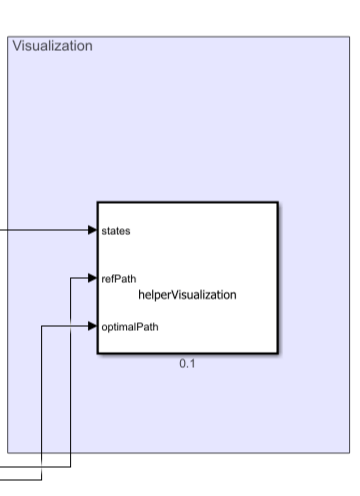
Run the Simulink model to visualize the real-time motion of the vehicle.
simulation = sim('pathPlanningArticulatedMPPI.slx');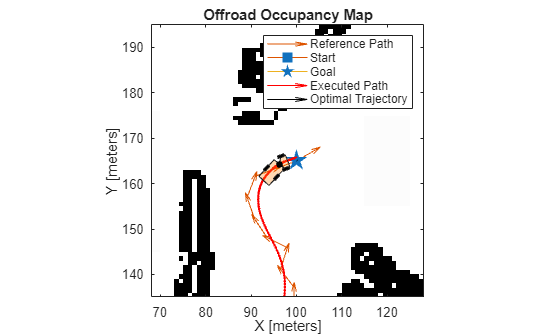
See Also
Articulated Steering MPPI Controller

