Modeling
R2026bPrepare Simulink® models for hardware connection, add blocks to support hardware protocols, and explore the reference examples featuring various applications.
Support for STMicroelectronics® Nucleo boards will be removed in a future release.
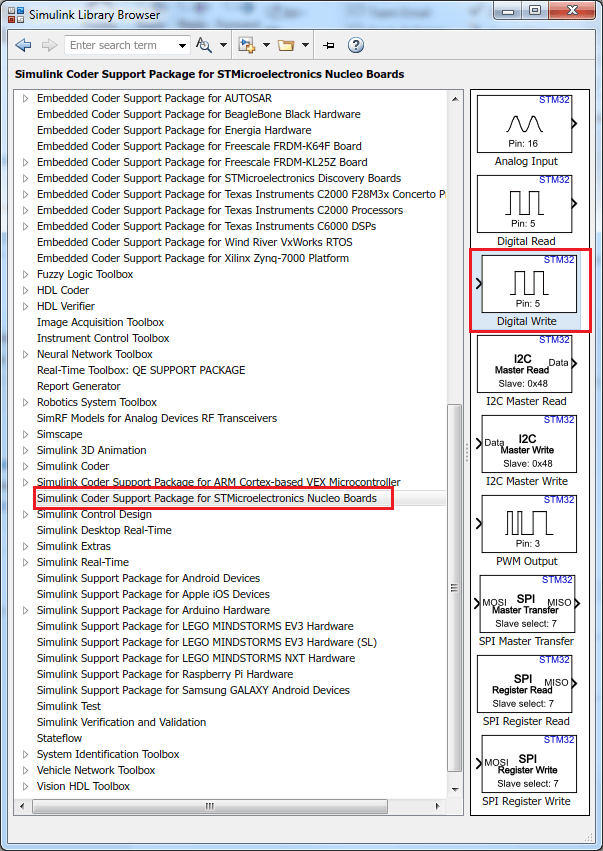
You can migrate your models that use Nucleo library blocks to use the blocks from the STM32 processor based block libraries. For more information, see Migrate STMicroelectronics Nucleo Based Blocks to STMCubeMX Workflow in STM32 Processor Based Boards.
Blocks
 | Analog Input | Measure voltage of analog input pin |
 | Analog Output | Generate voltage on the specified analog output pin in volt (V) (Since R2023a) |
 | Digital Read | Read logical state of digital input pin |
 | Digital Write | Set logical state of digital output pin |
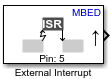 | External Interrupt | Trigger the downstream function-call subsystem from an Interrupt Service Routine |
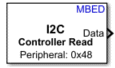 | I2C Controller Read | Read data from I2C Peripheral devices or I2C Peripheral devices register |
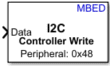 | I2C Controller Write | Write data to I2C peripheral devices or I2C peripheral devices register |
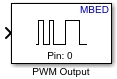 | PWM Output | Generate square wave on the specified output pin |
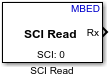 | SCI Read | Read N-by-1 array of data on UART |
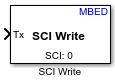 | SCI Write | Send N-by-1 array of data to UART |
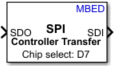 | SPI Controller Transfer | Write data to and read data from SPI peripheral devices |
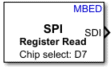 | SPI Register Read | Read data from SPI peripheral devices register |
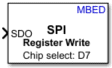 | SPI Register Write | Write data to registers of SPI peripheral devices |
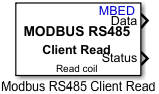 | Modbus RS485 Client Read | Client device reads data from server device register(s) over RS485 network |
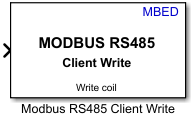 | Modbus RS485 Client Write | Client device writes data to server device register(s) over RS485 network |
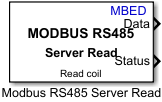 | Modbus RS485 Server Read | Server device reads data from the server device register over RS485 network |
 | Modbus RS485 Server Write | Server device writes data to server device register over RS485 network |
 | HTS221 Humidity Sensor | Measure relative humidity and temperature from HTS221 sensor (Since R2025a) |
 | LIS3MDL Magnetometer Sensor | Measure magnetic field strength and temperature from LIS3MDL Magnetometer sensor (Since R2025a) |
 | LPS22HB Pressure Sensor | Measure barometric air pressure and temperature from LPS22HB sensor (Since R2025a) |
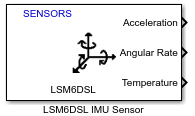 | LSM6DSL IMU Sensor | Measure linear acceleration, angular rate, and temperature from LSM6DSL sensor (Since R2025a) |
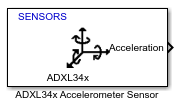 | ADXL34x Sensor | Measure linear acceleration along axes of ADXL34x family of accelerometers (Since R2022a) |
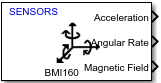 | BMI160 IMU Sensor | Measure linear acceleration, angular rate, and temperature from BMI160 sensor (Since R2023a) |
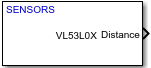 | VL53L0X Time of Flight Sensor | Measure distance to a target object (Since R2023a) |
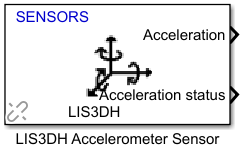 | LIS3DH Accelerometer Sensor | Measure linear acceleration, voltage, and temperature from LIS3DH sensor (Since R2023b) |
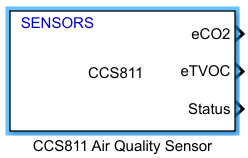 | CCS811 Air Quality Sensor | Measure equivalent CO2 (eCO2) and the equivalent total volatile organic compound concentration (eTVOC) (Since R2023b) |
 | CAN Receive | Receive message from CAN network |
 | CAN Transmit | Transmit message to CAN network |
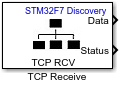 | TCP/IP Receive | Receive data over TCP/IP network from remote host |
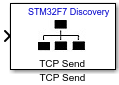 | TCP/IP Send | Send data over TCP/IP network to remote host |
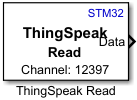 | ThingSpeak Read | Read data stored in ThingSpeak channel |
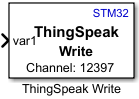 | ThingSpeak Write | Publish data to Internet of Things using ThingSpeak |
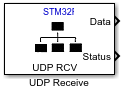 | UDP Receive | Receive UDP packets from UDP host |
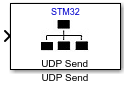 | UDP Send | Send UDP packets to UDP host |
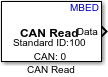 | CAN Read | Read message from CAN network |
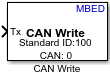 | CAN Write | Write message to CAN network |
| TCP/IP Receive | Receive data over TCP/IP network from remote host |
| TCP/IP Send | Send data over TCP/IP network to remote host |
| ThingSpeak Read | Read data stored in ThingSpeak channel |
| ThingSpeak Write | Publish data to Internet of Things using ThingSpeak |
| UDP Receive | Receive UDP packets from UDP host |
| UDP Send | Send UDP packets to UDP host |
 | Byte Pack | Convert input signals to 8-, 16-, or 32-bit vector |
 | Byte Unpack | Unpack 8-, 16-, or 32-bit input vector to multiple output vectors |
 | Byte Reversal | Reverse little-endian data for big-endian processor |
 | Memory Copy | Copy to and from memory section |
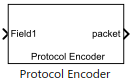 | Protocol Encoder | Encode input data into a uint8 byte stream by specifying the packet structure (Since R2023a) |
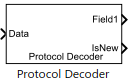 | Protocol Decoder | Decode a uint8 byte stream by specifying the packet structure (Since R2023a) |
Model Settings
Topics
- Signal Monitoring and Parameter Tuning over XCP on Serial and TCP/IP
Use your host computer to monitor and control an application running on the target hardware.
- Communicate with Hardware Using Connected IO
Get peripheral data from the hardware before deploying the Simulink model on the hardware.
- Usage of Alternate Pin Names
Accessing multiple hardware peripherals connected to the same pin using alternate pin names.
Troubleshooting
Workaround for Interrupt Workflow with Sensors
This topic helps you with the workaround for interrupt workflow in sensors.
Featured Examples
Get Started with STMicroelectronics Nucleo board
Demonstrates how to use the STM32® Microcontroller Blockset to run a Simulink® model on an STMicroelectronics® Nucleo board.
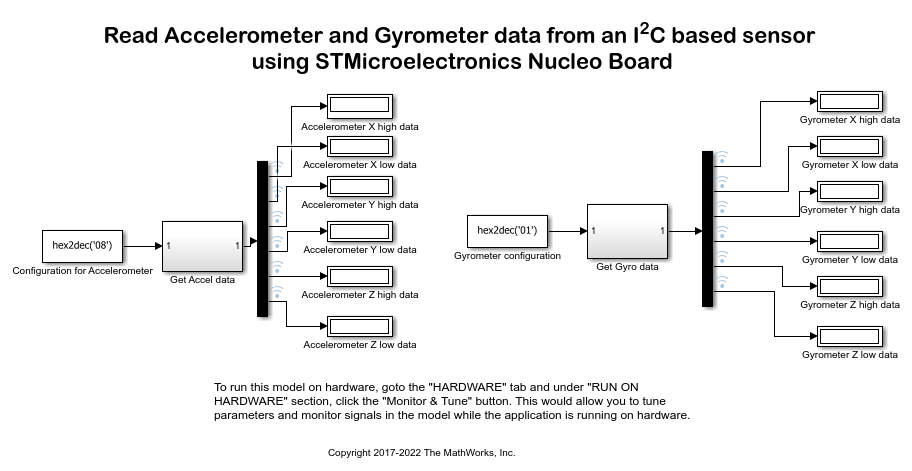
Read Data from I2C-Based Sensors Using STMicroelectronics Nucleo Boards
Use the STM32™ Microcontroller Blockset for configuring and reading data from an I2C-based sensor using an STMicroelectronics® Nucleo board.
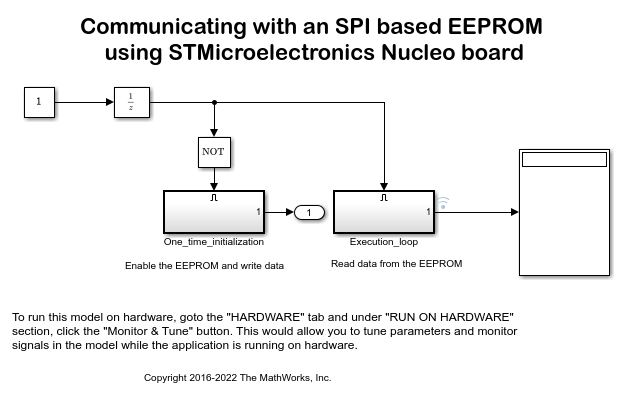
Communicating with an SPI Based EEPROM Using the STMicroelectronics Nucleo Board
Use STM32® Microcontroller Blockset to enable and write to/ read from an SPI based EEPROM.
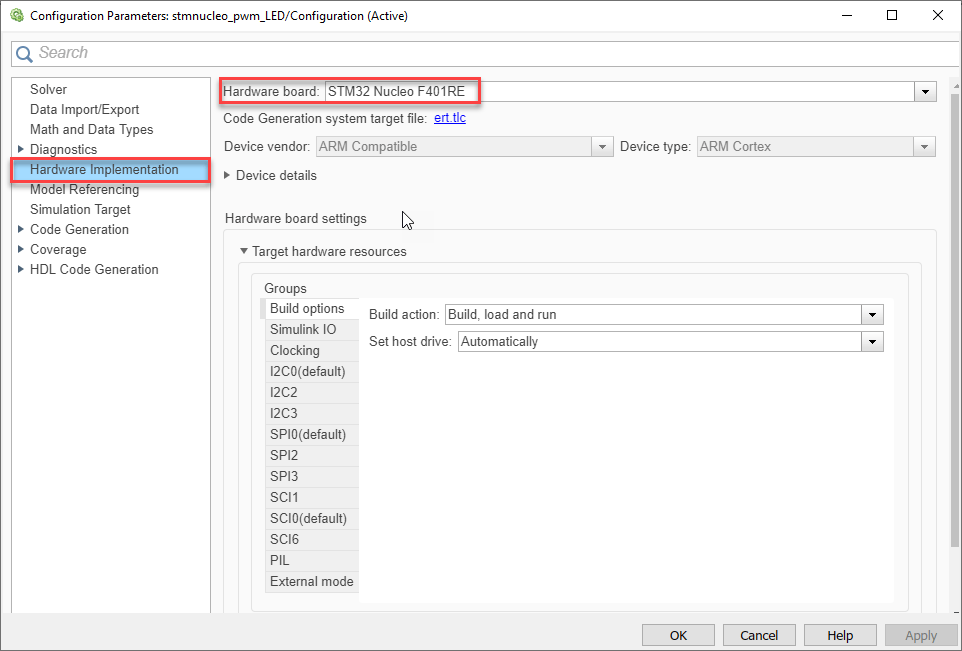
Change the LED Glow Intensity on STMicroelectronics Nucleo Boards
Demonstrates how to use STM32™ Microcontroller Blockset to run a Simulink® model on an STMicroelectronics® Nucleo board to brighten and dim an LED.
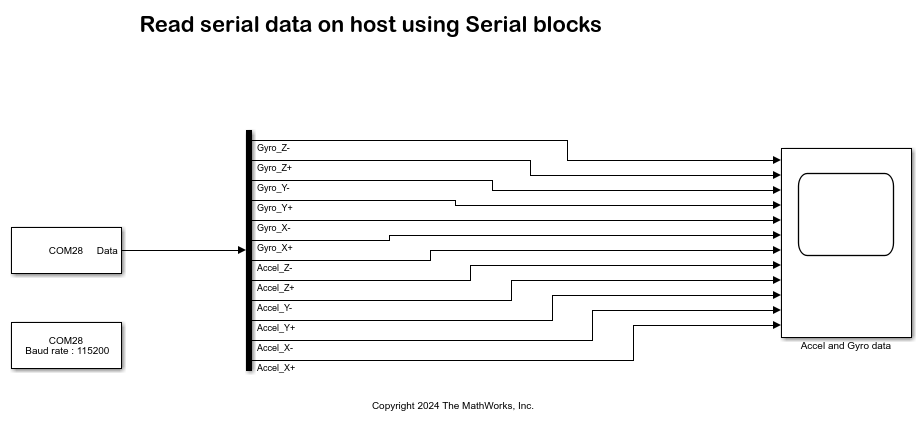
Read Accelerometer and Gyrometer Data from an STMicroelectronics Nucleo Board Using SCI Blocks
Use STM32™ Microcontroller Blockset to send data to your computer from a STMicroelectronics® Nucleo board and read it using serial (SCI) blocks.
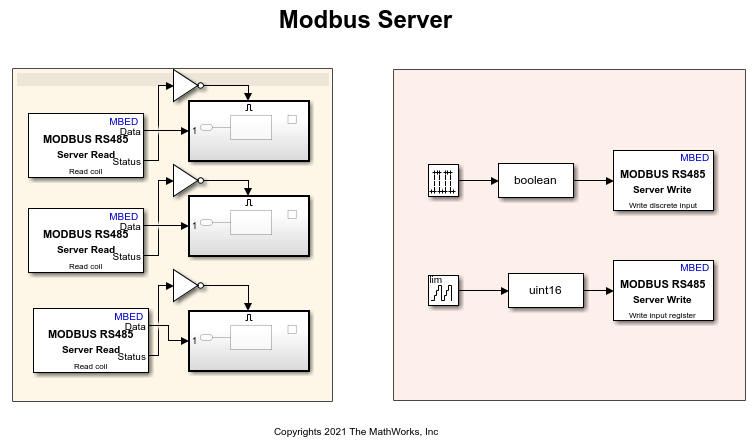
MODBUS RS485 Communication Between Client and Server Devices Using STMicroelectronics Nucleo Boards
Use the STM32™ Microcontroller Blockset to implement a MODBUS® RS485 asynchronous, serial communication between MODBUS client and server devices. It also shows the four modes of operation: Client Read, Client Write, Server Read, and Server Write.
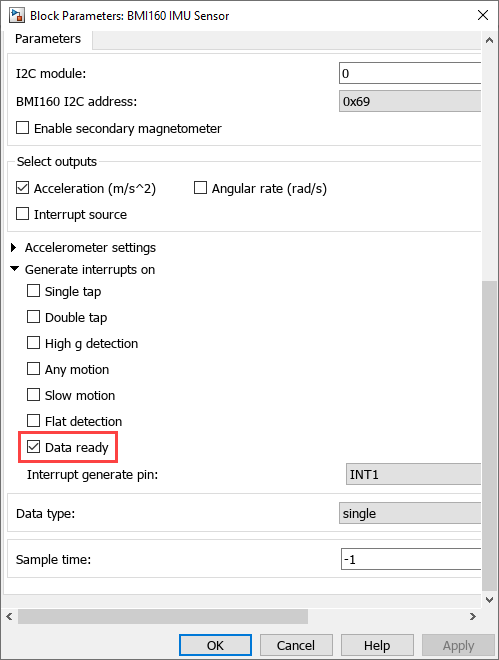
Trigger Downstream Function-Call Subsystem Using STMicroelectronics Nucleo External Interrupt Block with Data Ready Event on BMI160 Sensor
Use the STM32™ Microcontroller Blockset to trigger a downstream function-call in Monitor and Tune action when a Data ready event occurs on BMI160 sensor using a ST Nucleo External Interrupt block. This example model for monitor and tune simulation, shows the capabilities of the External Interrupt block during data ready event on BMI160 sensor.
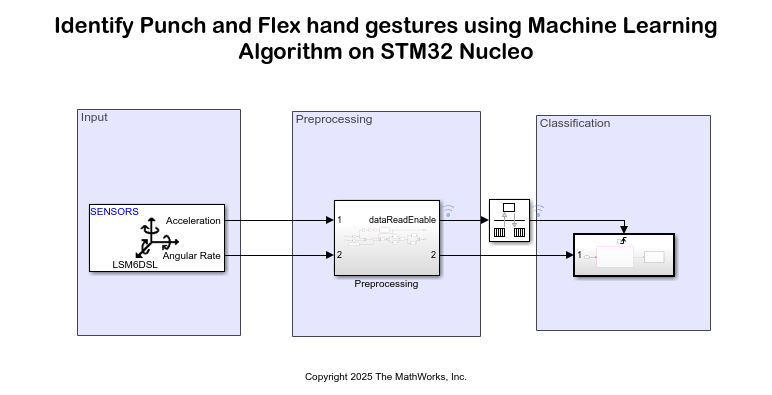
Identify Punch and Flex Hand Gestures Using Machine Learning Algorithm on STMicroelectronics Nucleo Boards
Use the STM32™ Microcontroller Blockset to identify punch and flex hand gestures using a machine learning algorithm. The example is deployed on an STM Nucleo board that uses an external sensor (LSM6DSL) available in sensor shield (X-NUCLEO-IKS01A2) to identify the hand gestures. The output from the machine learning algorithm, after identifying whether a hand gesture is a punch or a flex, is transmitted to the serial port where 0 represents a punch and 1 represents a flex.
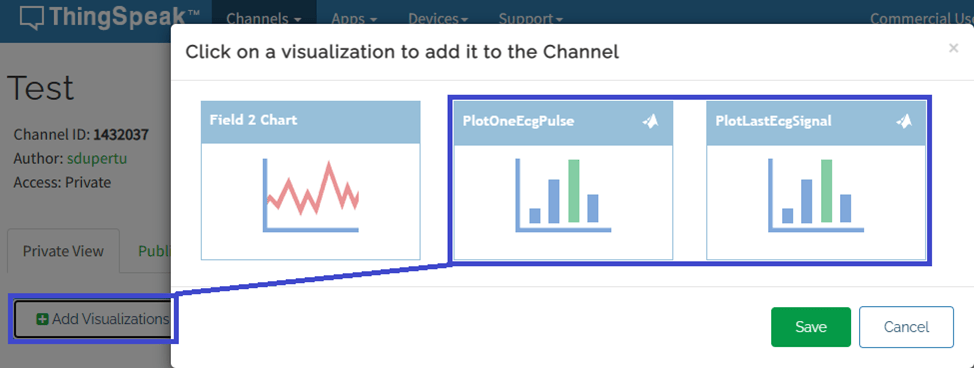
ECG Signal Processing Using STMicroelectronics Nucleo Board
Use the STM32 Nucleo F767ZI board to process an ECG signal input from an ECG sensor, extract the heart rate in beats per minutes (bpm), and send the ECG signal and heart rate to the ThingSpeak™ internet of things (IoT) analytics platform service.
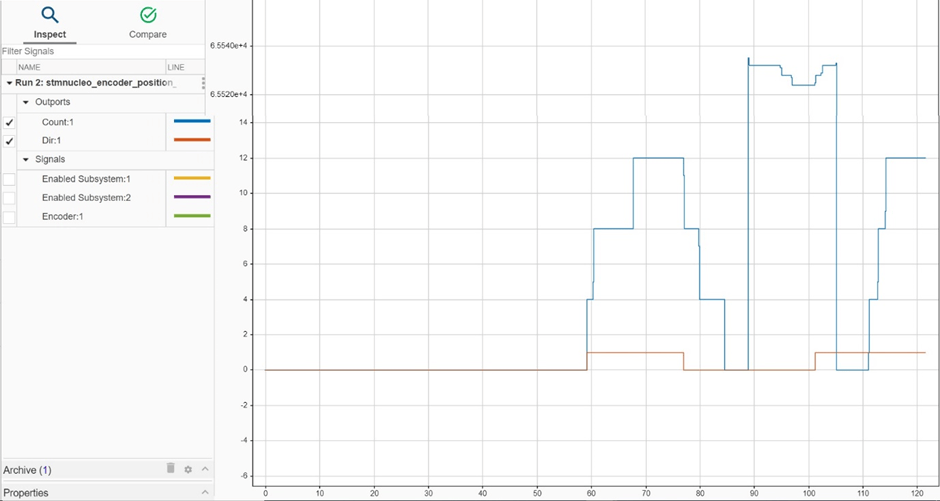
Control Rotary Encoder Knob Using STMicroelectronics Nucleo Board
Use the STM32™ Microcontroller Blockset to control a 12-step rotary encoder with a built-in push button.
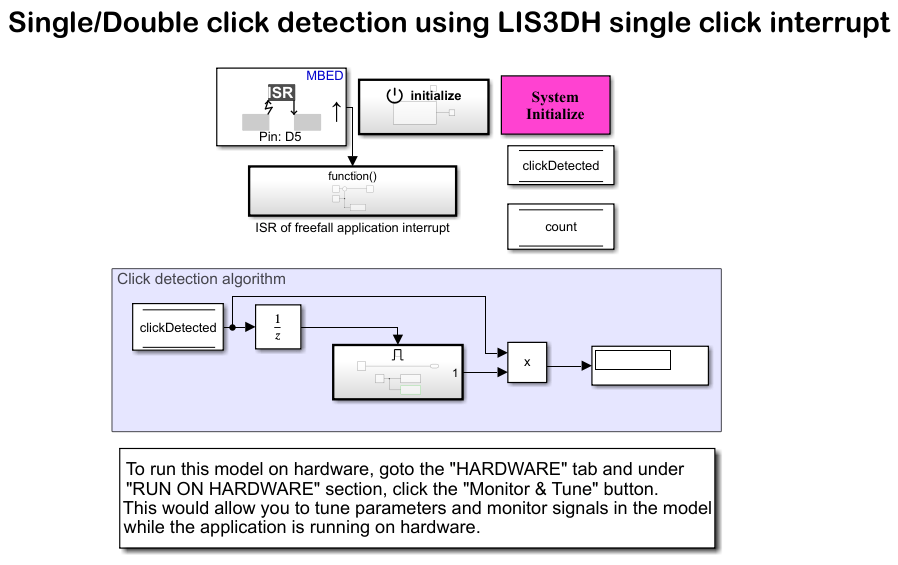
Single Click and Double Click Detection Using LIS3DH Single Click Interrupt
Use the STM32™ Microcontroller Blockset to sense the free-fall of the sensor using the Single Click interrupt of LIS3DH linear accelerometer connected to a STMicroelectronics Nucleo board.
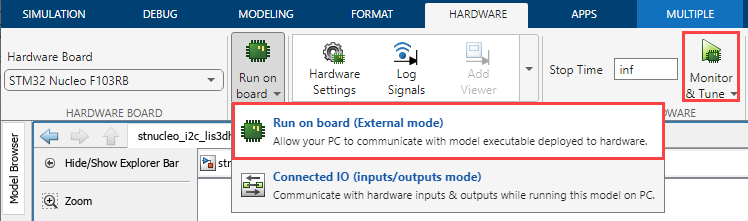
Free-Fall Detection Using LIS3DH Freefall Application Interrupt
Use the STM32® Microcontroller Blockset to sense the free-fall of the sensor using the Inertial freefall application interrupt of LIS3DH linear accelerometer connected to a STMicroelectronics Nucleo board.
Impact Detection Using LIS3DH Inertial Wakeup Interrupt
Use the STM32™ Microcontroller Blockset to sense the impact of the sensor using the Inertial wake-up interrupt of LIS3DH linear accelerometer connected to a STMicroelectronics® Nucleo board.
Triple-Axis Tilt Calculation Using LIS3DH FIFO Data Ready Interrupt
Use the FIFO data ready interrupt of LIS3DH linear accelerometer connected to a STMicroelectronics® Nucleo board to sense the tilt of the sensor. This is done using a downstream function-call subsystem that reads acceleration values from FIFO buffer sensor.

