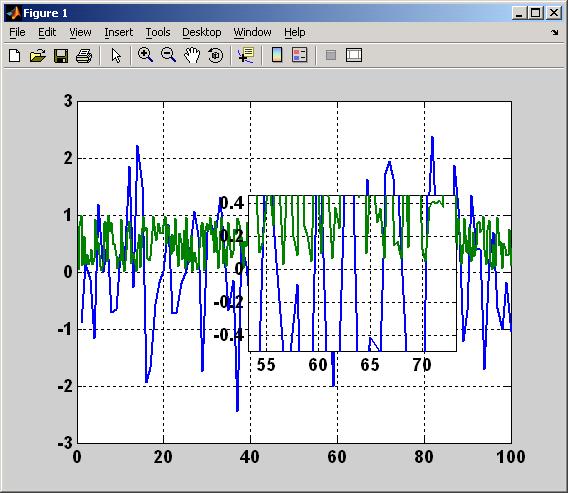

编者注: This file was a File Exchange Pick of the Week
引用格式
Rick Hindman (2026). magnify (https://ww2.mathworks.cn/matlabcentral/fileexchange/5961-magnify), MATLAB Central File Exchange. 检索时间: .
| 版本 | 已发布 | 发行说明 | Action |
|---|---|---|---|
| 1.0.0 | BSD License |
编者注: This file was a File Exchange Pick of the Week
Rick Hindman (2026). magnify (https://ww2.mathworks.cn/matlabcentral/fileexchange/5961-magnify), MATLAB Central File Exchange. 检索时间: .
| 版本 | 已发布 | 发行说明 | Action |
|---|---|---|---|
| 1.0.0 | BSD License |

