"Getting Started with Simulink for Controls" example files

Models for the solar panel example shown in the "Getting Started with Simulink for Controls" video

https://www.mathworks.com/videos/getting-started-with-simulink-69027.html

您现在正在关注此提交

Explore the models created in the "Getting Started with Simulink for Controls" video.

https://www.mathworks.com/videos/getting-started-with-simulink-69027.html

• model1_panel.slx - Model of the solar panel
• model2_panelMotor.slx - Model of the solar panel and motor
• model3_control.slx - Model of the solar panel, motor, and controller
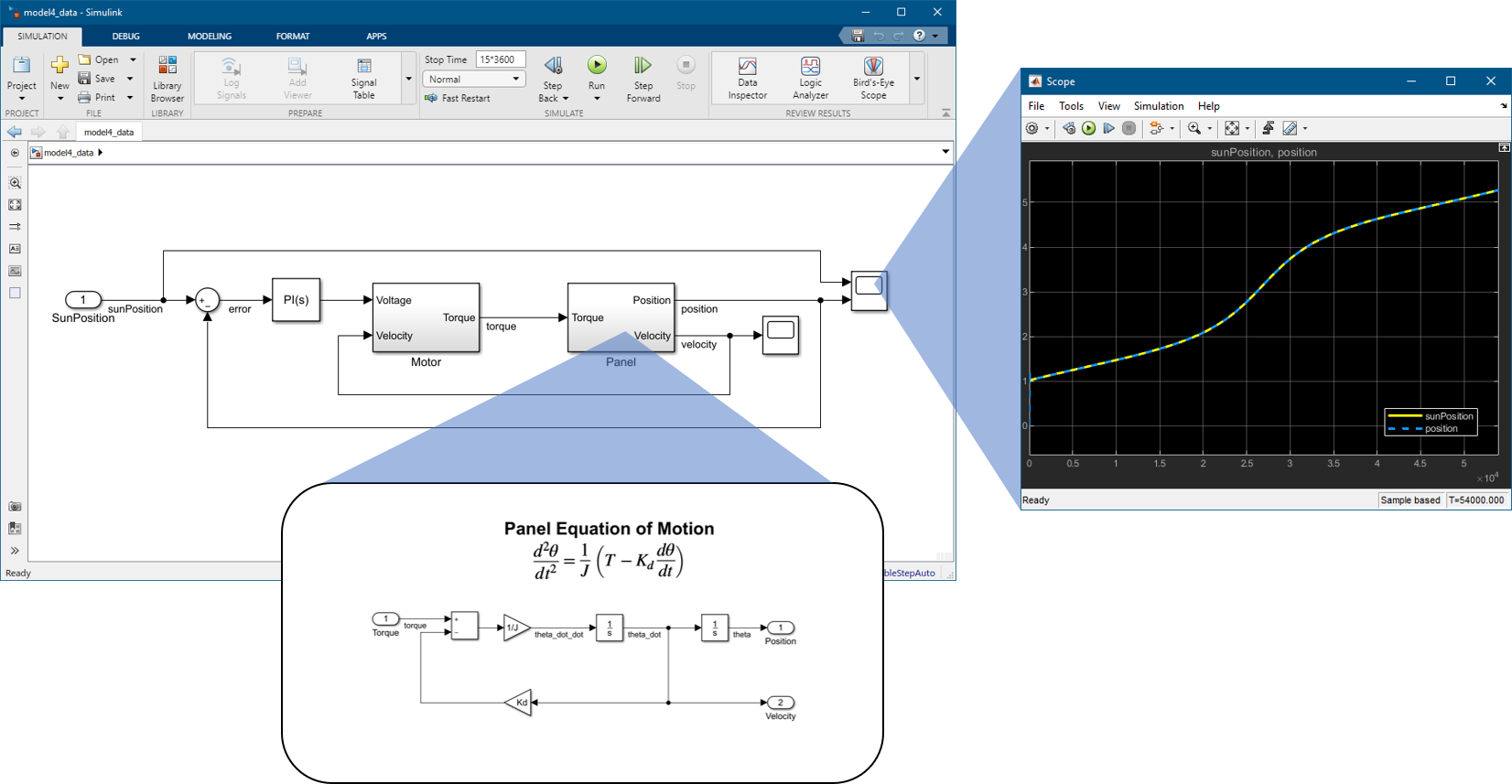
• model4_data.slx - Model of the solar panel system configured to track sun position data
• model5_power.slx - Model of the solar panel system and calculating generated power

All models were created and saved in R2019b. If you are using an earlier release, do the following before opening any models:

(1) Click Preferences in the Home tab of the MATLAB toolstrip.
(2) In the Preferences dialog, select the Simulink pane and then click Open Simulink Preferences.
(3) In the Simulink Preferences dialog, select the Model File pane.
(4) Clear the "Do not load models created with a newer version of Simulink" option.

引用格式

Brian Neiswander (2026). "Getting Started with Simulink for Controls" example files (https://ww2.mathworks.cn/matlabcentral/fileexchange/73257-getting-started-with-simulink-for-controls-example-files), MATLAB Central File Exchange. 检索时间: .

类别

Help CenterMATLAB Answers 中查找有关 Modeling 的更多信息

一般信息

MATLAB 版本兼容性

  • 兼容任何版本

平台兼容性

  • Windows
  • macOS
  • Linux
版本 已发布 发行说明 Action
1.0.1

Updated summary on File Exchange page

1.0.0