编译和部署包含生成的服务代码的应用程序
R2026b使用 Software Component Designer for Simulink® 支持包来设计软件组合模型,并将它们集成到多组件软件组合中。配置、编译、验证这些组合并将其部署为面向软件架构 (SOA) 应用程序的系统。
工具
| 服务映射编辑器 | Map model elements to service interface definitions (自 R2026b 起) |
函数
coder.mapping.api.get | Get code mappings for model |
coder.mapping.utils.create | 创建用于配置 C 和 C++ 代码生成的数据和函数接口的代码映射对象 |
主题
- Build and Deploy Service-Oriented Architecture (SOA) Applications
Configure, build, and verify code for deployment as SOA applications to a target environment.
- Configure Software Component Models for Code Generation, Builds, and Deployment
Learn about required model configuration parameter settings.
- Configure Model Elements with Service Interface Definitions for Code Generation
Configure model elements with service interface definitions to control the way generated code exchanges data with other components in the architecture and with tuning and measurement services.
- Configure Root-Level Model Ports with Receiver and Sender Service Interface Definitions
- Configure Simulink Functions and Function Callers with Client and Server Service Interface Definitions
- Configure Model Parameters with Tuning Service Interface Definitions
- Configure Model Signals, States, and Data Stores with Measurement Service Interface Definitions
- Configure Middleware for Handling Communication Between Applications
Choose between the Data Distribution Service (DDS) and Scalable Service-Oriented Middleware over IP (SOME/IP) protocols for your system middleware.
- Check Software Component Models for Code Generation Readiness
Use the Model Advisor to check the software component models that are in an architecture model unsupported and undesirable conditions for code generation.
- Build Application Code
Choose an option for initialing application builds and learn about the generated file structure.
- Verify Generated Application Code and Systems of Applications
Apply supported code verification tools and techniques and review application sections of code generation report.
- Deploy and Run SOA Applications
Deploy generated service-oriented executable programs to Linux® platforms by using Docker® or native operating system compilation, and run applications.
精选示例
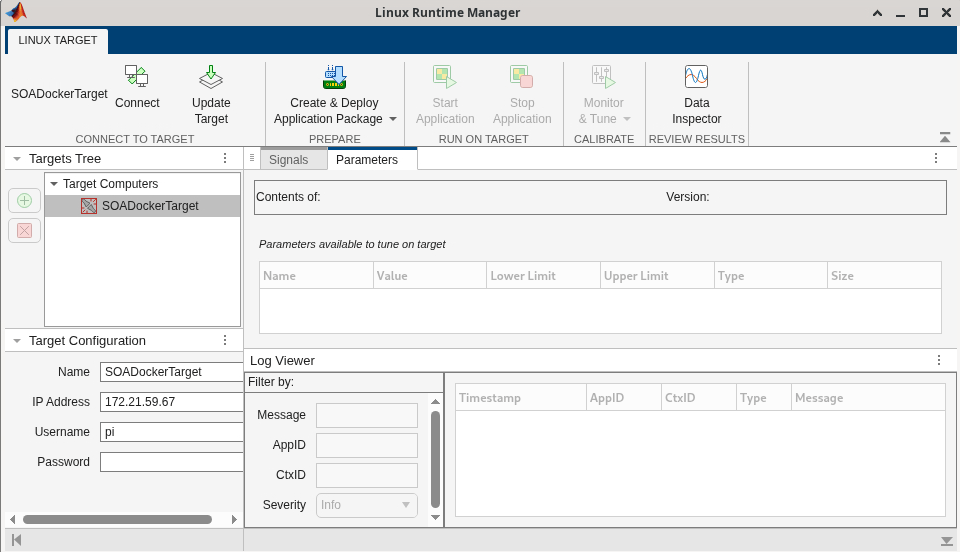
Build, Verify, and Deploy Applications for Brake Control System
Build, verify, deploy, and run a system of brake control system software applications designed using the Simulink Software Component Designer app on a Linux development computer.

