Real-Time Linux 快速入门
R2026bEmbedded Coder® Support Package for Real-Time Linux® 将您从仿真带到嵌入式或虚拟 Real-Time Linux 设备上的目标原型构建。
您可以直接从 Simulink 模型将实时应用程序部署在 Real-Time Linux 设备上并运行它们。您可以使用 MATLAB® API 或通过 App 设计工具构建的自定义 App 来创建、控制和检测实时应用程序。
函数
slrealtime.setupTarget | Set up a target Linux device with root-capable SSH connection (自 R2026a 起) |
slrealtime.fmu.compileFMUSources | Compile FMU file that contains source code (自 R2022a 起) |
slrealtime.ProtectedModel.addTarget.addTarget | Add model protection support to Linux target device (自 R2026a 起) |
slrealtime.ModelReference.protect | Add model protection support to Linux target device (自 R2026a 起) |
slrtlinux.wsl.configure | Configure WSL2 on development computer with Debian distribution name SLRT (自 R2026b 起) |
slrtlinux.wsl.getIPAddress | Get IP address of WSL distribution named SLRT (自 R2026b 起) |
slrtlinux.wsl.isRunning | Check whether WSL distribution named SLRT is running (自 R2026b 起) |
slrtlinux.wsl.isTargetSetup | Check whether WSL distribution for Linux target device is configured for Simulink Real-Time (自 R2026b 起) |
slrtlinux.wsl.launch | Start WSL distribution named SLRT and open a terminal
window (自 R2026b 起) |
slrtlinux.wsl.setupTarget | Configure a WSL distribution for a Linux target device (自 R2026b 起) |
slrtlinux.wsl.shutdown | Shut down all or selected WSL distribution on Linux target device (自 R2026b 起) |
模块
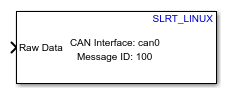 | CAN Receive | Receive message from CAN network (自 R2026b 起) |
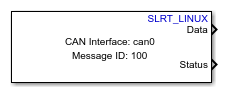 | CAN Transmit | Transmit message to CAN network (自 R2026b 起) |
主题
- Install Support Package
Steps to install support package.
- Prerequisites for Real-Time Linux Setup
Set up a Linux target device to use with the support package.
- Configure Development Computer for Real-Time Linux
Configure the development computer for connecting to the Linux target device.
- Target Devices for Real-Time Linux
Identify Linux target devices to configure for the support package.
- Set Up Virtual Linux Target Device
Set up Linux virtual machines to use with the support package.
- Target Device Configuration for Real-Time Linux
Configure a Linux target device with support package software.
- Build and Deploy Real-Time Application to Linux Target Device
Build Simulink model and deploy application onto Linux target device.
- Simulate Real-Time Applications on Linux Target Devices
Perform model simulation in different modes for the deployed applications.
- Troubleshoot Issues for Real-Time Linux
Troubleshoot problems that you encounter while using the Embedded Coder Support Package for Service-Oriented Applications on Linux.
精选示例
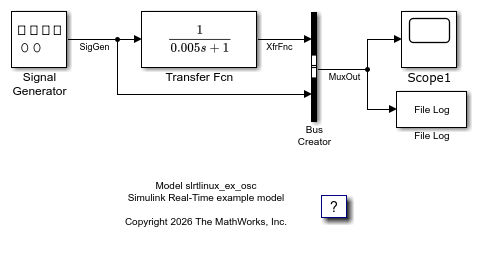
Create and Run Real-Time Application from Simulink Model on Linux Target Device
Create and run real-time application on Linux target device.
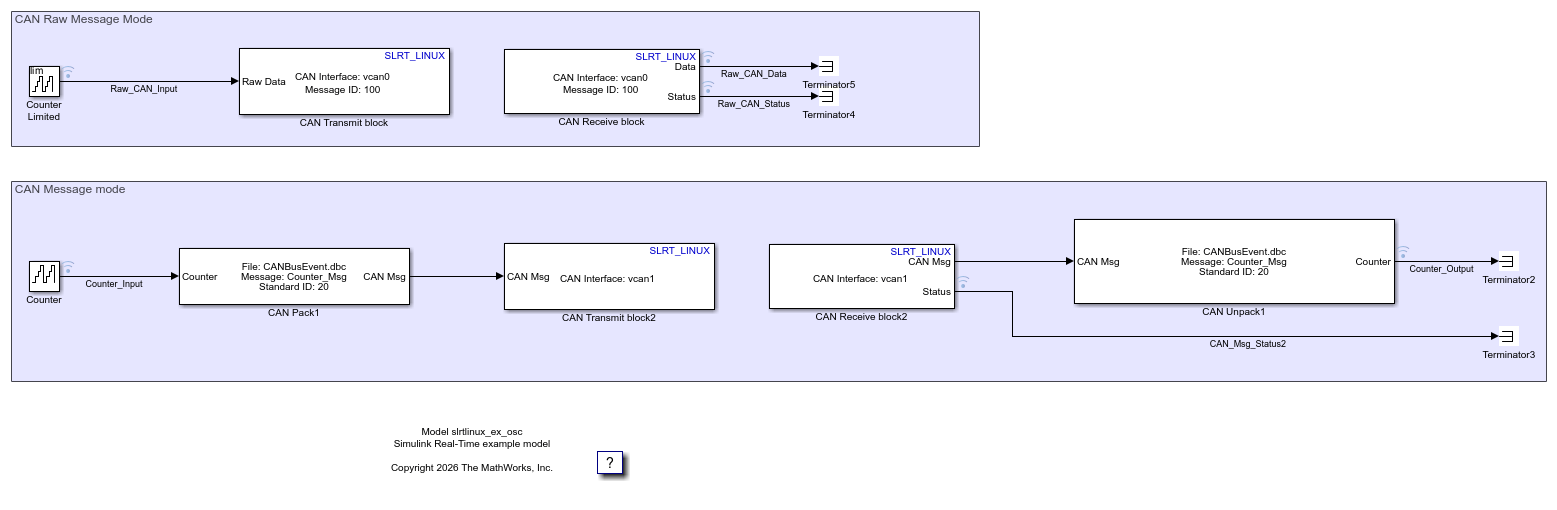
Transmit and Receive CAN Raw Data and Messages on Virtual Linux Target Device
Transmit and receive CAN raw data or messages on virtual Linux target device.

