Data Type Optimization in Simulink
R2026bData type optimization is an automated data type conversion workflow that iterates through various fixed-point configurations to choose the optimal heterogeneous data types while meeting tolerance constraints on the numerical behavior of your system. The optimization seeks to minimize an objective function, such as total bit width or total operator counts, using fixed-point data types for an efficient design.
You can optimize data types using the fxpopt function at the command line, or by using the
Optimized Fixed-Point Conversion workflow
in the Fixed-Point Tool.
Tools
| Fixed-Point Tool | Convert a floating-point model to a fixed-point model |
Functions
fxpopt | Optimize data types of a system |
Classes
fxpOptimizationOptions | Specify options for data type optimization |
OptimizationSolution | Optimized fixed-point implementation of system |
OptimizationResult | Result after optimizing fixed-point system |
Topics
Fixed-Point Conversion Workflow Overview
- Data Type Conversion Overview
Choose between different Fixed-Point Tool workflows for converting your model to fixed point. - Best Practices for Fixed-Point Conversion Workflow
Use best practices when converting a model to fixed point. - Command-Line Interface for the Fixed-Point Tool
Compare capabilities of the Fixed-Point Tool to the command-line interfaces for the iterative and optimized fixed-point conversion workflows. - Specify Behavioral Constraints
Use signal tolerances and behavioral constraints for better data type proposals and to verify behavior of fixed-point implementation.
Command-Line Interface
- Optimize Fixed-Point Data Types for a System
Optimize data types in a system based on specified tolerances. - Optimize Data Types Using Multiple Simulation Scenarios
Define multiple simulation scenarios for range collection and verification. - Perform Data Type Optimization with Custom Behavioral Constraints
Use Model Verification blocks to specify custom behavioral constraints for data type optimization withfxpopt.
Optimized Fixed-Point Conversion in Fixed-Point Tool
- Optimize the Fixed-Point Data Types of a System Using the Fixed-Point Tool
Use the Fixed-Point Tool to optimize the data types of a system using multiple simulation scenarios. - Use Custom Cost Functions for Optimized Fixed-Point Conversion
Customize objective function for optimized fixed-point conversion.
Troubleshooting
Follow best practices and avoid unsupported MATLAB Function block features.
Blocks That Do Not Support Fixed-Point Data Types
Troubleshoot blocks that are not supported for fixed-point conversion.
Model Configuration Changes Made During Data Type Optimization
Changes made to model configuration parameters during data type optimization with
fxpopt.
Data Type Optimization Not Successful
Troubleshoot errors thrown during data type optimization using the
fxpopt function.
Featured Examples
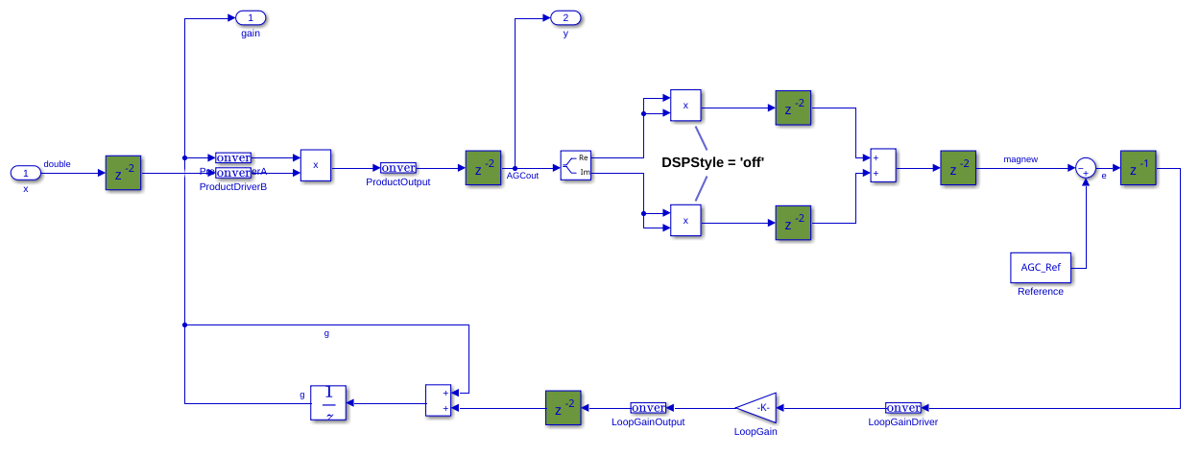
Optimize Data Types for an FPGA with DSP Slices
Use the addSpecification method to achieve better mapping for
product and gain blocks.
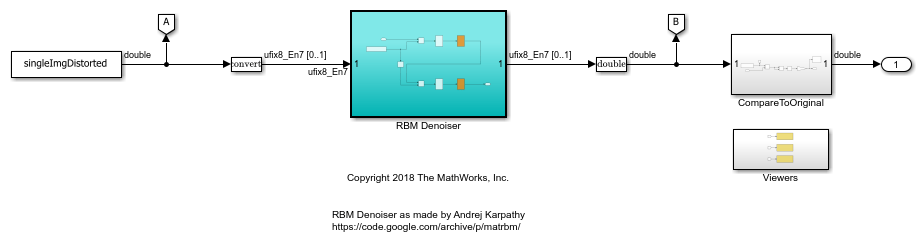
Image Denoising Using Fixed-Point Quantized Restricted Boltzmann Machine Algorithm
Convert a Restricted Boltzmann Machine (RBM) algorithm to an embedded-efficient version.
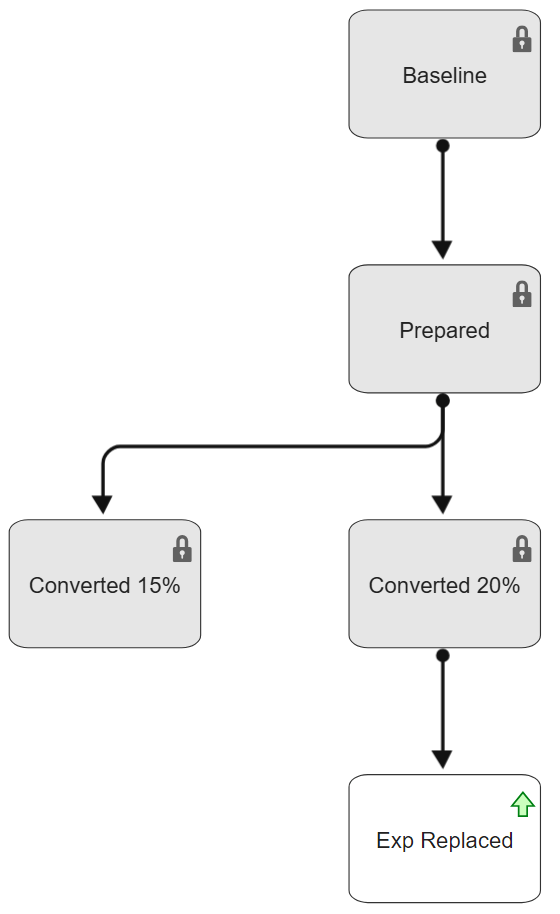
Use Design Evolution Manager with Fixed-Point Tool
Use the Design Evolution Manager app to manage different design versions while using the Fixed-Point Tool and the Lookup Table Optimizer to convert a floating-point model to use fixed-point data types. Although this example demonstrates how to convert models to use fixed-point data types, you can use the Design Evolution Manager app to organize and analyze any work in which you create different versions of files in your design.

