Export Simulink Model as Standalone FMU
R2026bExport a Simulink model as a Functional Mock-up Unit (FMU) compatible with FMI 2.0 or 3.0 standards. Set up the model with required interface, tunable parameters, internal variables, and enable cross-platform compilation and simulation. Use the FMU Builder wizard or command-line functions to define the FMU specifications. Generate FMUs for either co-simulation or model exchange. Customize the FMU package by specifying its contents to suit your deployment needs.
To import your existing FMUs into Simulink, see Import FMUs.
Functions
exportToFMU | Export Simulink model to functional mock-up unit (FMU) (Since R2023b) |
Simulink.fmuexport.GetExportableVariableList | Get the list of exportable inputs, outputs, parameters, and internal variables for a model that is to be exported as an FMU |
Topics
Export Model as FMU
- Export Simulink Models to Functional Mock-up Units
Generate cosimulation FMU compatible with FMI 2.0 and FMI 3.0 standards. - Use FMU Builder Wizard to Generate FMU from Simulink Models
Export Simulink model as FMU using the FMU Builder Wizard. - Export Simulink Model to Standalone FMU
Generate standalone co-simulation FMU from Simulink model. - Export Simulink Model to FMU with Variable Step Solver
Generate a Functional Mock-up Unit (FMU) from a Simulink model that uses a variable step solver.
Generate FMU with Tunable Parameters and Internal Variables
- Configure Model to Export as FMU with Tunable Parameters
Generate FMU with tunable parameters using workspace and data dictionary variables. - Configure Model to Export as FMU with Internal Variables
Export Simulink model to FMU with internal variables. - Limitations for Parameter Tunability in Generated FMUs
Limitations that prevent Simulink model parameters from appearing as tunable parameters of generated FMU. - Export Simscape Model as FMU with Tunable Parameters and Internal Variables
Generate FMU with tunable parameters and internal variables from Simscape model.
Generate Cross-Platform FMUs
- Export Model as FMU with Linux Binary on Windows
Generate standalone cosimulation FMU 2.0 and 3.0 with Linux® binary on Windows®. - Simulate FMU with Linux Binary on Windows
Simulate standalone cosimulation FMU 2.0 with Linux binary on Windows. - Fix System Configuration Issues for Cross-Platform FMU Workflow
Troubleshoot WSL and docker setup for cross-platform FMU compilation and simulation.
Advanced Simulation Configurations
- Capture Simulation State, Fast Restart, and Step Through Model Containing FMU
Configure model to export as FMU with FMUState, enable operating point, fast restart, simulation stepping. - Eliminate Single Step Delay in Co-Simulation FMU Using Event Mode
Use Event Mode with FMU to eliminate single-step delay during co-simulation. - Export Model as FMU with Constant Periodic Clocks
This example shows how to export a Simulink® model, with fixed-step solver, as a standalone cosimulation FMU that is compatible with FMI 3.0 standards and contains constant periodic clocks. - Use Multi-Instance FMU for Simultaneous Simulations
Generate and simulate multi-instance FMU for simultaneous simulations.
Featured Examples
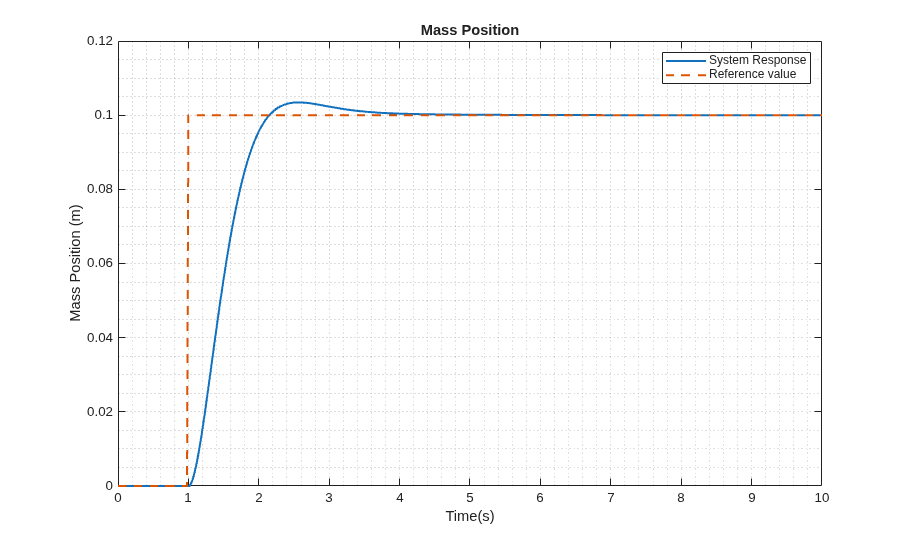
Configure Model to Export as FMU with Tunable Parameters
Generate FMU with tunable parameters using workspace and data dictionary variables.
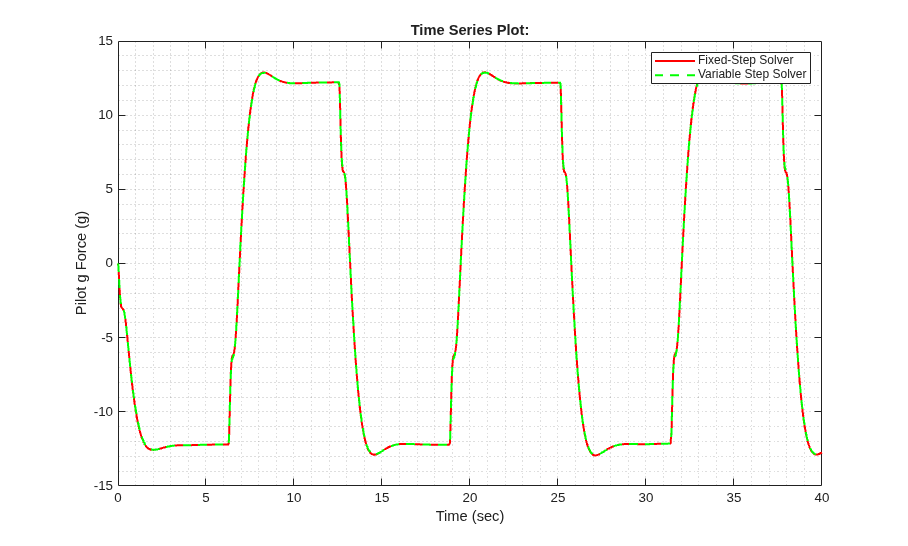
Generate Model Exchange FMU from Simulink Model
Export Simulink Model as Model Exchange FMU 3.0.
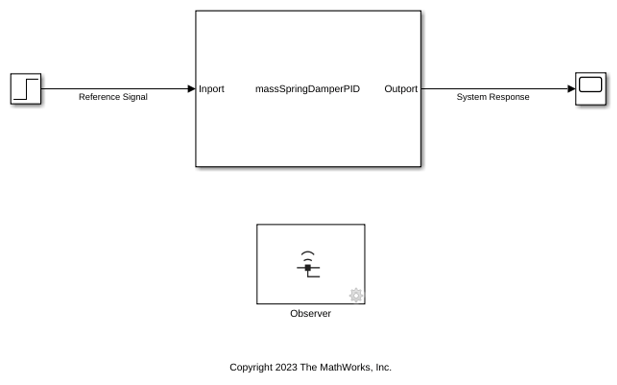
Observe Internal Variables to Tune PID Controller Inside an FMU
In this system, the PID controller calculates the force that needs to be exerted on the mass to control its position. The Observer blocks allow you to tune the PID controller by providing wireless access to the control input and tracking errors that are configured as internal variables.
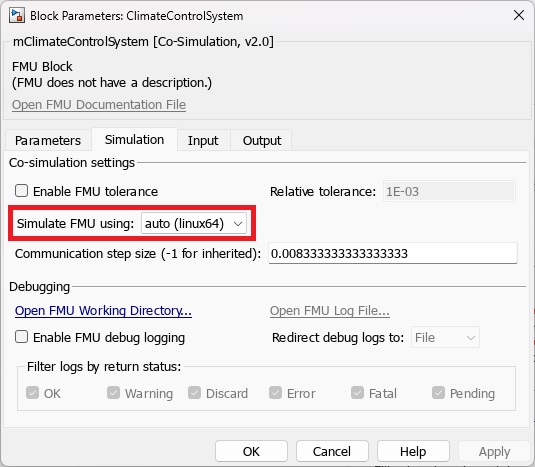
Cross-Platform FMU Simulation for Vehicle Electrical and Climate Control Systems
Simulate FMU with Linux binary on Windows.
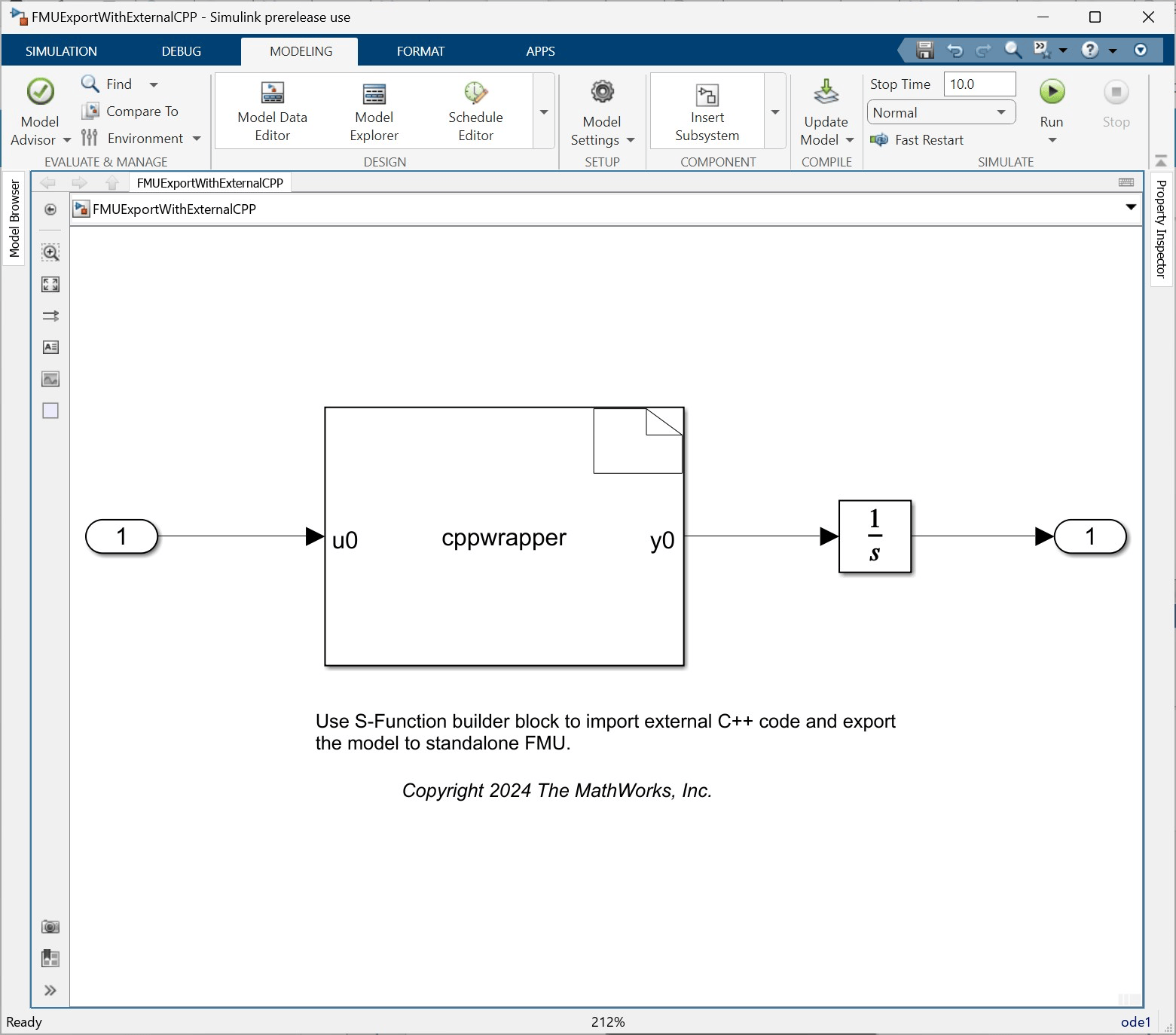
Export Standalone FMU with External C++ Code
Integrate existing C/C++ code into Simulink and generate FMU.

Export Simulink Model to Standalone FMU with Source Code
Generate FMU with source code.

Export Network to FMU
Export a trained network as a Functional Mock-up Unit (FMU).
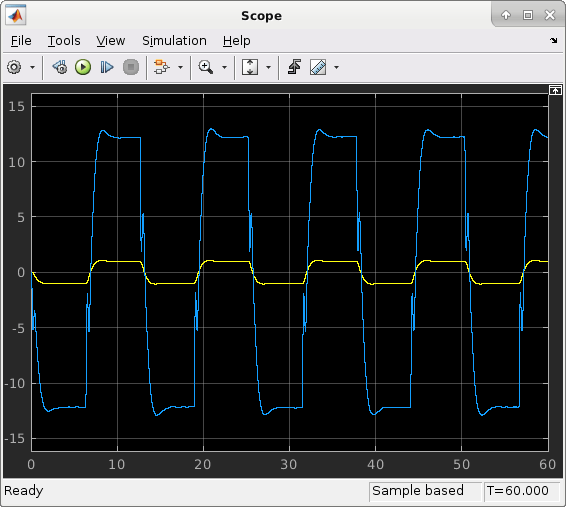
Export Simulink Model with Protected Model and FMU Import Block to Standalone FMU
Generate FMU from Model with Protected Model and FMU.
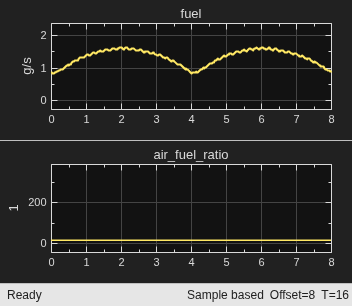
Export Simulink Model to Standalone FMU with User Specified Files and Archived Project with Harness Model
Generate FMU with user specified files.
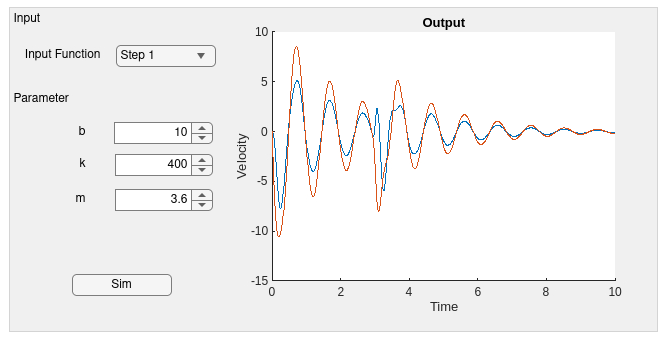
Deploy Simulink Model with FMU as Standalone Web App or Python Application
Generate a web or Python app for Simulink model with FMU.

