rmholes
R2026b删除 polyshape 中的孔
描述
示例
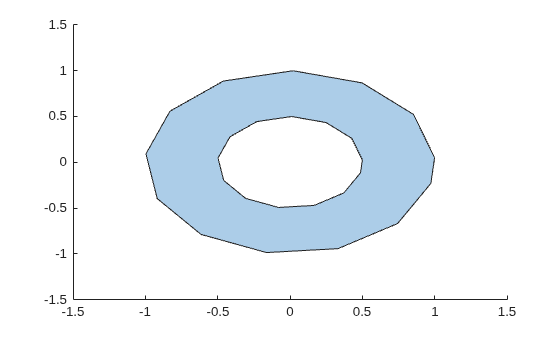
创建具有一个孔的多边形。
t = 0.05:0.5:2*pi;
x1 = cos(t);
y1 = sin(t);
x2 = 0.5*cos(t);
y2 = 0.5*sin(t);
polyin = polyshape({x1,x2},{y1,y2})
polyin =
polyshape with properties:
Vertices: [27×2 double]
NumRegions: 1
NumHoles: 1
plot(polyin)
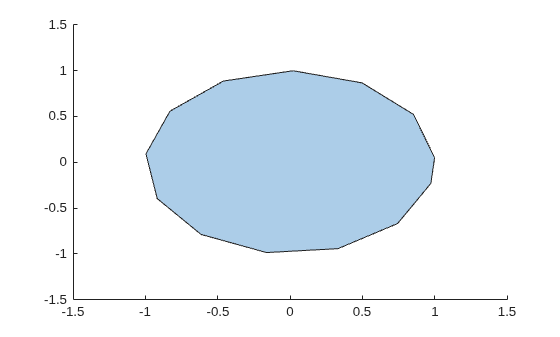
创建一个删除孔之后的新多边形。
polyout = rmholes(polyin)
polyout =
  polyshape with properties:

      Vertices: [13×2 double]
    NumRegions: 1
      NumHoles: 0
plot(polyout)
输入参数
扩展功能
版本历史记录
在 R2017b 中推出
另请参阅
rmboundary | ishole | holes | polyshape

