Fill a Single Lookup Table from a Model
R2026bYou can fill a single lookup table from a model evaluated at the table breakpoints.
Open the Lookup Table Fill Wizard.
With the table selected in the Lookup Tables view, select Table > Fill.
Alternatively, click the Fill toolbar button
 .
.
The Lookup Table Fill Wizard opens.
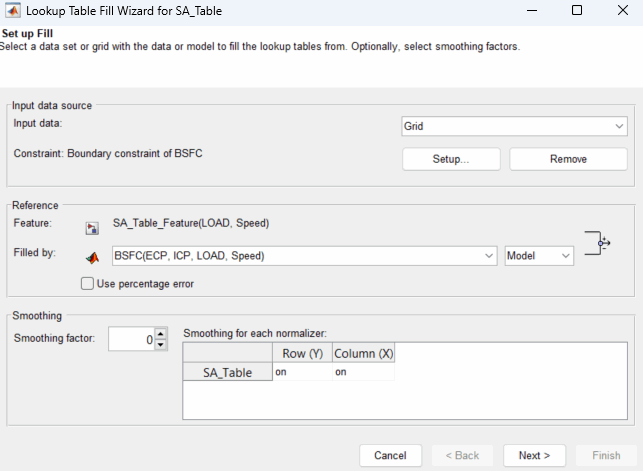
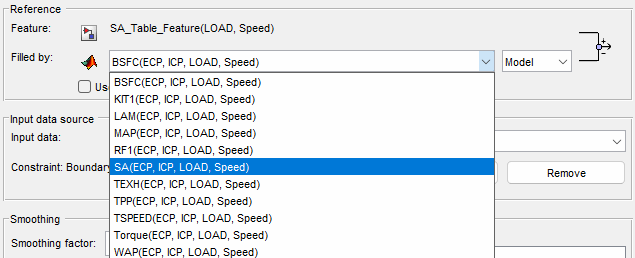
From the Filled by list, select the model that you want to fill the table with.
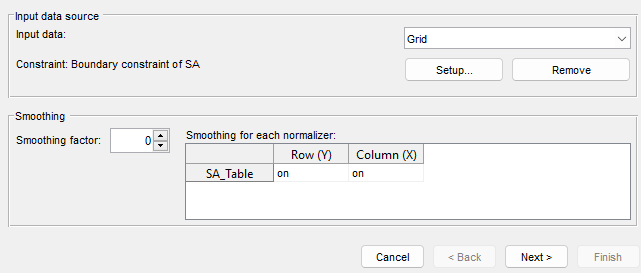
Set Input data to
Grid.Click Setup to create a constraint. Constraints filter rows from the input data to restrict the values that CAGE uses to fill the feature. By default, the toolbox sets Constraint to the boundary model associated with the main model to use the data points within the boundary. You can also define a function model to use as a constraint.
Click Next.
Connect model and feature inputs. Use results from lookup tables as inputs by connecting tables to inputs. Connect variables that describe the same quantities. Click Next.
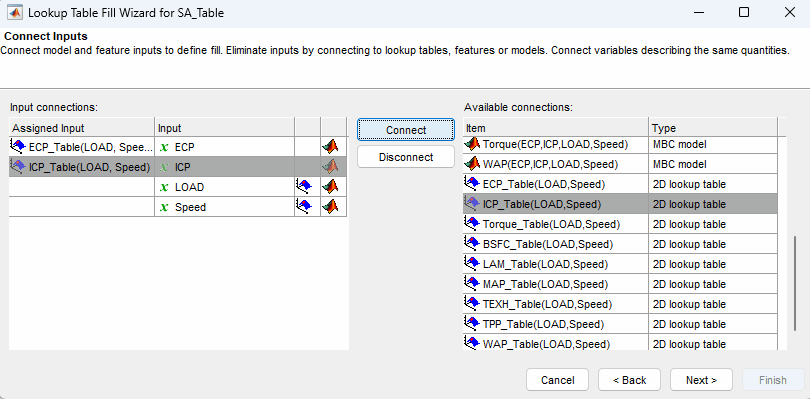
If you do not connect the model and feature inputs prior to clicking Next, the input grid values are set to an average fit over all values.
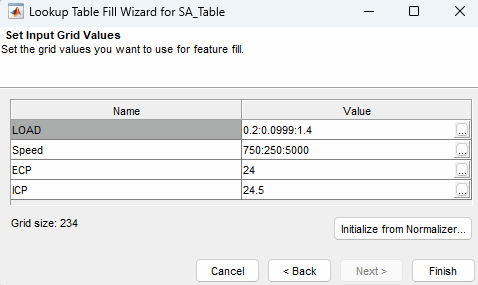
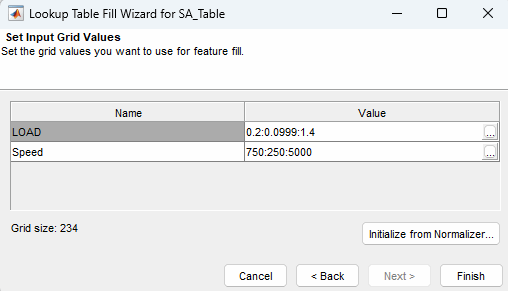
If you connect the model and feature inputs, the input grid values are set to the breakpoints of the table values. Click Finish.
In the Lookup Table view, the black dots represent the filling data. Evaluate the fit of the block dots on the lookup table surface.
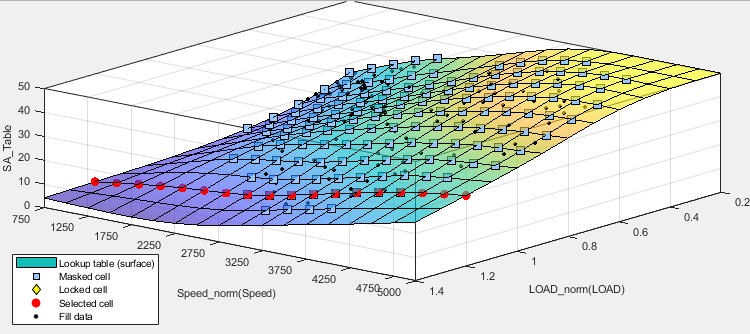
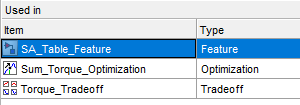
For more detailed plots of the data fit, navigate to the right side of the Lookup Table view and double-click the feature under Used in to open the Feature view.
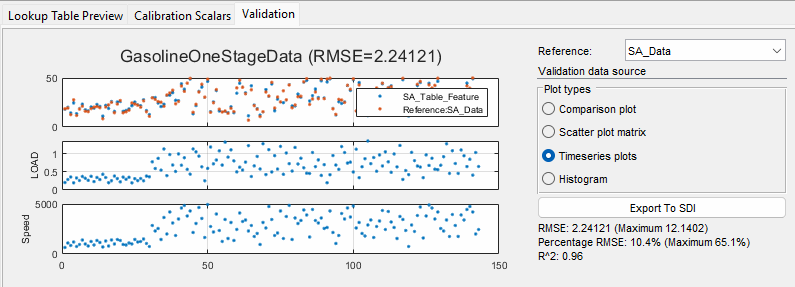
In the Feature view, go to the Validation tab. From Plot types, select plots to evaluate the fit.