MATLAB 帮助中心
Visible or hidden status for player
isOpen(player)
isOpen(player) returns true or false to indicate whether the player is visible.
player
true
false
example
collapse all
This example uses:
Close the display of continuous point cloud player
Add data to the point cloud player.
player = pcplayer([0 1],[0 1],[0 1]);
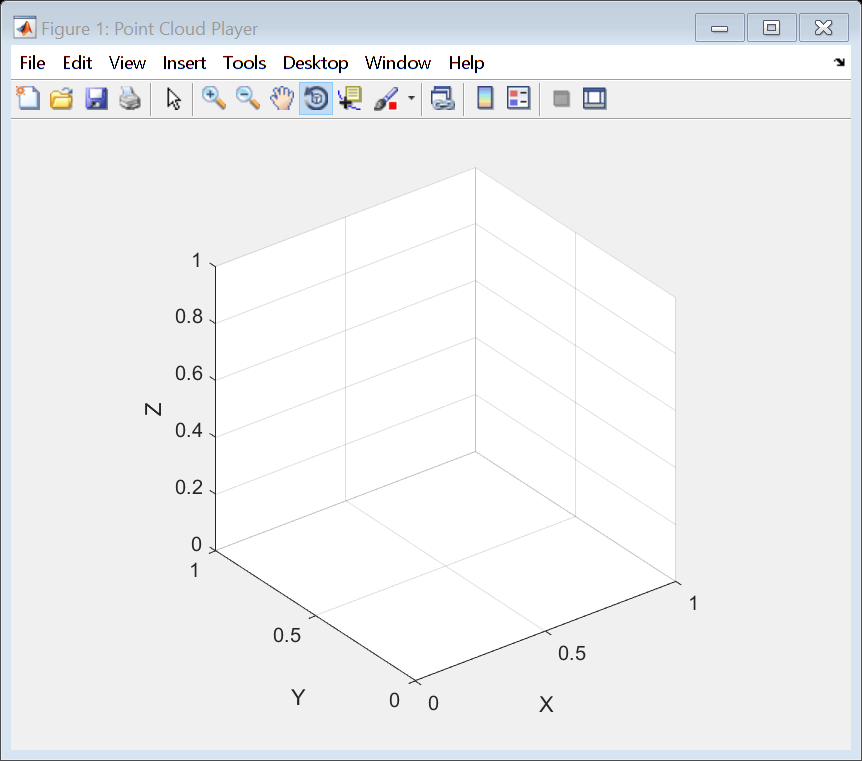
Display continuous player figure. Use the isOpen method to check if player figure window is open.
isOpen
while isOpen(player) ptCloud = pointCloud(rand(1000,3,'single')); view(player, ptCloud); end
Terminate the while-loop by closing pcplayer figure window.
pcplayer
Video player, specified as a pcplayer, or vision.DeployableVideoPlayer (Computer Vision Toolbox) object.
vision.DeployableVideoPlayer
Introduced in R2012a
You clicked a link that corresponds to this MATLAB command:
Run the command by entering it in the MATLAB Command Window. Web browsers do not support MATLAB commands.
选择网站
选择网站以获取翻译的可用内容,以及查看当地活动和优惠。根据您的位置,我们建议您选择:。
您也可以从以下列表中选择网站:
如何获得最佳网站性能
选择中国网站(中文或英文)以获得最佳网站性能。其他 MathWorks 国家/地区网站并未针对您所在位置的访问进行优化。
美洲
欧洲
亚太
联系您当地的办事处