ROS Apply Transform, ROS 2 Apply Transform
R2026bApply Transform Block block

To add a block to a model, double-click the canvas and start typing the block name. Then, select the block from the list.
Libraries:
ROS Toolbox /
ROS
ROS Toolbox /
ROS 2
Description
The Apply Transform block transforms the input ROS or ROS 2 entity message
to the target frame based on the homogeneous transformation value specified in the input
gemonetry_msgs/TransformStamped message. The Apply
Transform block supports these input entity message types:
geometry_msgs/PointStampedgeometry_msgs/PoseStampedgeometry_msgs/QuaternionStampedgeometry_msgs/Vector3Stamped
To transform the entity message into target frame, the block applies forward transformation to the entity message using the pre-multiply convention.
Examples
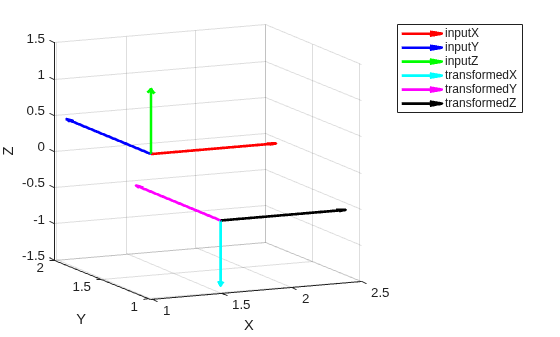
Read and Apply Transformation to ROS Message in Simulink
Read transformations from a ROS network and use them to transform a pose message using Simulink®.
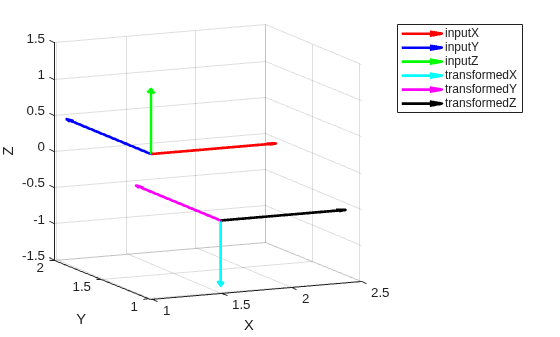
Read and Apply Transformation to ROS 2 Message in Simulink
Read transformations from ROS 2 network and use them to transform a pose message using Simulink®.
Ports
Input
Output
Parameters
Programmatic Use: Add Block
To add the block programmatically, use the add_block function with one of these library block paths as the source.
"robotlib/Write Image"
"ros2lib/Write Image"
Example: add_block("robotlib/Write Image","myModel/myBlock",MakeNameUnique="on")
Extended Capabilities
Version History
Introduced in R2023b

