Configure and Manage Variants
R2026bSimulink® models that use variant blocks, variant parameters, or variant transitions
can represent many design alternatives. However, switching between them requires managing
variant choices across the full model hierarchy. A variant configuration defines a
specific combination of those choices, enabling you to activate a complete design without
configuring each element individually. Use Variant Manager to visualize the variant
hierarchy and create configurations manually or generate them automatically. You can also
add constraints to prevent invalid variant combinations and use referenced configurations
to compose configurations for top-level models. A
Simulink.VariantConfigurations object stores the configurations and
constraints for a model.
To understand licensing requirements for Simulink Variant Manager™ workflows, see License Requirements for Simulink Variant Manager.
Apps
| Variant Manager | Manage, configure, and analyze system variants (Since R2026b) |
Namespaces
Simulink.VariantManager | Summary of functions associated with Simulink Variant Manager |
Objects
Simulink.VariantConfigurations | Create and store variant configurations and constraints |
Simulink.VariantConfigurationAnalysis | Analyze variant configurations |
Functions
Model Settings
| Variant configuration not used by top model | Diagnostic action to take when variant configuration of a top model does not use an existing variant configuration of a referenced model (Since R2022b) |
Topics
- Simulink Variant Manager
Use a central tool to manage all variation points in a variant model.
- Variant Configurations
Use variant configurations to represent combination of variant choices across model hierarchy.
- Create and Activate Variant Configurations
Create and activate variant configurations for a model.
- Generate Variant Configurations Automatically
Generate all possible variant configurations for a model.
- Compose Variant Configurations and Constraints for Top Model Using Referenced Configurations
Use referenced model configuration to set up variant configuration for a top-level model.
- Manage Variant Parameters Using Variant Manager
Learn how to manage variant parameters in your model using Variant Manager.
- Variant Manager Workflow to Set Up Variant Configurations for Models
Workflow diagram to set up variant configurations for a model.
- Variant Manager Workflow to Manage Existing Variant Configurations in Models
Workflow diagram to manage existing variant configurations for a model.
Related Information
Featured Examples
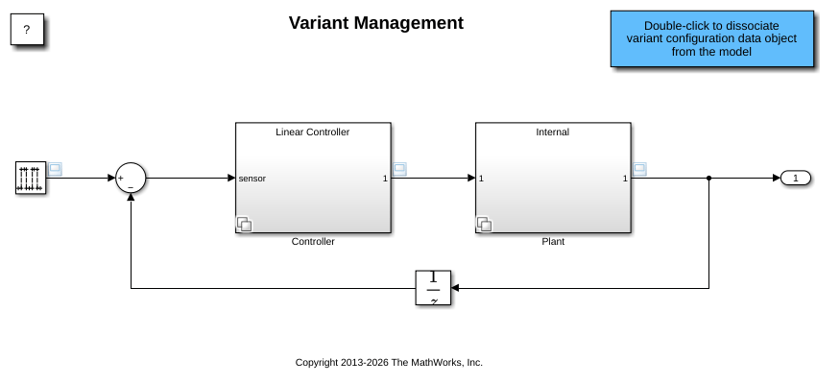
Manage, Configure, Reduce, and Analyze System Variants with Simulink Variant Manager
Gives an overview of the capabilities of the Simulink Variant Manager app in Simulink.
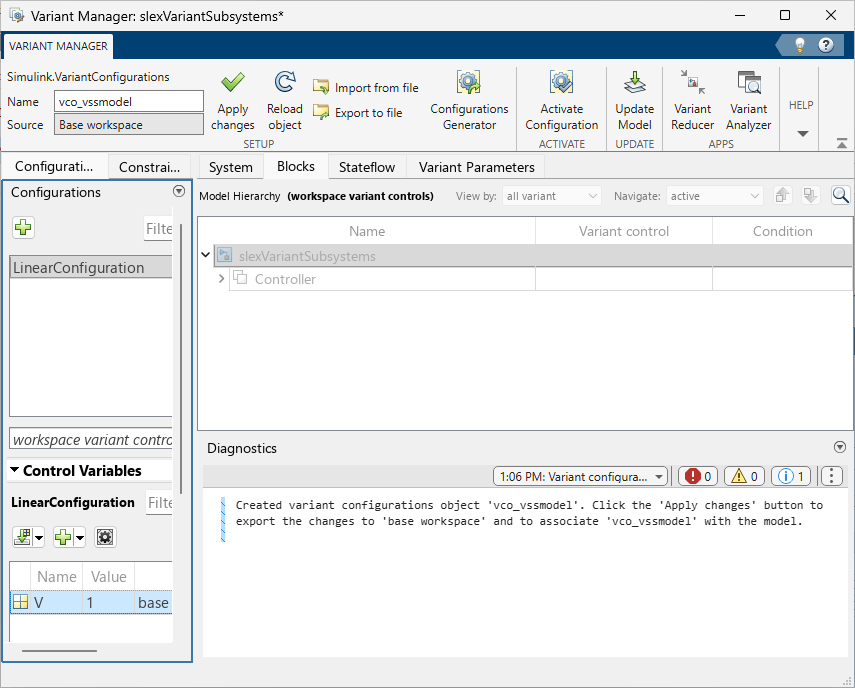
Save and Reuse Variant Configurations Using Variant Configurations Object
Save and load variant configurations object for a model.

