配置参数、模块参数和输入端数据
R2026a基于 Simulink® 模型的实时应用程序创建
通过更新您的 Simulink 模型,为生成实时应用程序做好设计准备。选择固定步长求解器,并将 Simulink Real-Time™ 设为代码生成器目标。使用 Speedgoat I/O Blockset 或 Simulink Real-Time 模块库中的模块扩展您的 Simulink 模型。在模型中将这些驱动器模块与其他模块建立信号连接,然后构建实时应用程序。
提示
用于 Speedgoat® 目标计算机的系统目标文件 (STFs) 没有可配置的TLC 命令行选项。
模型设置
| Log level | 选择系统日志消息的过滤级别 |
| Force polling mode | 启用轮询模式(而非中断驱动模式)来为实时应用程序提供时钟信号 |
| Max file log runs | 选择要为实时应用程序保留的文件日志运行次数 |
| Compile with GCC -ffast-math | 在编译实时应用程序代码时启用 GCC 编译器的 -ffast-math 选项 |
| Stop time | 仿真停止时间 |
对象
Application | 在开发计算机上映射应用程序文件 |
函数
主题
- I/O 驱动程序模块
了解驱动程序模块的 Simulink Real-Time I/O 库。
- 配置模块参数
配置模型模块。
- Define and Update Inport Data by Using Root Inport Mapper
Map root inports to source data.
- Simulink Real-Time 选项窗格
配置实时应用程序选项的初始值。
精选示例
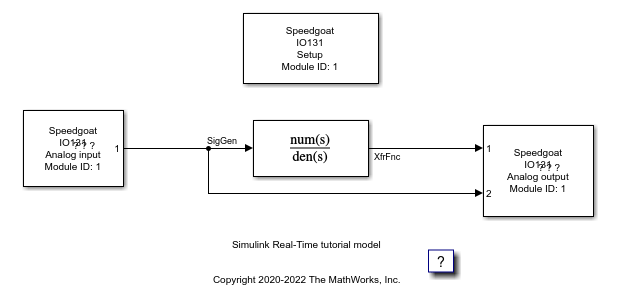
向 Simulink 模型添加 I/O 模块
通过使用 Simulink Real-Time 库模块与电路板进行交互。

