Logitech G29 Steering Wheel Demo
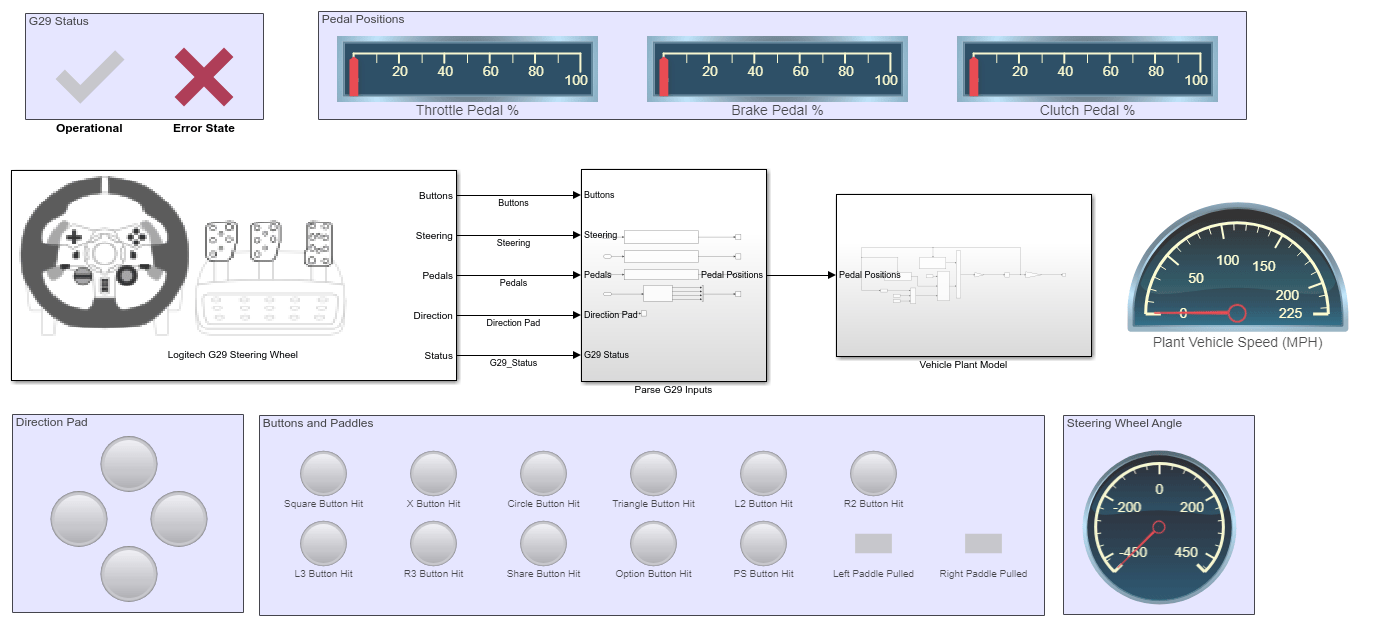
R2026bThis example shows how to configure and use a Logitech G29 Steering Wheel block. This reads inputs from a Logitech G29 Steering Wheel device that is connected to the target computer.
In this example, the real-time application parses the inputs from the G29 Steering Wheel device and passes the parsed data to the vehicle plant in the application. The vehicle plant model simulates the longitudinal dynamics of the vehicle, producing a speed output based on accelerator and brake inputs. This speed appears on a dashboard gauge in miles per hour (MPH). The vehicle plant model calculates the vehicle speed as per the inputs received and displays the speed by using the gauges in the model.
Open Model
model = 'slrt_ex_g29_steering';
open_system(model);
Target Computer Setup
To set up the target computer, steering wheel device, and deploy the model for external mode simulation, you can:
Connect the steering wheel device to the target computer.
Connect the target computer to the development computer.
In the Simulink Editor of the model, from the targets list on the Real-Time tab, select the target computer on which to run the real-time application.
Click Run on Target.
On the development computer, in the Diagnostics Viewer, you can view the build status. To display the viewer, on the Debug tab, click Diagnostics.
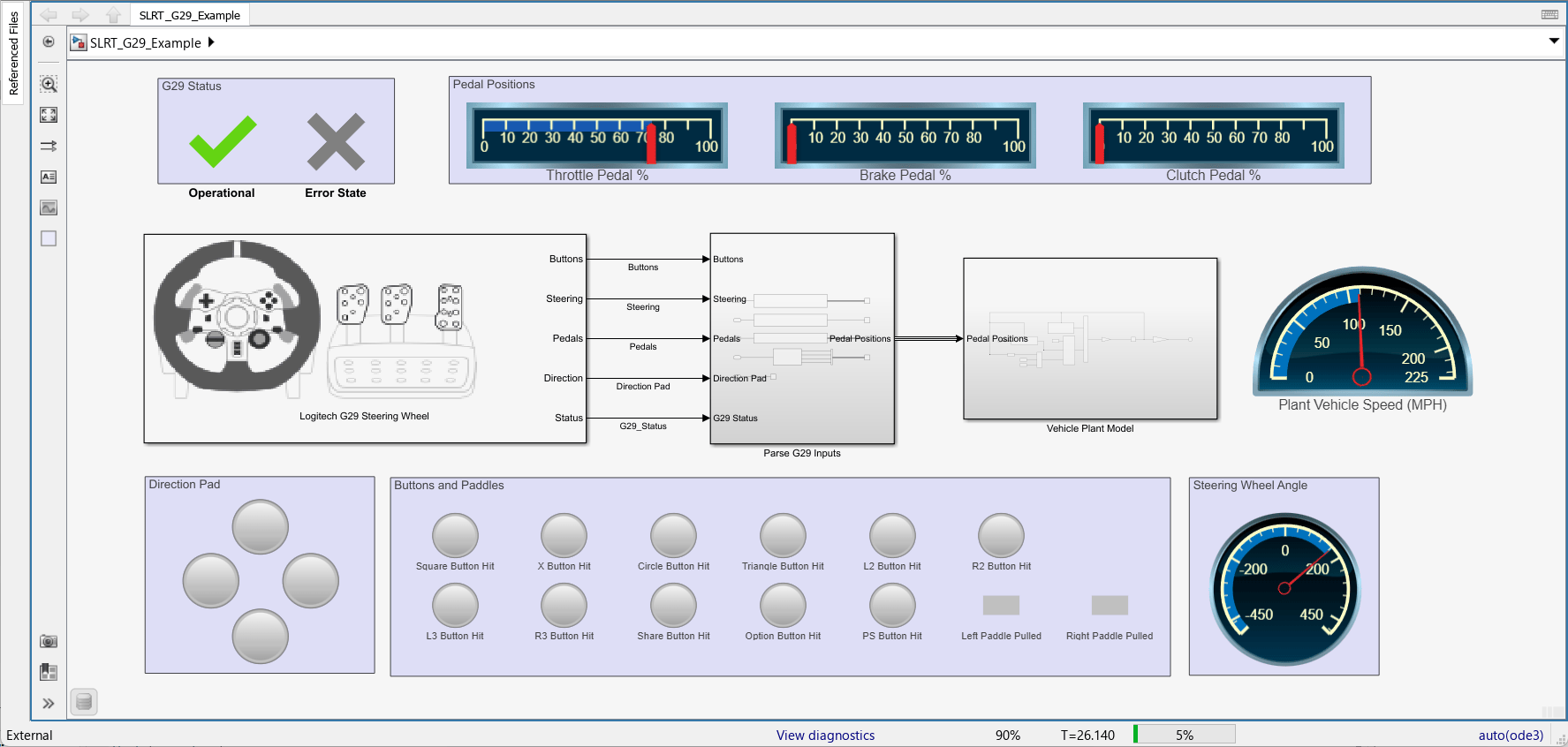
On successful deployment of the real-time application, the 'Operational' status turns green, indicating that the communication from the steering wheel is working fine. The 'Operational' status is mapped to the Logitech G29 Steering Wheel block output 'Status'.
External Mode Simulation
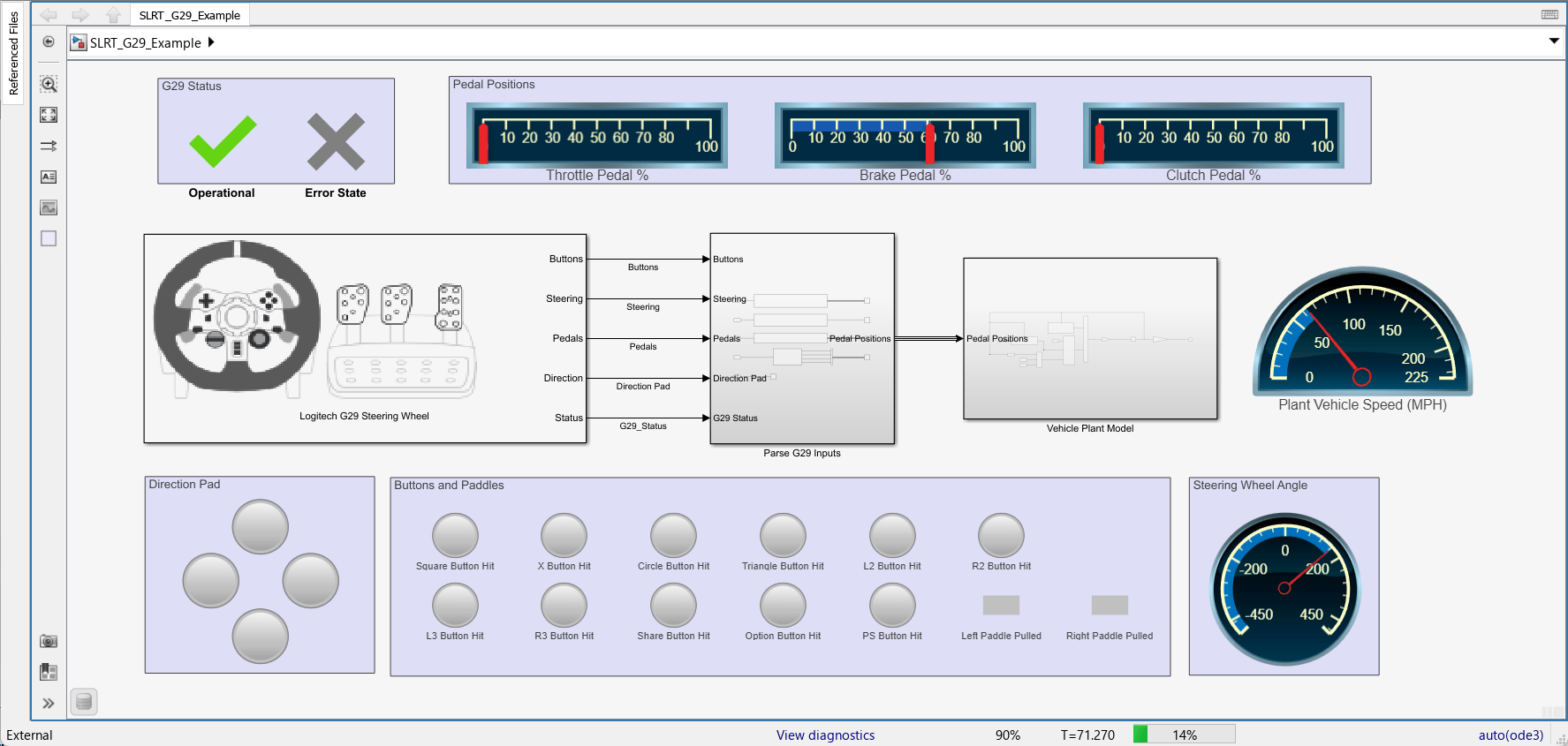
During simulation, you can start providing inputs from the steering wheel device. The response of the inputs appears on the dashboard blocks in the model. Based on the inputs provided through pedals, the 'Vehicle Plant Model' calculates the vehicle speed. So you should see the response in the Pedal Positions and Plant Vehicle Speed dashboard blocks. For example, press the throttle for a minute and see that the vehicle speed increases.
Press the brake pedal and see that the vehicle's speed decreases.
Click Stop Application.
Close Model
bdclose(model);

