Write Parameter
R2026bWrite Parameter block
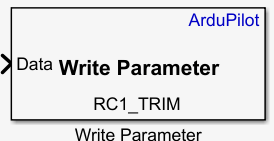
To add a block to a model, double-click the canvas and start typing the block name. Then, select the block from the list.
Libraries:
UAV Toolbox Support Package for ArduPilot Autopilots /
Utility Blocks
Description
Add-On Required: This feature requires the UAV Toolbox Support Package for ArduPilot Autopilots add-on.
The Write Parameter block writes a value to a specified ArduPilot® parameter. The block casts the input value to data type
single, a 32-bit floating-point type with up to 24 bits of mantissa
precision, before transmitting the value.
Specify the ArduPilot parameter name such as RC1_TRIM in the Parameter name field. The parameter value configured in
ArduPilot must be within the minimum and maximum range defined in the official
ArduPilot parameter reference documentation. Values outside this range can cause
unexpected behavior.
Note
Some ArduPilot parameters use integer data types internally. For example,
RC1_TRIM is an int16 parameter. The
Write Parameter block casts the input value to
single before transmitting it to ArduPilot. When ArduPilotapplies the transmitted value to an integer parameter, ArduPilot truncates the value according to that parameter’s internal data type. To
inspect the value that the block writes by using a Display block, set the
Numeric display format parameter to
long.
Examples
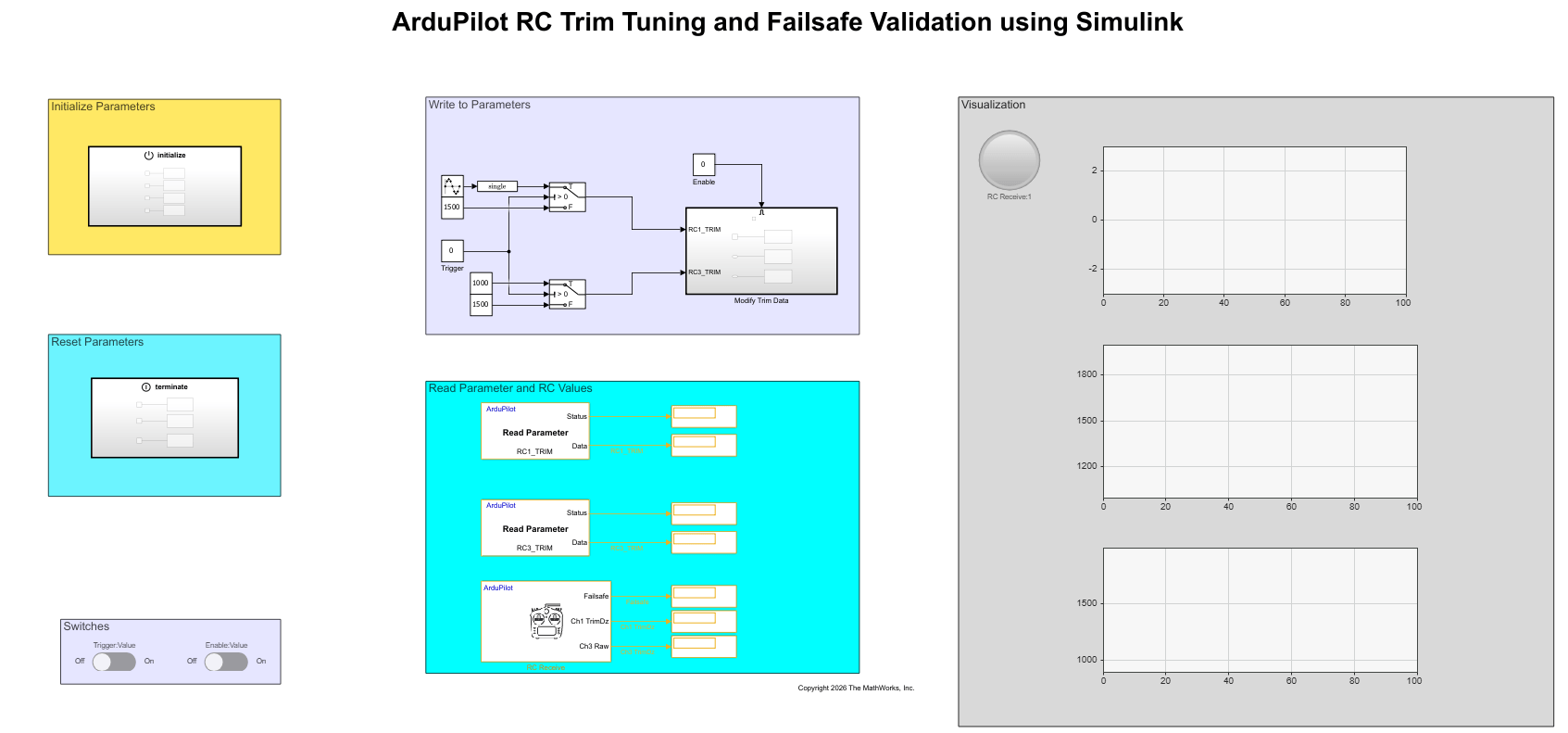
Validate RC Trim and Failsafe Parameters Using Read and Write Parameter Blocks
Use the Read Parameter, Write Parameter, and RC Receive blocks in the UAV Toolbox Support Package for ArduPilot® Autopilots to validate RC trim and throttle failsafe parameter settings on ArduPilot-compatible flight controller hardware.
Ports
Input
Output
Parameters
Version History
Introduced in R2026b

