主要内容

show

R2026b

Visualize shape model edge features

Since R2026b

    Description

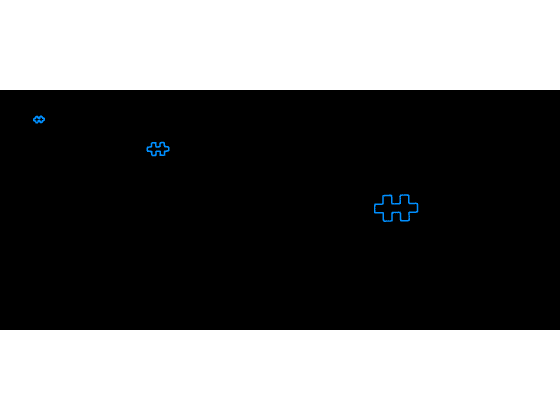
    show(model) displays the edge features contained in the shape model.

    show(model,Name=Value) specifies options using one or more name‑value arguments. For example, MarkerStyle="point" displays edge feature points using point markers.

    Examples

    collapse all

    Read and display the template image.

    templateImage = imread("edgeMatchModel.png");
    imageshow(templateImage)
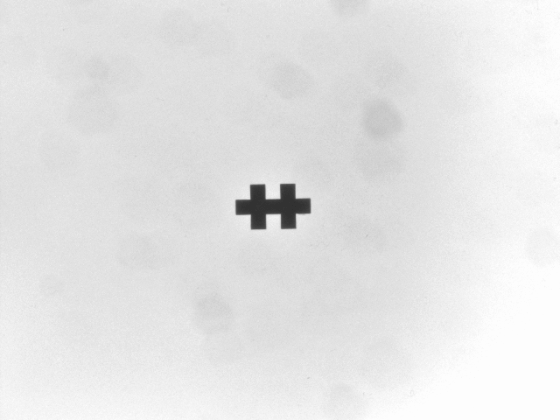
    Create a shape model object, then visualize the shape model by using the show function.

    model = shapemodel(templateImage);
    show(model)
    Read and display the search image,

    searchImage = imread("edgeMatchSearch1.png");
    imageshow(searchImage)
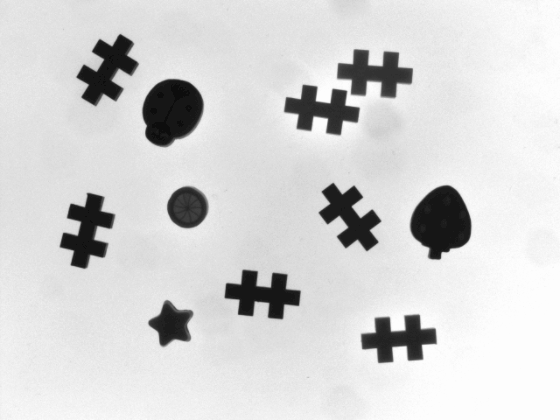
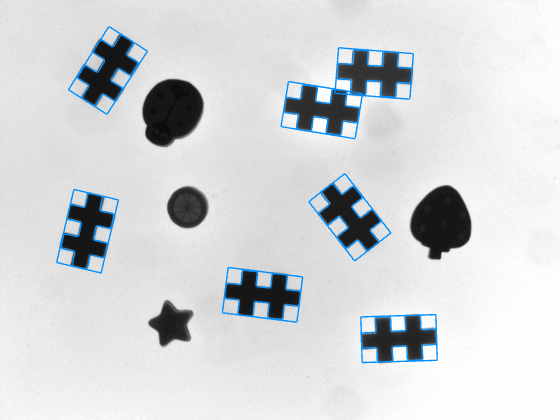
    Find and locate shape model instances in the search image by using the matchshape function. Set MaxMatches to 10 to return up to ten instances.

    matches = matchshape(model,searchImage,MaxMatches=10);

    Visualize the shape model matches in the search image by using the showmatches function.

    showmatches(model,matches,searchImage)
    Input Arguments

    collapse all

    Shape model created using a template image, specified as a shapemodel object.

    Name-Value Arguments

    collapse all

    Specify optional pairs of arguments as Name1=Value1,...,NameN=ValueN, where Name is the argument name and Value is the corresponding value. Name-value arguments must appear after other arguments, but the order of the pairs does not matter.

    Example: Color="r" specifies that the markers are red.

    Marker color, specified as a short color name, color name, or RGB triplet.

    Example: "b" specifies that the markers are blue

    Parent Viewer for the visualization, specified as a Viewer object. Create a Viewer object for 2‑D image display by using the viewer2d function.

    Marker style to use when drawing edge feature points, specified as "plus" or "point".

    Pyramid level layout in the visualization, specified as "horizontal" or "vertical".

    Template image used to construct the shape model, specified as one of the following image types:

    • Grayscale image — Specify an m-by-n numeric matrix.

    • RGB image — Specify an m-by-n-by-3 numeric array.

    Option to display contour lines of extracted edge features, specified as true or false.

    Option to display markers of extracted edge feature points, specified as true or false.

    Version History

    Introduced in R2026b