MATLAB Functions for Scene and Scenario Management
R2026broadrunner
objectRoadRunner provides MATLAB® functions for performing common workflow tasks such as opening,
closing, and saving scenes, scenarios, and projects and importing and exporting
scenes and scenarios. These functions operate through a MATLAB object, roadrunner, that opens and sets up the main RoadRunner user interface so that you can control it programmatically. You
can also set scenario variables and create simulations for RoadRunner Scenario. To get started using RoadRunner with MATLAB, see Connect MATLAB and RoadRunner to Control and Analyze Simulations.
Functions
Topics
- Connect MATLAB and RoadRunner to Control and Analyze Simulations
Use MATLAB with RoadRunner to control simulations programmatically and model actors in MATLAB or Simulink®.
- What Is a RoadRunner Pose Matrix?
Understand the position and orientation of a RoadRunner actor using its four-by-four pose matrix.
Featured Examples
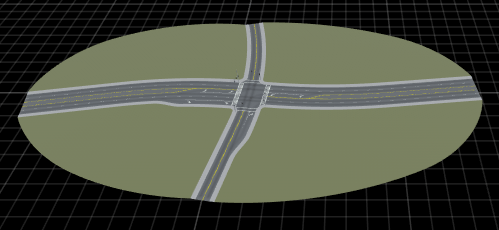
Export Multiple Scenes Using MATLAB
Export all RoadRunner scenes in a project to a supported format using MATLAB functions.
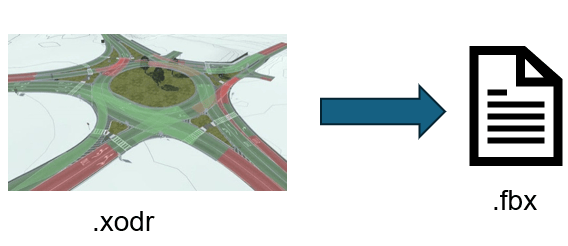
Convert Scenes Between Formats Using MATLAB Functions
Import multiple scenes in a RoadRunner project, and export them to a supported format using MATLAB functions.
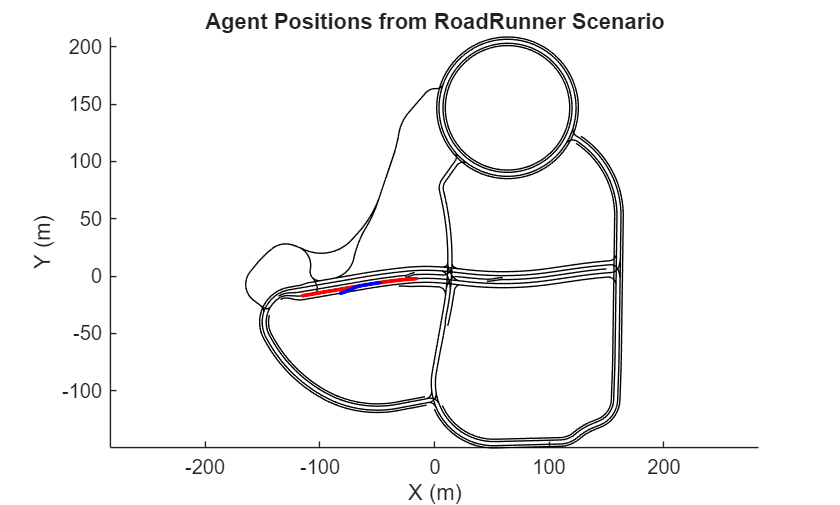
Simulate a RoadRunner Scenario Using MATLAB Functions
Automate running and visualizing simulations with RoadRunner Scenario using MATLAB functions.

