Build and Run Executable on Altera SoC Platform
R2026bYou can configure a Simulink® model to generate code, build an executable, and then run the executable on your Altera® SoC platform. The executable runs in the Linux® environment on the ARM® Cortex-A9 processor on the Altera SoC platform.
Configure the Model
Save a copy of your model. Keep the original model as a backup copy.
In the Hardware tab, in the Prepare group, click Hardware Settings.
In the Configuration Parameter dialog box, select the Hardware Implementation tab.
Set the Hardware board parameter to your Altera SoC platform. The parameters in the Target hardware resources panes are automatically assigned default values for your Altera SoC platform.
In the Configuration Parameter dialog box, click Code Generation. Selecting the Altera SoC platform in the previous step automatically set the System target file parameter to
ert.tlc. Similarly, the Toolchain parameter now specifiesARM Development Studio Altera Edition (DS-5 AE)for the build process.
Build and Run the Executable
Save your changes to the model.
Verify that the Altera SoC board and the host computer have a network connection.
Note
If your host computer connects to multiple Altera SoC platform boards, disconnect the boards that you are not using.
In the Hardware tab, in the Deploy group, click Build, Deploy & Start. As the build starts, the Diagnostic Viewer starts and displays the build status.
When the executable starts running on the Altera SoC hardware, the build process opens a command window.
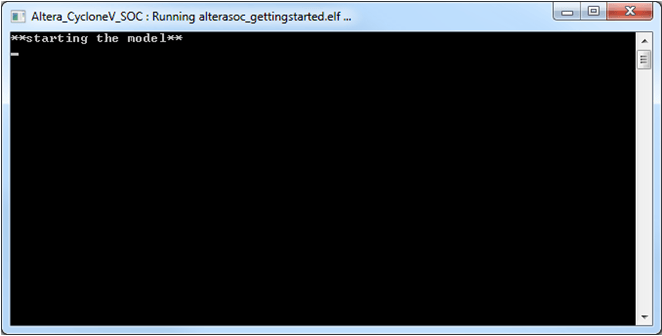
The executable runs in the Linux environment on a single core of the ARM Cortex-A9 processor on the Altera SoC platform.
Note
PIL simulation and PIL-based execution profiling require single-core execution. To design a model that can run on both cores, see Multicore Processor Targets.

