主要内容

3D Scenarios

R2026b
Author 3D scenes, run simulations, perform analyses, and create visualizations

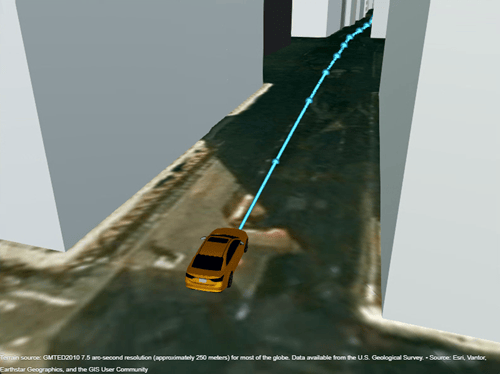
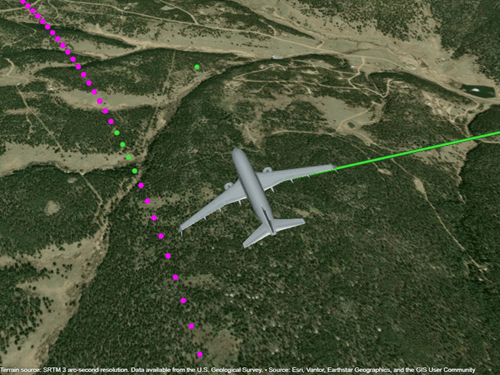
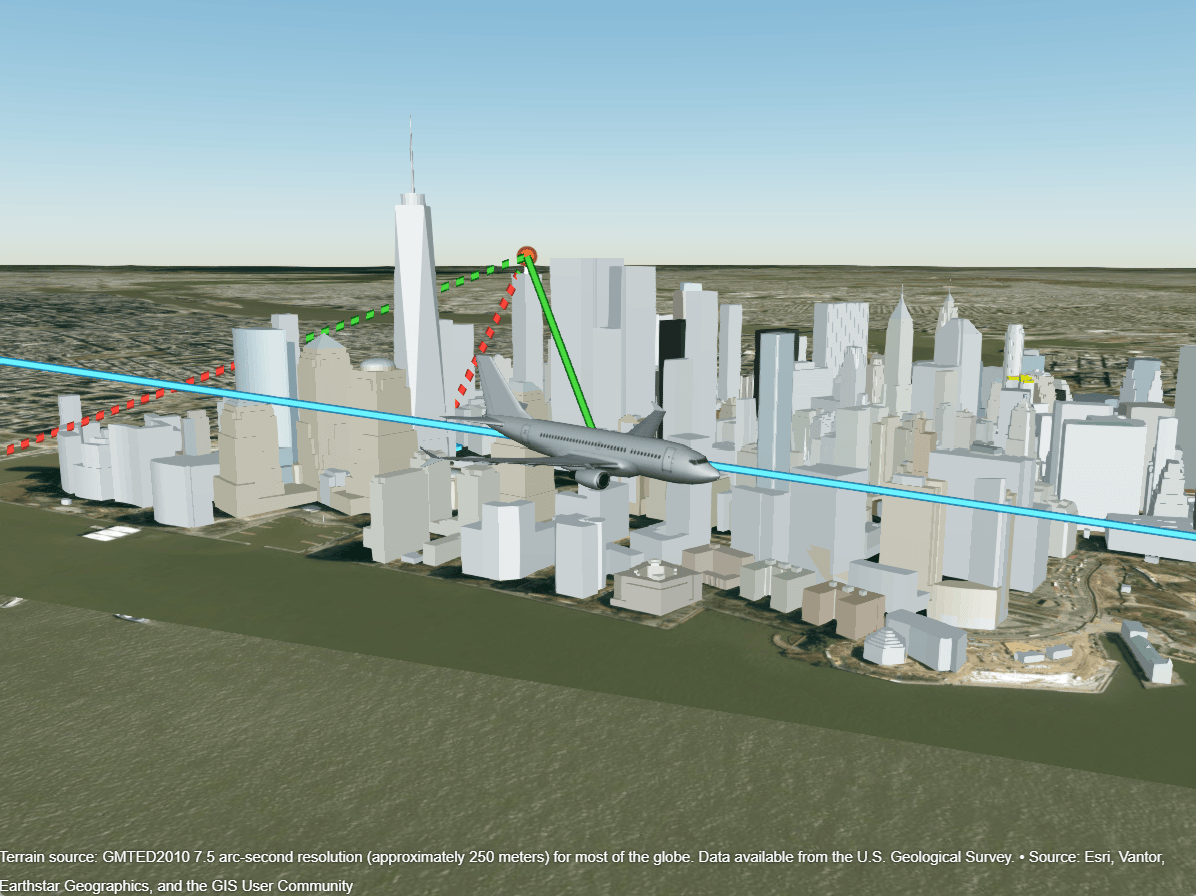
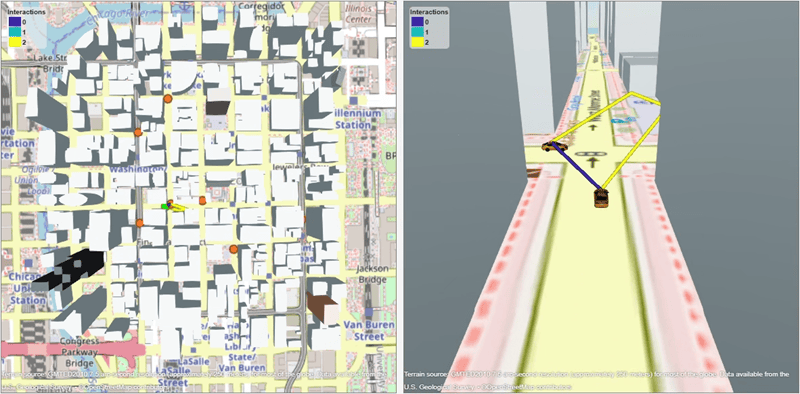
The 3D Scenarios add-on enables you to model, visualize, and simulate scenarios in a 3D geographic environment. Create a scenario with terrain from DTED files and buildings from OpenStreetMap® files. Visualize the scenario using interactive 3D globe viewers. Add car, aircraft, and generic actors with waypoint trajectories, then run simulations that analyze line-of-sight visibility or find geometric ray paths between the actors. Query actor poses in specified reference frames as the simulation progresses.

Note

Install the 3D Scenarios add-on by using the install3DScenarios function.

Functions

expand all

scenarioCreate 3D scenario (Since R2026b)
advanceAdvance 3D scenario by one time step (Since R2026b)
restartRestart 3D scenario from beginning (Since R2026b)

Create and Manage Viewers

viewerCreate viewer for 3D scenario (Since R2026b)
gcvGet current 3D scenario viewer (Since R2026b)
viewersGet viewers for 3D scenario (Since R2026b)
closeClose 3D scenario viewer (Since R2026b)

Get Visuals and Plot Data

getvisualGet visual for actor, behavior, or analysis (Since R2026b)
plotpointsPlot points in 3D scenario viewer (Since R2026b)
plotlinePlot line in 3D scenario viewer (Since R2026b)
plotPlot ray paths in 3D scenario viewer (Since R2026b)
pickpointsInteractively pick points in viewer (Since R2026b)

Control Camera

zoomtoFocus camera on actor, behavior, or analysis (Since R2026b)
followMove camera to follow actor (Since R2026b)
camposSet or get camera position (Since R2026b)
camheadingSet or get camera heading angle (Since R2026b)
campitchSet or get camera pitch angle (Since R2026b)
camrollSet or get camera roll angle (Since R2026b)

Create Actors

carCreate car actor in 3D scenario (Since R2026b)
aircraftCreate aircraft actor in 3D scenario (Since R2026b)
actorCreate point actor in 3D scenario (Since R2026b)

Specify Actor Trajectories

groundTrajectoryCreate ground trajectory (Since R2026b)
airTrajectoryCreate air trajectory (Since R2026b)

Query and Manage Actors

poseSet or get actor pose (Since R2026b)
positionSet or get actor position (Since R2026b)
translateTranslate actor (Since R2026b)
rotateRotate actor (Since R2026b)
removeRemove actor or analysis from 3D scenario (Since R2026b)

Create Analyses

losAnalysisAdd line-of-sight analysis to 3D scenario (Since R2026b)
rayTraceAnalysisAdd ray trace analysis to 3D scenario (Since R2026b)

Query and Manage Analyses

analysesGet analyses in 3D scenario (Since R2026b)
hasLOSLine-of-sight visibility status (Since R2026b)
findpathsFind ray paths (Since R2026b)
removeRemove actor or analysis from 3D scenario (Since R2026b)

Query and Manage Ray Paths

aoaAngle of arrival (Since R2026b)
aodAngle of departure (Since R2026b)
propdistPropagation distance (Since R2026b)
reverseReverse direction of ray path (Since R2026b)

Query and Manage Poses

posePosition, orientation, and motion relative to reference frame (Since R2026b)
transformTransform pose object between reference frames (Since R2026b)
eulerOrientation of pose object as Euler angles (Since R2026b)
dcmOrientation of pose object as direction cosine matrix (Since R2026b)
quaternionOrientation of pose object as quaternion (Since R2026b)

Create Reference Frames

geoframeCreate geographic reference frame (Since R2026b)
ecefframeCreate Earth-centered, Earth-fixed (ECEF) reference frame (Since R2026b)
localframeCreate local Cartesian reference frame (Since R2026b)
bodyframeCreate body reference frame for actor (Since R2026b)

Topics

  • Structure of a 3D Scenario

    A scenario consists of a scene, actors, analyses, and viewers that represent and simulate a geographic environment. (Since R2026b)

  • Simulate 3D Scenarios

    Simulate a scenario by advancing through time steps that move actors, recalculate analyses, and update visuals. (Since R2026b)

  • Specify Coordinate Conventions for 3D Scenarios

    Control how the scenario represents position, orientation, and motion data by specifying the reference frame, axes convention, orientation basis, and height reference. (Since R2026b)

Featured Examples