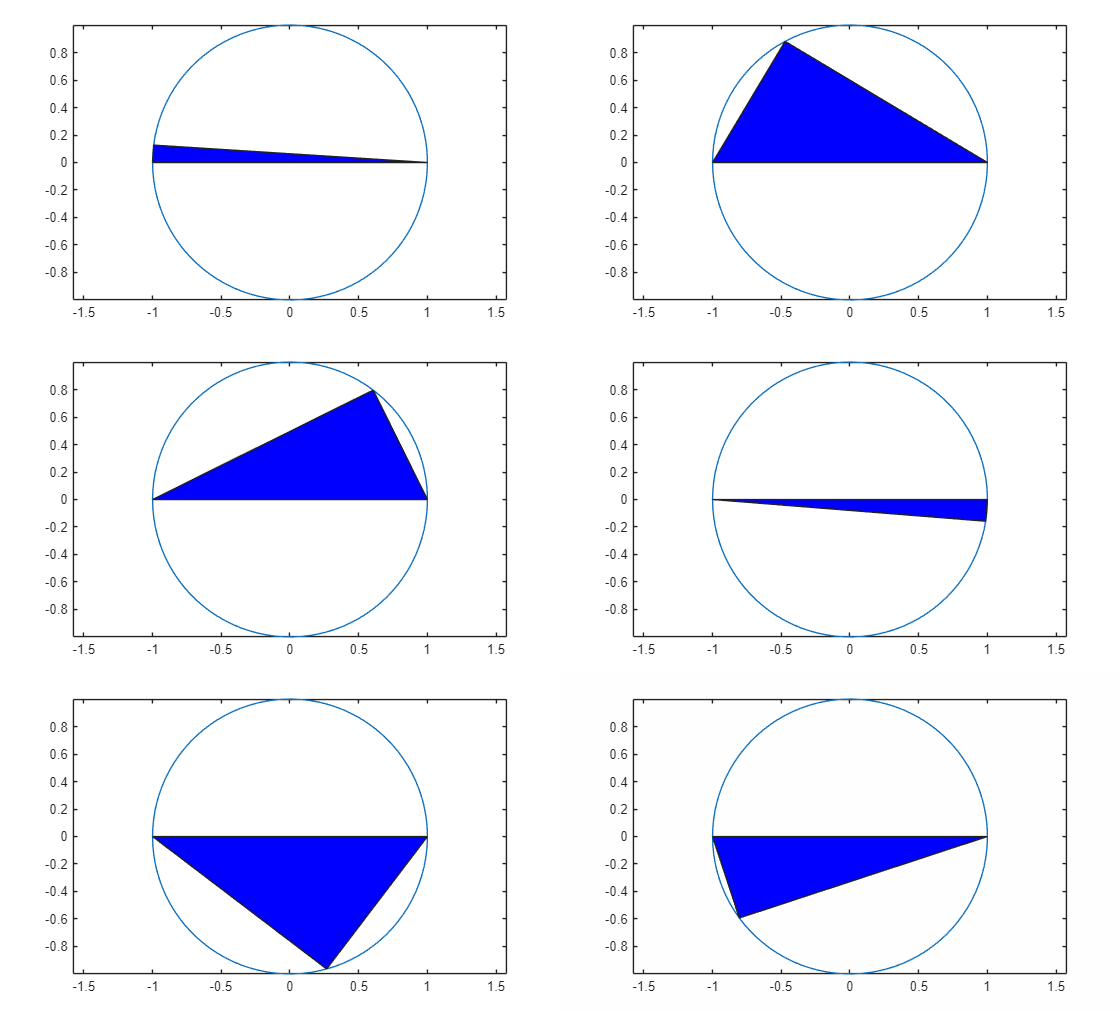
在圆内制作三角形动画
R2026b此示例演示如何通过更新三角形的数据属性实现三角形沿着圆形内部循环的动画效果。
绘制圆形并设置坐标轴范围,使数据单位在两个方向上保持一致。
theta = linspace(-pi,pi);
xc = cos(theta);
yc = -sin(theta);
plot(xc,yc)
axis equal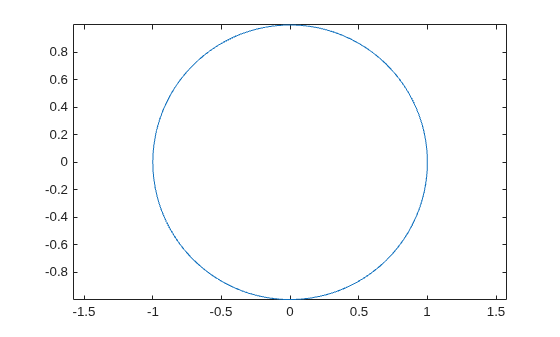
使用 fill 函数绘制一个平坦三角形。然后使用圆形的 (x, y) 坐标改变三角形其中一个顶点的值。改变循环中的值,创建一个动画。使用 drawnow 或 drawnow limitrate 命令在每次迭代后显示更新。drawnow limitrate 的速度最快,但它可能不会在屏幕上绘制每一帧。
xt = [-1 0 1 -1];
yt = [0 0 0 0];
hold on
t = fill(xt,yt,"b"); % initial flat triangle
hold off
for j = 1:length(theta)-10
    xt(2) = xc(j); % determine new vertex value
    yt(2) = yc(j);
    t.XData = xt; % update data properties
    t.YData = yt;
    drawnow % display updates
end
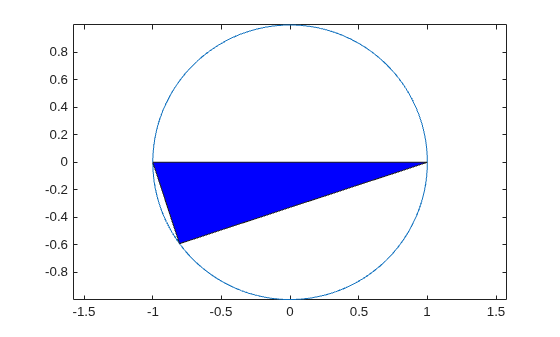
该动画演示三角形沿着圆形内部循环。