Import Two-Stage Models
R2026bA Model-Based Calibration Toolbox™ statistical model is a function of a set of variables. Typically, you construct a model using the Model Browser. In this example, you use CAGE to import these two-stage statistical models:
Torque as a function of engine spark angle, engine load, engine speed, and AFR
Spark at maximum brake torque (MBT) as a function of engine load, engine speed, and AFR
The following example uses a model of the behavior of torque with varying spark angles, AFRs, engine speeds, and loads.
Select File > Import From Project. In the CAGE Import Tool, select
 to import from a project file.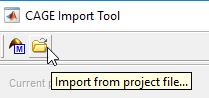
Browse to
matlab\toolbox\mbc\mbctrainingand openholliday.mat. In the CAGE Import Tool, selecttqandknot. Click Import Selected Items.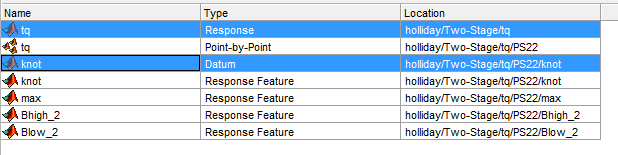
Close the CAGE Import Tool.
In the CAGE browser, on the Models pane, right-click
knot. RenameknottoMBT.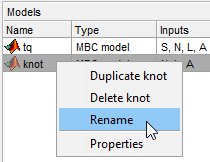
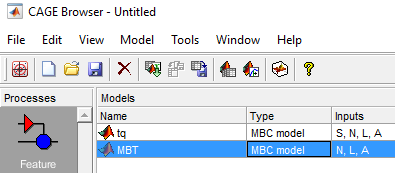
CAGE switches to the Models view.