addClassification
R2026bDescription
classification = addClassification(rule,Name=Value)rule and returns the
new classification as a metric.threshold.Classification object. Each
classification defines a compliance category and the condition under which it
applies.
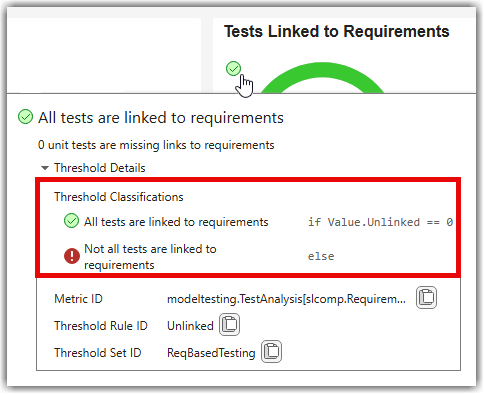
The dashboards display compliance overlays on widgets to show how metric results compare against predefined, shipping thresholds. Each overlay indicates whether results are compliant, non-compliant, a warning, or uncategorized. If the shipping thresholds do not match your project criteria, you can create a custom configuration to define your own compliance criteria as shown in Adjust Dashboard Thresholds to Match Your Testing Criteria.
A configuration contains threshold
sets, each threshold set contains
threshold rules, and each rule contains
classifications that determine how results are evaluated. The
addClassification function lets you extend a threshold rule by
adding additional classification levels so you can refine how the dashboard evaluates
and displays results on widgets.
Examples
Input Arguments
Name-Value Arguments
Output Arguments
More About
Version History
Introduced in R2026b

