EtherCAT Set State
R2026b设置 EtherCAT 网络的状态
EtherCAT Set State block
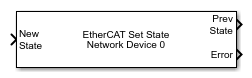
To add a block to a model, double-click the canvas and start typing the block name. Then, select the block from the list.
库:
Simulink Real-Time /
EtherCAT
描述
EtherCAT Set State 模块将 EtherCAT® 网络的状态设置为通过 New State 端口传入的值。
示例
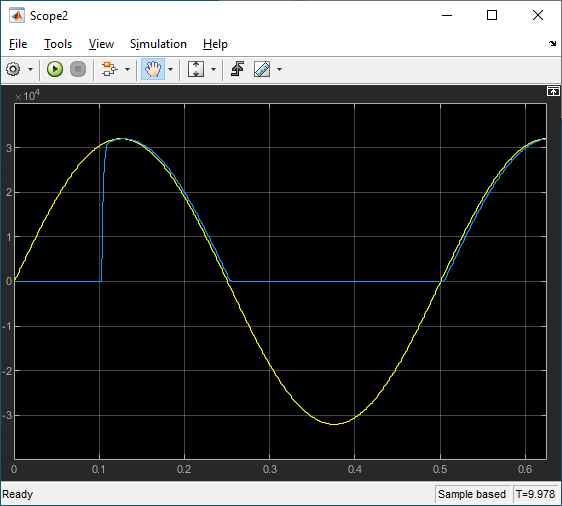
EtherCAT Protocol with Beckhoff Analog IO Subordinate Devices EL3062 and EL4002
Communicate with EtherCAT devices using the Beckhoff® analog I/O terminals EL3062 and EL4002.
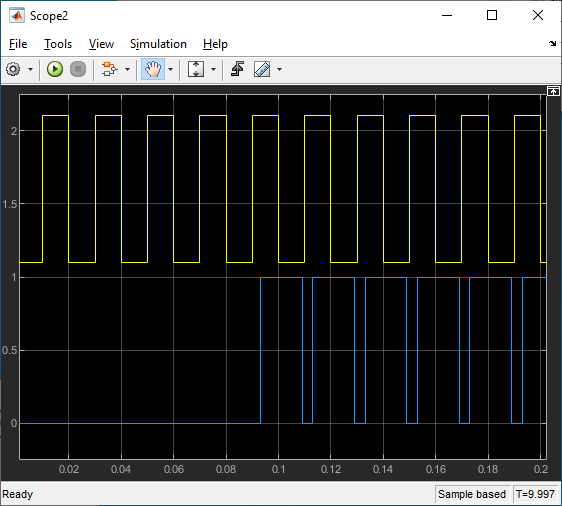
EtherCAT Protocol with Beckhoff Digital IO Subordinate Devices EL1004 and EL2004
Communicate with EtherCAT devices using the Beckhoff digital I/O terminals EL1004 and EL2004.
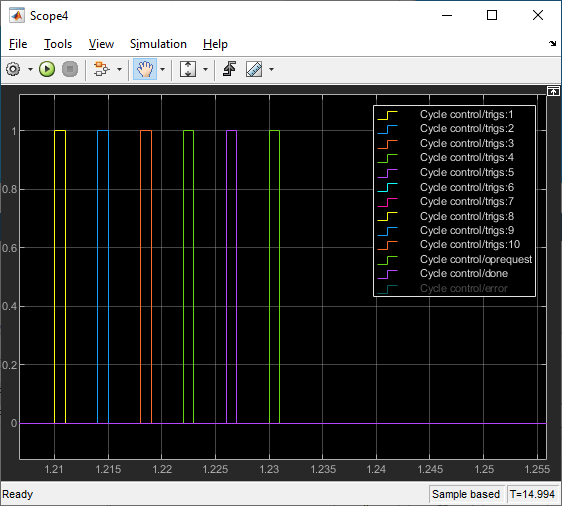
EtherCAT Protocol Sequenced Writing SoE Subordinate Device Configuration Variables
Use SoE blocks and a simple state machine to write configuration values to variables that can only be written before going to EtherCAT Op state.
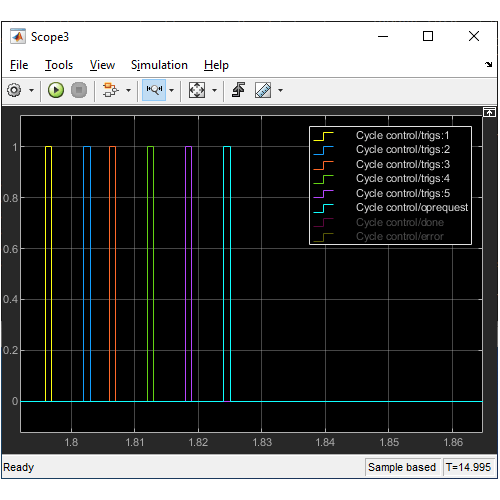
EtherCAT Protocol Sequenced Writing CoE Subordinate Device Configuration Variables
Use CoE blocks and a simple state machine to write configuration values to variables that can only be written before going to EtherCAT Op state.
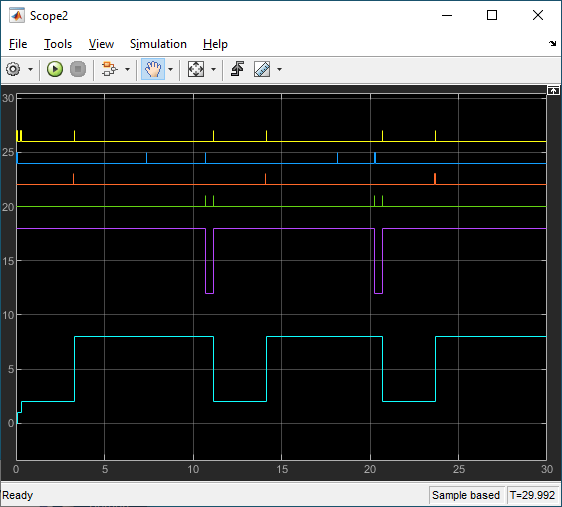
EtherCAT Protocol Detect Network Failure and Reset
Use the EtherCAT Notifications block to detect a failure in the connected network and to restart the network when the failure is corrected.
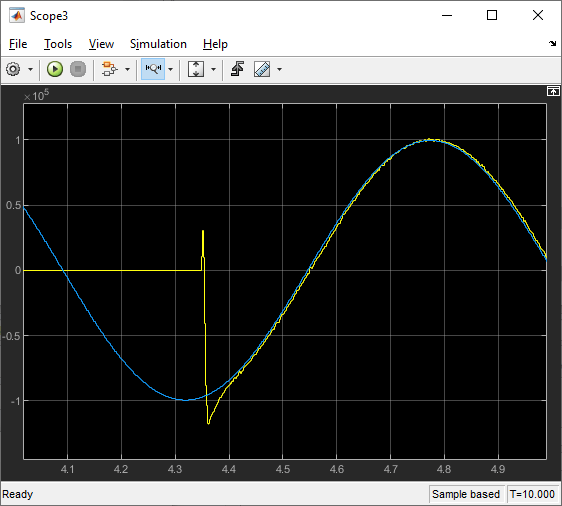
EtherCAT Protocol Motor Velocity Control with Accelnet Drive
Control the velocity of a motor by using EtherCAT communication.
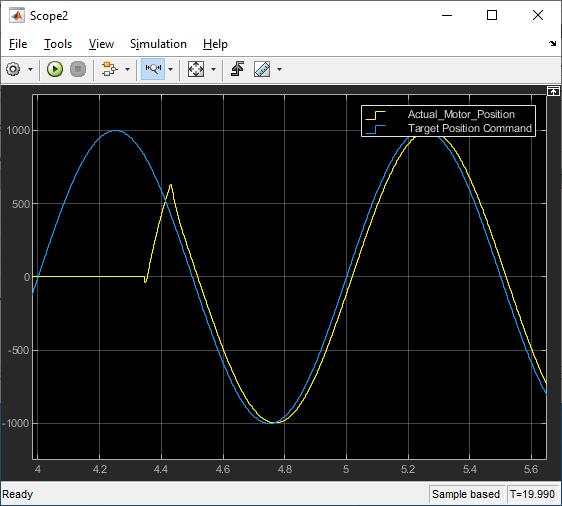
EtherCAT Protocol Motor Position Control with Accelnet Drive
Control the position of a motor by using EtherCAT communication.
为 EtherCAT 设备生成 ENI 文件
生成 EtherCAT 网络信息 (ENI) 文件,以便在 Simulink® Real-Time™ 中与 EtherCAT 设备配合使用。
端口
输入
输出
参数
扩展功能
版本历史记录
在 R2020b 中推出

