EtherCAT Sync SSC/SoE Download
R2026b将数据同步传输至由服务数据对象表示的下级设备
EtherCAT Sync SSC/SoE Download block
To add a block to a model, double-click the canvas and start typing the block name. Then, select the block from the list.
库:
Simulink Real-Time /
EtherCAT
描述
EtherCAT Sync SSC/SoE Download 模块通过 EtherCAT® (SoE) 下载提供同步 SERCOS 接口(串行实时通信规范)。该模块在指定的从属设备中选择一个 IDN,并发送下载(写入)请求。然后,该模块会一直等待,直到收到对该请求的响应,或者超时时间到期为止。
对一项操作的响应需要主任务采样时间的几个时钟周期。将同步模块的采样时间设置为慢于主任务的采样时间。
示例
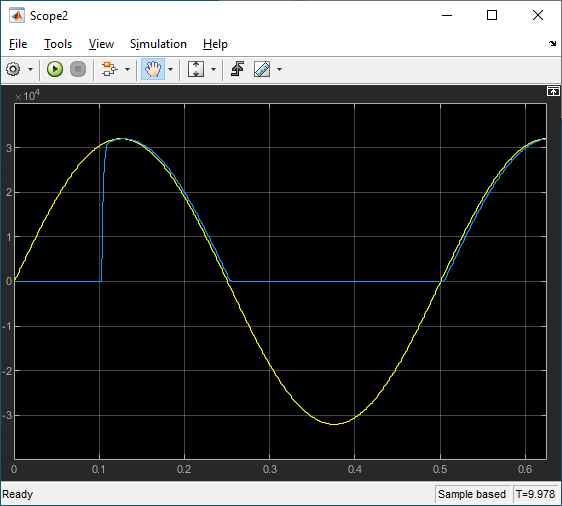
EtherCAT Protocol with Beckhoff Analog IO Subordinate Devices EL3062 and EL4002
Communicate with EtherCAT devices using the Beckhoff® analog I/O terminals EL3062 and EL4002.
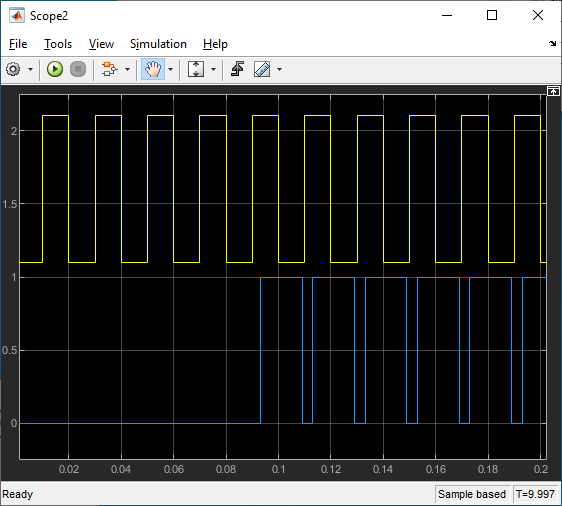
EtherCAT Protocol with Beckhoff Digital IO Subordinate Devices EL1004 and EL2004
Communicate with EtherCAT devices using the Beckhoff digital I/O terminals EL1004 and EL2004.
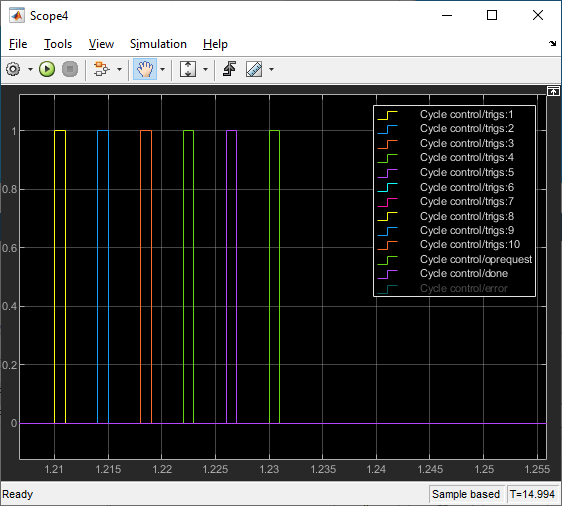
EtherCAT Protocol Sequenced Writing SoE Subordinate Device Configuration Variables
Use SoE blocks and a simple state machine to write configuration values to variables that can only be written before going to EtherCAT Op state.
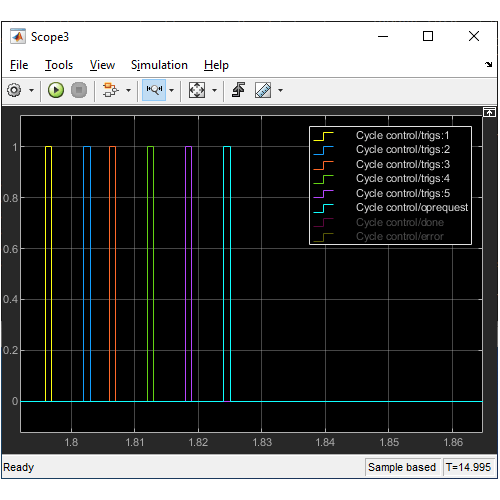
EtherCAT Protocol Sequenced Writing CoE Subordinate Device Configuration Variables
Use CoE blocks and a simple state machine to write configuration values to variables that can only be written before going to EtherCAT Op state.
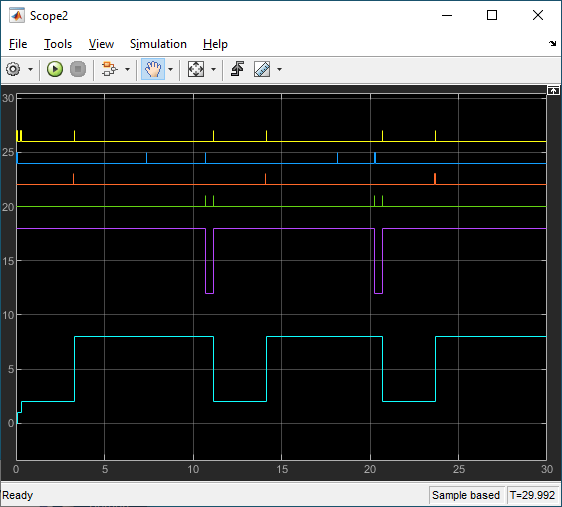
EtherCAT Protocol Detect Network Failure and Reset
Use the EtherCAT Notifications block to detect a failure in the connected network and to restart the network when the failure is corrected.
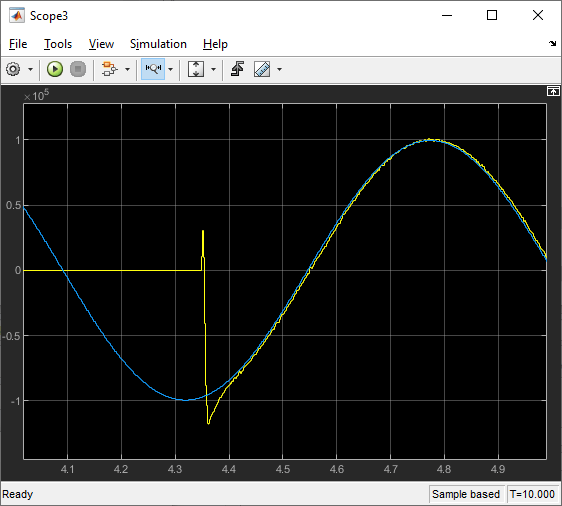
EtherCAT Protocol Motor Velocity Control with Accelnet Drive
Control the velocity of a motor by using EtherCAT communication.
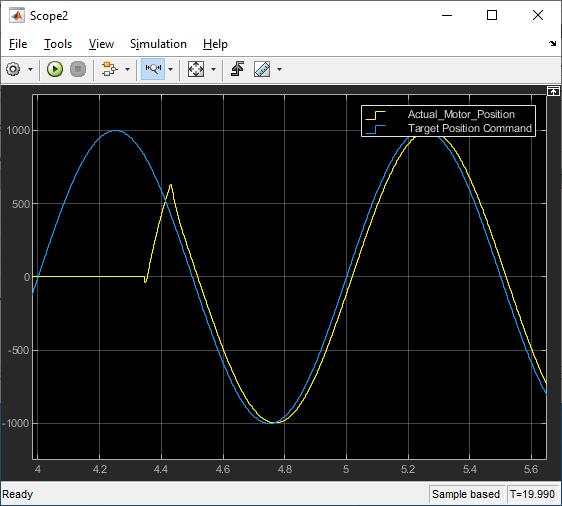
EtherCAT Protocol Motor Position Control with Accelnet Drive
Control the position of a motor by using EtherCAT communication.
端口
输入
用于写入 EtherCAT 从属设备的输入数据。该数据信号的类型由 Data Type 指定,向量维度由 Dimension 给出。
输出
如果未发生错误,该端口将发送 0。否则,它将发送非零值。有关错误代码列表,请参阅 EtherCAT Error Codes。
参数
确定参数。
您的 EtherCAT 设备的文档中规定了 IDN 的值。您可以使用以下方式将 IDN 选定为表示 16 位整数的字符向量(根据 IEC 61800-7-204 标准),例如 S-0-0150 或 P-0-0150:
第一个字段(第 15 位):标准数据为
S,产品特定数据为P第二个字段(第 14 至 12 位):参数集的
0..7第三个字段(第 11 位至第 0 位):
0..4095,表示数据块编号
编程用法
模块参数:idn |
指定驱动器的十进制索引。
SoE 模块仅适用于电机控制器。单个从属设备可支持一个或多个驱动器或电机通道。驱动器编号是该从属设备上该模块所针对的驱动器或电机通道的从零开始的索引。在 SoE 术语中,驱动器是指向电机发送控制信号的逻辑单元。通常,该逻辑是由从属设备内部的一个小型处理器实现的。
编程用法
模块参数:drive |
要确定 IDN 的数据类型,请参阅下级设备的文档,其中包含对 IDN 及其所用数据类型的说明。从列表中选择 IDN 的数据类型。
如果选择的数据类型与条目的类型不匹配,该模块将通过 Error 输出返回一个非零值。
编程用法
模块参数:sig_type |
指定此 IDN 的数据行维度。
要确定 IDN 的数据维度(向量大小),请参阅下级设备的文档,其中包含对 IDN 的描述及其所使用的数据类型值个数(即维度)。请输入该从属设备手册中“系统说明”部分所列的向量长度。
编程用法
模块参数:sig_dim |
要将一个模块与 EtherCAT 网络关联,请将代表该网络的 EtherCAT Init 模块中的 Network Device Index 值输入到该模块的 Network Device Index 中。
编程用法
模块参数:device_id |
从列表中,选择名称中包含 IDN 的设备。
该模块会将配置文件中的内容填入此下拉列表中。
编程用法
模块参数:subdevice_name |
输入基本采样时间或其倍数。-1 表示采样时间被继承。EtherCAT Sync SSC/SoE Download 模块和 EtherCAT Sync SSC/SoE Upload 模块需要主 EtherCAT 处理任务执行至少三个步骤。请选择一个采样时间,其值应为主任务采样时间的 3 倍,否则模型可能会因过载而停止运行。
编程用法
模块参数:sample_time |
请输入等待 EtherCAT 从属设备响应的最大时间(以毫秒为单位)。
编程用法
模块参数:timeout |
扩展功能
C/C++ 代码生成
使用 Simulink® Coder™ 生成 C 代码和 C++ 代码。
版本历史记录
在 R2020b 中推出
MATLAB Command
You clicked a link that corresponds to this MATLAB command:
Run the command by entering it in the MATLAB Command Window. Web browsers do not support MATLAB commands.
选择网站
选择网站以获取翻译的可用内容,以及查看当地活动和优惠。根据您的位置,我们建议您选择:。
您也可以从以下列表中选择网站:
如何获得最佳网站性能
选择中国网站(中文或英文)以获得最佳网站性能。其他 MathWorks 国家/地区网站并未针对您所在位置的访问进行优化。
美洲
- América Latina (Español)
- Canada (English)
- United States (English)
欧洲
- Belgium (English)
- Denmark (English)
- Deutschland (Deutsch)
- España (Español)
- Finland (English)
- France (Français)
- Ireland (English)
- Italia (Italiano)
- Luxembourg (English)
- Netherlands (English)
- Norway (English)
- Österreich (Deutsch)
- Portugal (English)
- Sweden (English)
- Switzerland
- United Kingdom (English)


