Verify Configuration and Open Examples
R2026bIn this step, you verify the connection of the hardware board. You can then optionally open example models.
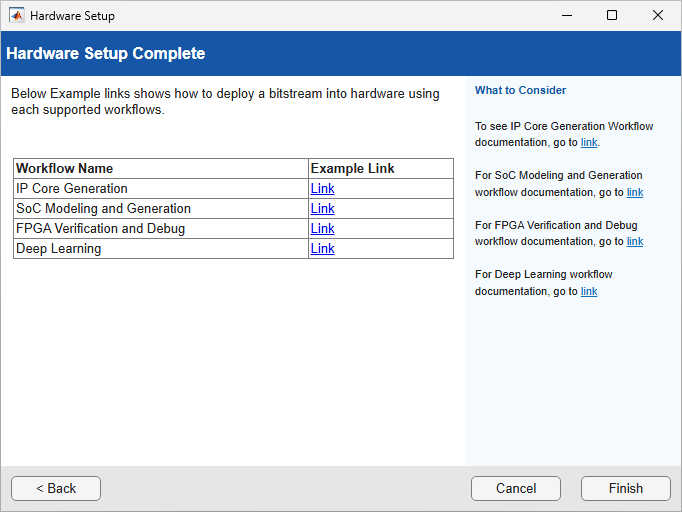
Verify Configuration of Hardware Board
On the Verify Configuration of Your Intel SoC Hardware Board page, you can verify the connection between the hardware board and your computer. Click Verify. After after verification completes, the wizard displays a message indicating that the hardware setup is complete.
You can skip this step if the connections to your board and development computer is already verified. Click, Next.
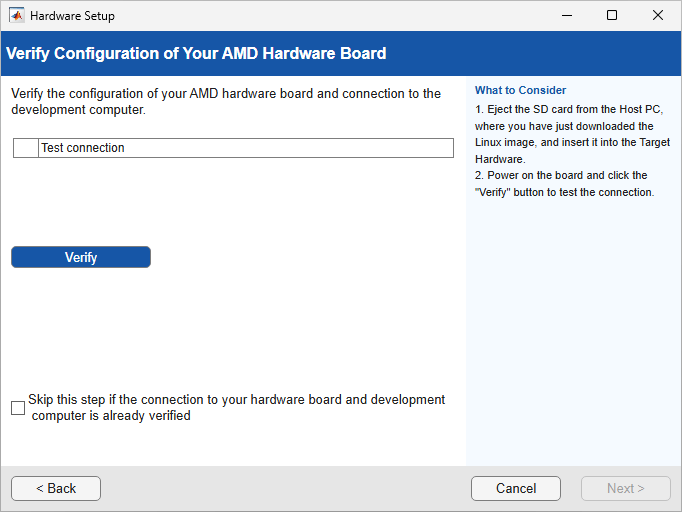
Open Examples
On the Hardware Setup Complete page, you can optionally open example models. These examples demonstrate example workflows. Click Examples to launch example in MATLAB®.