对模块进行参数化以符合制造商规格
使用 Simscape™ Electrical™ 和制造商提供的数据来表示电气组件。
要表示特定制造商的组件,请使用模块参数化管理器工具中支持内置部件的模块。
要表示无源器件和半导体器件,请在 MATLAB® 中运行 SPICE 网表,在 SPICE 和 Simscape Electrical 中运行联合仿真,或将 SPICE 网表中的参数值导入到 Simscape 中。
要表示各种各样的组件,请导入或指定从数据手册获取的值。
函数
generateSemiconductorSubcircuitROM | Generate reduced-order model of semiconductor switch by running SPICE (自 R2025a 起) |
ee.spice.diodeSubcircuit2lookup | Generate lookup table data for two-terminal device by running SPICE (自 R2023a 起) |
ee.spice.semiconductorSubcircuit2lookup | Generate lookup table data for three- or four-terminal device by running SPICE (自 R2022a 起) |
subcircuit2ssc | Convert SPICE subcircuit to custom Simscape component |
ee_importDeviceParameters | 从 Hitachi、Infineon 或 Wolfspeed XML 数据手册中导入理想半导体模块参数 (自 R2021b 起) |
Simscape 模块
| SPICE-Imported MOSFET | MOSFET with built-in parts parameterized from SPICE subcircuit |
| SIMetrix Cosimulation Interface | Interface to cosimulate Simscape Electrical and SIMetrix models (自 R2025a 起) |
主题
- Simscape Electrical Part Collection
List of available parts in the Simscape Electrical part collection.
- Converting a SPICE Netlist to Simscape Blocks
Convert subcircuits defined in a SPICE netlist to equivalent Simscape blocks.
- Parameterize MOSFET from Data Sheet and Create Part Collection
Parameterize a MOSFET (Ideal, Switching) block using data from a manufacturer data sheet and create a part collection. (自 R2026a 起)
- Parameterizing Blocks from Data Sheets
Overview of techniques used to specify block parameters to match the data from manufacturer data sheets.
- Additional Parameterization Workflows
Additional ways to parameterize and validate your model, including using a test harness, tuning parameters, and building an equivalent model.
- Machine Parameterization
Specify machine parameters using standard or fundamental parameterization methods.
精选示例
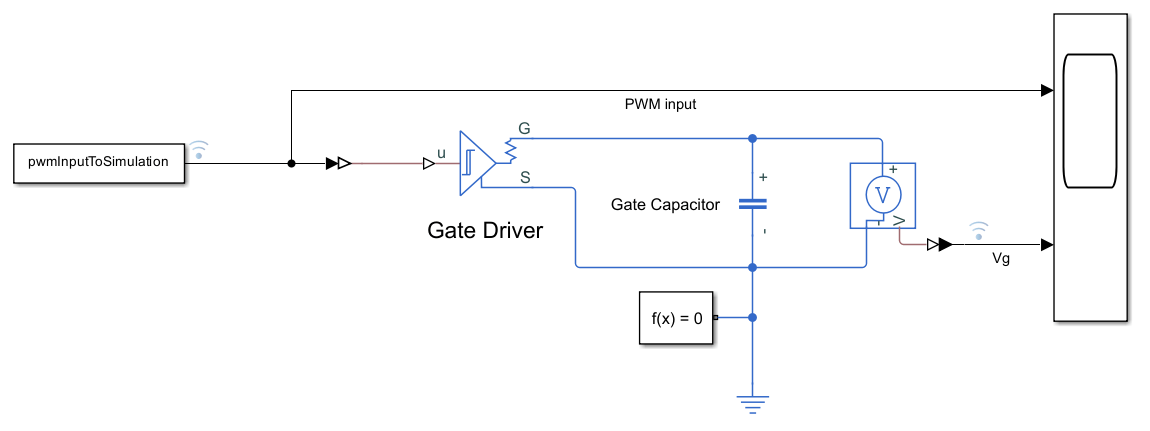
Parameterize Gate Driver from SPICE Netlist
Parameterize the Simscape Electrical Gate Driver block from a manufacturer netlist using LTspice.
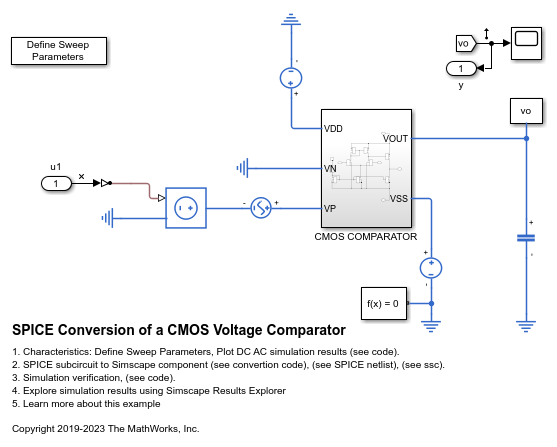
SPICE Conversion of a CMOS Voltage Comparator
A typical implementation of a CMOS voltage comparator and how you can convert a SPICE subcircuit to a Simscape™ component using the subcircuit2ssc function. You can use CMOS voltage comparators in analog to digital converter (ADC) or relaxation oscillator circuits.

Troubleshoot a SPICE Conversion of an IGBT Subcircuit
Troubleshoot the conversion of a SPICE insulated gate bipolar transistor (IGBT) subcircuit and convert it into an equivalent Simscape™ component. The subcircuit2ssc function converts all the subcircuit components inside a SPICE netlist file into one or more equivalent Simscape files. However, in some cases, you must manually edit the original SPICE netlist.
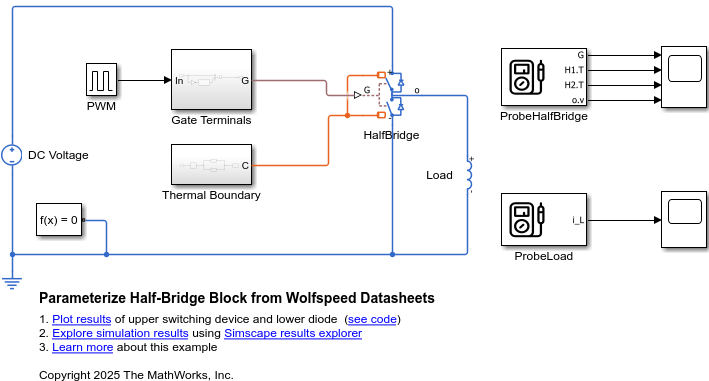
Parameterize Half-Bridge Block from Wolfspeed Datasheets
Import the device parameters from Wolfspeed® datasheets for MOSFETs and diodes into a Half-Bridge (Ideal, Switching) block.
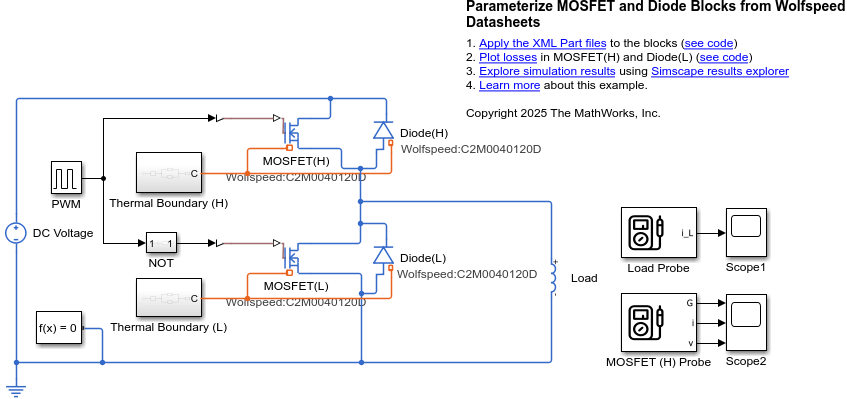
Parameterize MOSFET and Diode Blocks from Wolfspeed Datasheets
Automatically apply parameterizations from Wolfspeed® datasheets to tabulated MOSFET (Ideal, Switching) and Diode blocks in Simscape™ Electrical™.
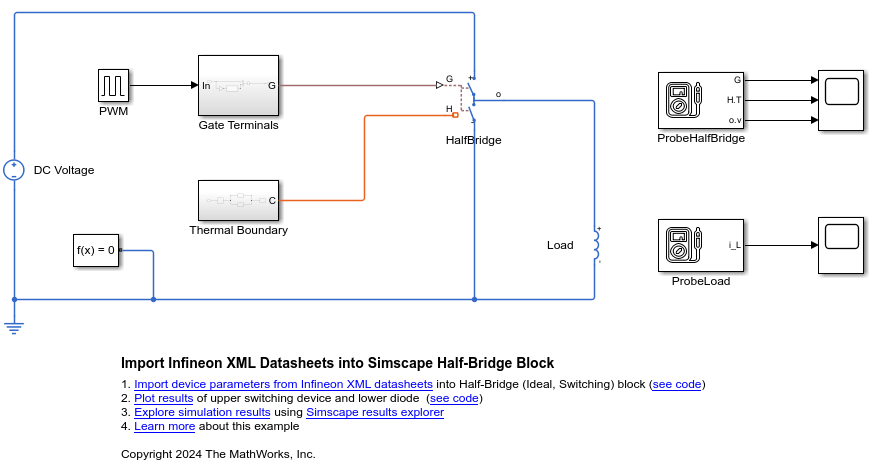
Import Infineon XML Datasheets into Simscape Half-Bridge Block
Import device parameters from Infineon® datasheets for IGBTs and diodes into a Half-Bridge (Ideal, Switching) block.
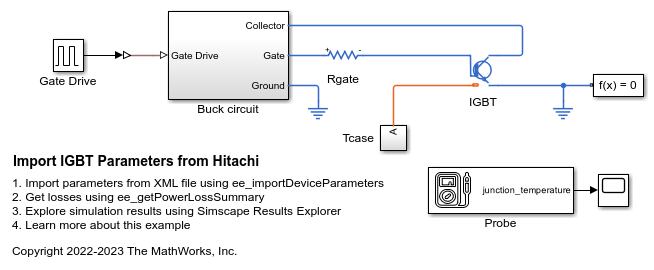
Import IGBT Parameters from Hitachi
Import parameters from a Hitachi IGBT module and save them in an IGBT(Ideal, Switching) block. The Hitachi IGBT parameters are stored in an XML file in the hitachi format.
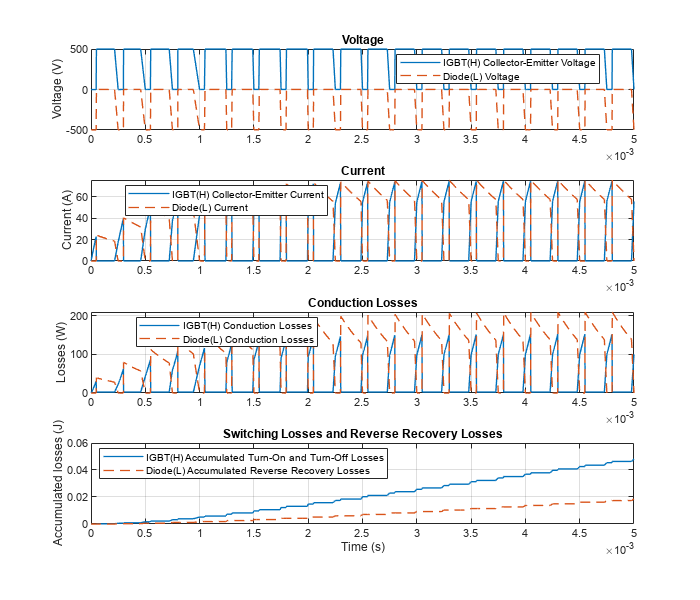
Import Infineon XML Parts into Simscape IGBT and Diode Blocks
Automatically apply parameterizations from Infineon datasheets to tabulated IGBT (Ideal, Switching) and Diode blocks in Simscape™ Electrical™.
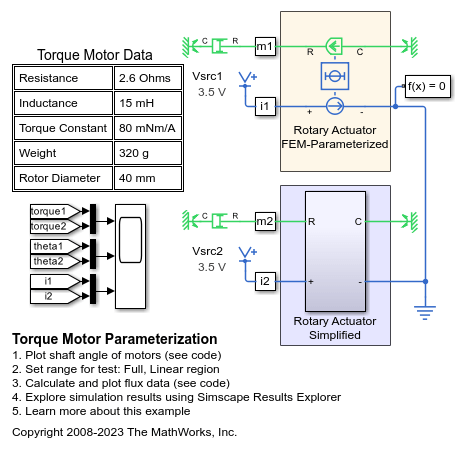
Torque Motor Parameterization
How manufacturer data for torque as a function of current and angle can be used to model a torque motor. The datasheet shows linear characteristics for rotor angles between 20 and 70 degrees and for currents where saturation does not occur. Data in this range is used to parameterize the simplified model of the torque motor. Using MATLAB® to process the data points extracted from the datasheet, we can convert manufacturer data into motor parameters that are often obtained from finite element software.

