setup
R2026bPrepare UAV scenario for simulation
Syntax
Description
Examples
Create a UAV scenario.
scene = uavScenario("UpdateRate",100,"StopTime",1);
Add the ground and a building as meshes.
addMesh(scene,"Polygon", {[-50 0; 50 0; 50 50; -50 50], [-3 0]}, [0.3 0.3 0.3]);
addMesh(scene,"Cylinder", {[10 5 5], [0 10]}, [1 1 0]);
Create a UAV platform with a specified waypoint trajectory in the scenario. Define the mesh for the UAV platform.
traj = waypointTrajectory("Waypoints", [0 -20 -5; 20 0 -5], "TimeOfArrival", [0  1]);
uavPlat = uavPlatform("UAV",scene,"Trajectory", traj);
updateMesh(uavPlat,"quadrotor",{10},[1 0 0],eul2tform([0 0 0]));
Simulate and visualize the scenario.
setup(scene);
while advance(scene)
    show3D(scene);
    drawnow update
end
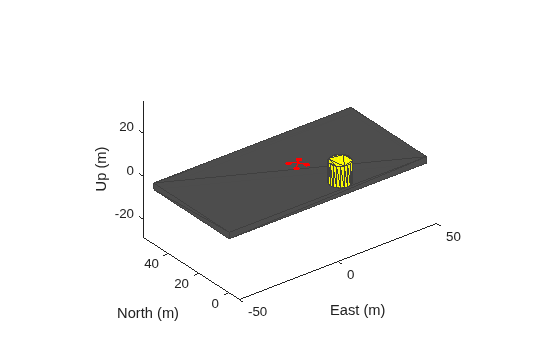
restart(scene);
Input Arguments
Version History
Introduced in R2020b

