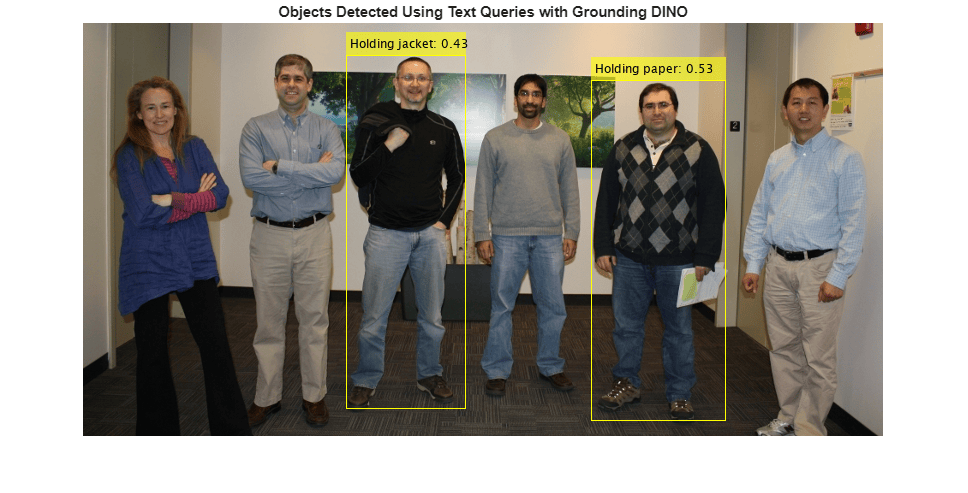
Perform Zero-Shot Object Detection Using Grounding DINO
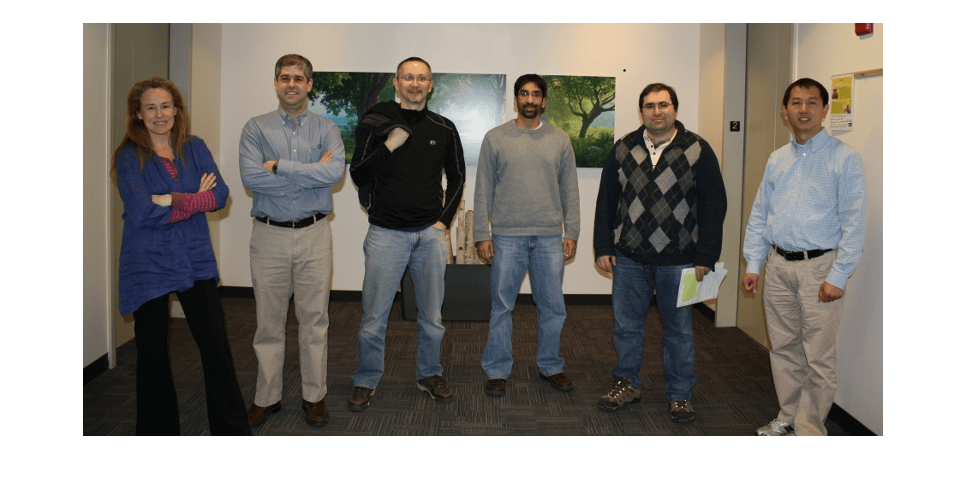
R2026bRead an input image into the workspace.
I = imread("visionteam.jpg");Display the input image.
figure
imshow(I)
Create a Grounding DINO object detector using the Swin-Base network as the backbone network.
name = "swin-base";
detector = groundingDinoObjectDetector(name);
Specify the class names for the detector to use as output labels for the detection results.
labels = {'Holding paper','Holding jacket'};Specify the class descriptions for the detector to use as text queries for performing object detection.
descriptions = {'Person holding paper','Person holding jacket'};Detect objects in the image using the specified class names and descriptions.
[bboxes,scores,labels] = detect(detector,I,ClassNames=labels,ClassDescriptions=descriptions);
Format the detected labels and scores for image annotation.
outputLabels = compose("%s: %.2f",string(labels),scores);Annotate the detected objects in the image.
detections = insertObjectAnnotation(I,"rectangle",bboxes,outputLabels);Display the image, annotated with the detection results.
imshow(detections)
title("Objects Detected Using Text Queries with Grounding DINO")