Embedded Coder Support Package for Service-Oriented Applications on Linux
R2026bEmbedded Coder® Support Package for Service-Oriented Applications on Linux 使您能够从 Simulink® 模型生成代码,将独立应用程序打包并部署到 Linux 目标计算机,并实时标定正在运行的应用程序。您可以从单台开发计算机同时与多台目标计算机交互。
您可以使用支持包将这些类型的模型部署到 Linux 目标计算机:
使用软件组件设计器配置的软件组件模型
使用软件组件设计器配置的软件架构模型
DDS Blockset 模型
AUTOSAR Adaptive 软件组件模型
AUTOSAR Adaptive 软件架构模型
Embedded Coder Support Package for Service-Oriented Applications on Linux 支持:
打包并部署到 x86_64、ARM64 和 WSL2 目标
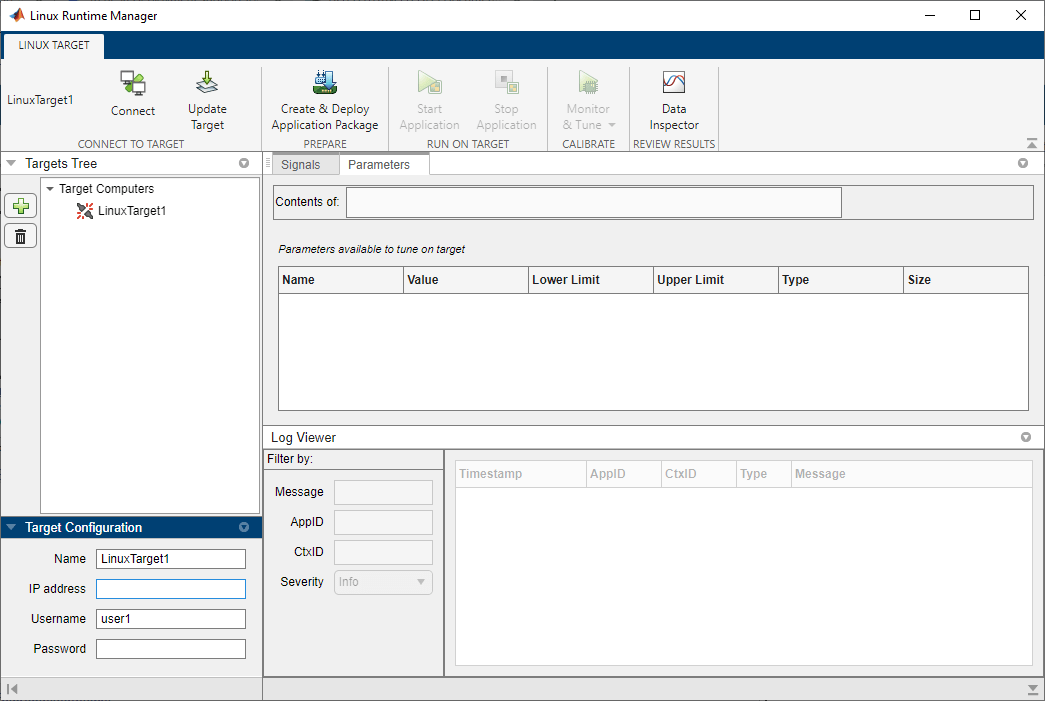
用于管理多台目标计算机上应用程序的 Linux 运行时管理器
信号插桩和参数调节
外部模式仿真
用于应用程序和系统消息的日志查看器
Linux 运行时管理器应用程序在开发计算机上运行,使您能够管理多台目标计算机上的应用程序。您可以从 Linux 运行时管理器中应用大多数支持包功能。
要开始使用,请安装支持包并设置目标计算机。有关详细信息,请参阅安装 Embedded Coder Support Package for Service-Oriented Applications on Linux。
由于支持包通过 SSH 和网络端口与远程目标计算机通信,请遵循以下最佳做法以降低安全风险:
只允许可信 IP 地址访问主机和目标计算机。
在主机和目标计算机之间使用由专用路由器构建的私有网络。
只允许必要的用户访问部署位置。
对象
linux.Targets | 用于管理目标计算机的接口 (自 R2022b 起) |
linuxTarget | Interface for managing target computer (自 R2024a 起) |
App
| Linux 运行时管理器 | 部署和原型化面向服务的架构 (SOA) 应用程序组件 (自 R2022b 起) |
函数
主题
- 安装 Embedded Coder Support Package for Service-Oriented Applications on Linux
安装 Embedded Coder Support Package for Service-Oriented Applications on Linux 的步骤。
- 设置 Linux 目标计算机
设置目标计算机。
- 编译 Simulink 模型并部署应用程序
编译 Simulink 模型并将应用程序部署到目标计算机。
- Tune Parameters and Measure Signal Data for Deployed Applications
Tune parameters and measure signal data as application runs on target computer.
- Calibrate Service-Oriented Application
Tune parameters and monitor signals on a running service-oriented application deployed to a Linux target.
- Analyze Logged Messages
View, filter, and analyze log messages by using the Linux Runtime Manager application or the command line.
- External Mode Simulation of Deployed Applications
Use external mode simulation to tune parameters and monitor signals in real time for applications deployed to a Linux target.
- Troubleshooting
Troubleshoot problems that you encounter while using the Embedded Coder Support Package for Service-Oriented Applications on Linux.
精选示例
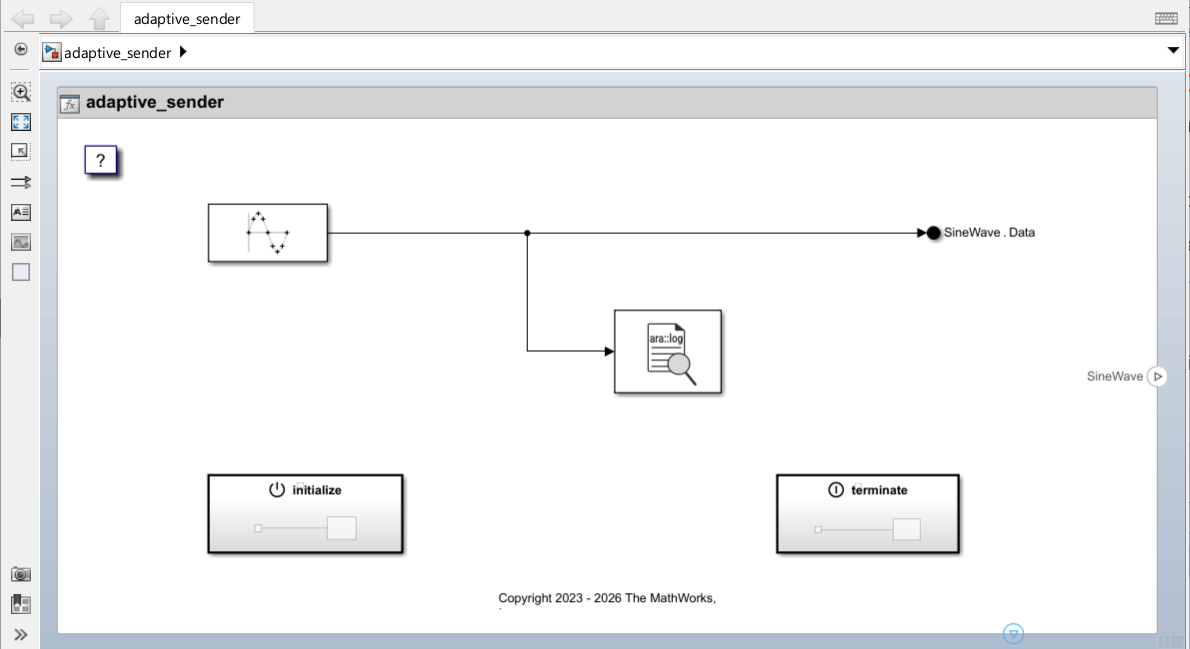
Embedded Coder Support Package for Service-Oriented Applications on Linux 快速入门
此示例说明如何使用 Embedded Coder® Support Package for Service-Oriented Applications on Linux® 在 Linux 目标计算机上部署应用程序。
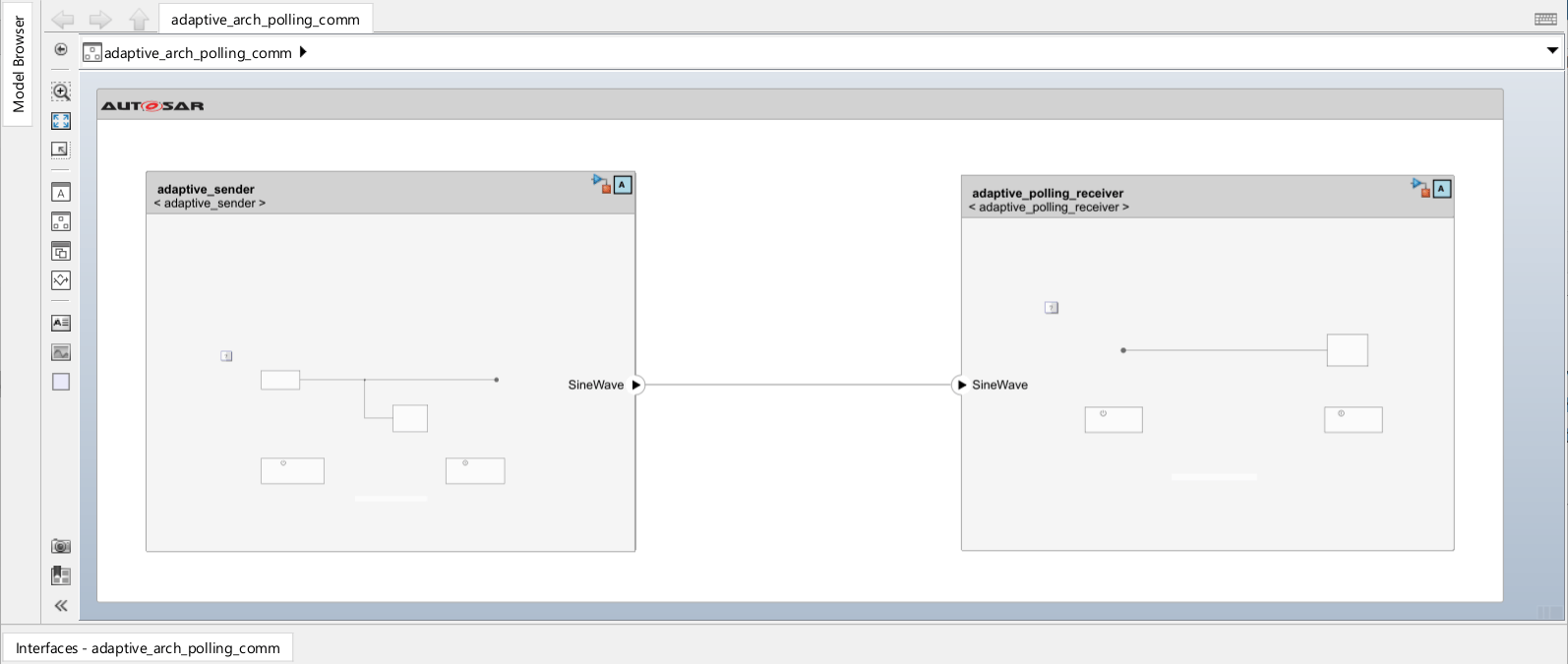
Event Communication Between AUTOSAR Adaptive Applications Using Periodic Reception
Deploy two AUTOSAR adaptive applications that use events to communicate with each other in periodic (rate-based) reception mode.
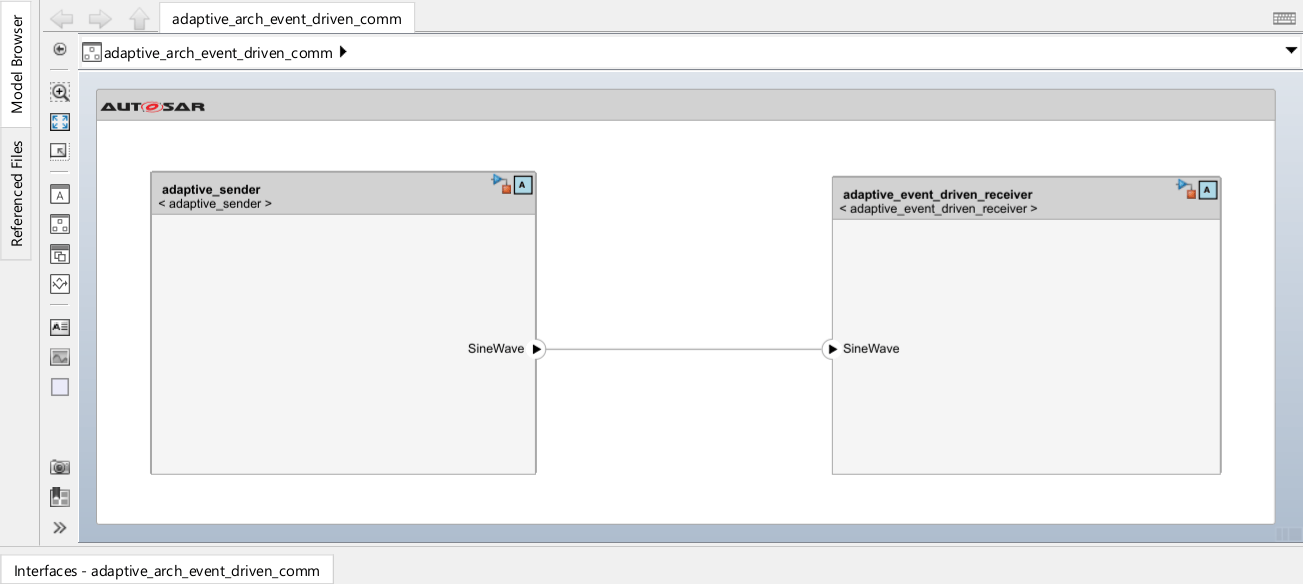
Event Communication Between AUTOSAR Adaptive Applications Using Event Driven Approach
Deploy two AUTOSAR adaptive applications and use events to communicate with each other in message triggering mode.
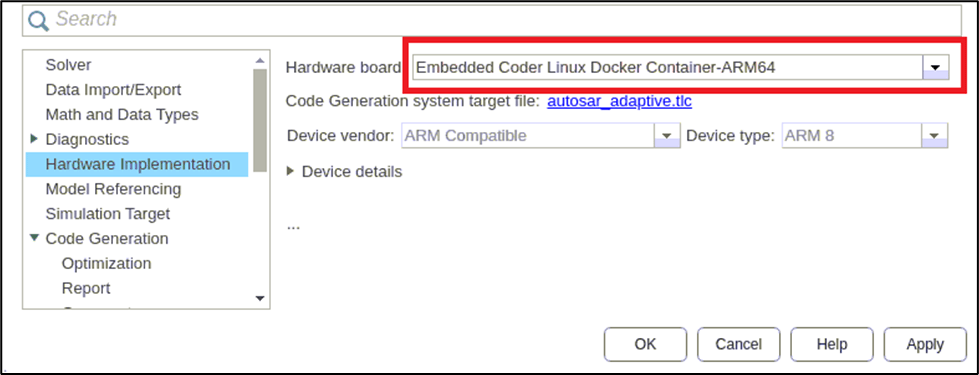
Deploy AUTOSAR Adaptive Application on Linux ARM64 Machine
Deploy an AUTOSAR adaptive model on a Linux ARM64 target machine using the Embedded Coder® Support Package for Linux Applications.
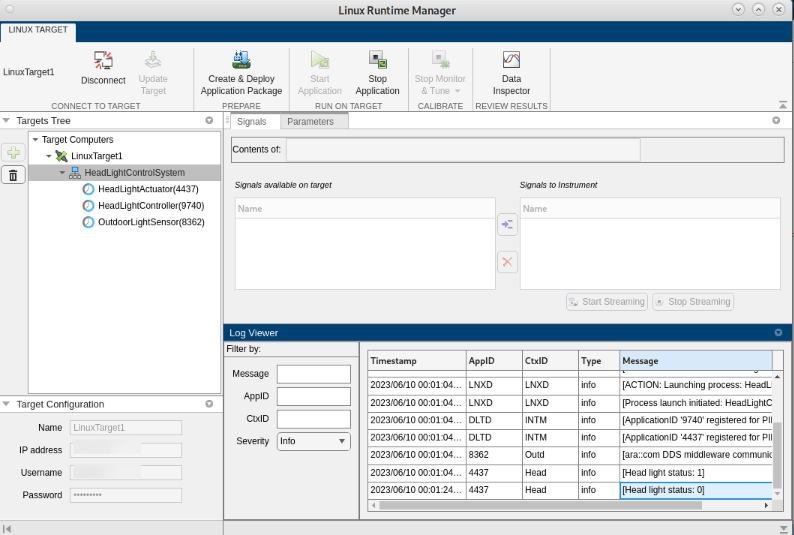
Deploy AUTOSAR Adaptive Architecture Model
Deploy an AUTOSAR(R) adaptive architecture model to a Linux(R) target and use external mode to monitor and tune a component using AUTOSAR Blockset(TM) and Embedded Coder(R). You deploy a headlight control system where three components communicate through adaptive events and methods, then use external mode to calibrate sensor thresholds while observing the end-to-end adaptive communication.
Deploy Over-the-Air Updates to Linux Target
Use over-the-air (OTA) updates with the Embedded Coder(R) Support Package for Service-Oriented Applications on Linux(R) to update deployed AUTOSAR(R) adaptive applications on a target machine. OTA updates enable remote software deployment without physical access to the device, using an Eclipse(TM) hawkBit server to roll out updates to target machines.

