管理试验
R2026a设计计算试验以运行 MATLAB® 代码
使用试验管理器创建计算试验,这些试验使用一系列参数值运行您的 MATLAB 代码,自动更改您的试验工件,并对结果进行比较。要快速入门,请参阅Explore Parameters Using Simple Computational Experiment。
本页包含有关使用试验管理器的一般信息。有关 AI 工作流试验的信息,请参阅试验管理器 (Deep Learning Toolbox)。
App
| 试验管理器 | Explore parameters in your MATLAB code and compare experiment results (自 R2023b 起) |
主题
配置试验
- Explore Parameters Using Simple Computational Experiment
Interactively explore parameters in your MATLAB code and organize the results by using the Experiment Manager app. (自 R2023b 起) - Visualize Experiment Results with Plots
Generate plots to visualize your experiment trial results by including plotting code in the experiment function. (自 R2023b 起) - Configure Experiment to Solve Ordinary Differential Equations Using Template
Set up an experiment to solve ordinary differential equations using a provided experiment template. (自 R2024b 起) - Debug General-Purpose Experiments
Diagnose problems in your experiment function. - Keyboard Shortcuts for Experiment Manager
Navigate Experiment Manager using only your keyboard.
减少试验执行时间
- Optimize Experiment Performance Using Initialization Function
Improve the performance of your experiment trials by moving setup code into an initialization function. (自 R2023b 起) - Run Experiments in Parallel
Run multiple simultaneous trials or one trial at a time on multiple workers. - Offload Experiments as Batch Jobs to a Cluster
Run experiments on a cluster so you can continue working or close MATLAB.
相关信息
精选示例
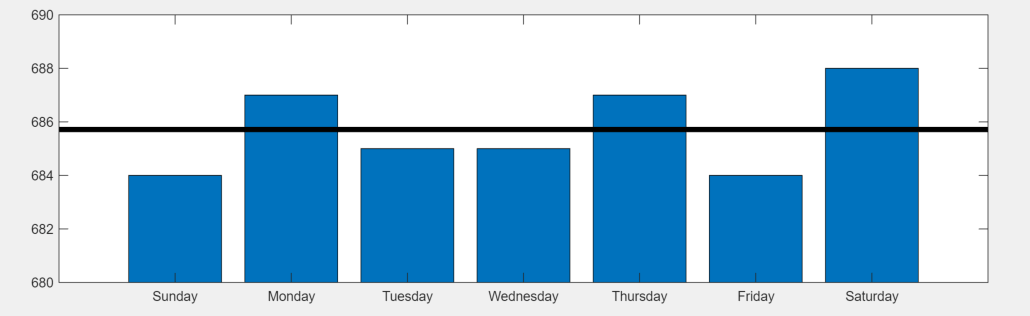
Convert MATLAB Code into Experiment
Convert your existing MATLAB code into an experiment that you can run using the Experiment Manager app.
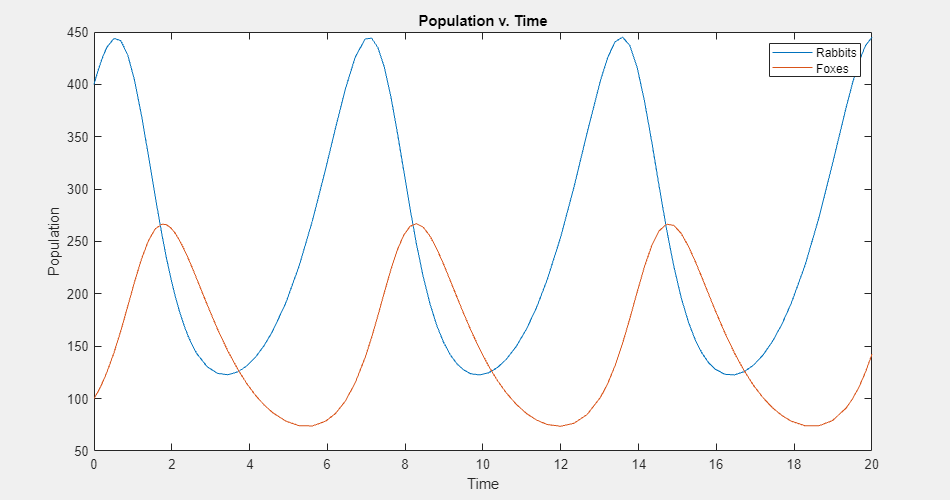
Experiment with Predator-Prey Equations
Explore different coefficients and initial values for a system of differential equations.
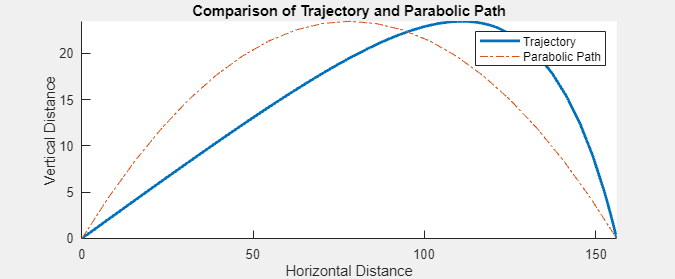
Compare Air Resistance Models for Projectile Motion
Calculate projectile trajectories assuming different models for air resistance.

