Manage Experiments
R2026bUse the Experiment Manager app to create computational experiments that run your MATLAB code using a range of parameter values, automatically manage your experiment artifacts, and compare results. Once you create an experiment in Experiment Manager, you can also run the experiment and analyze its results programmatically. To get started, see Explore Parameters Using Simple Computational Experiment. For information about experiments for your AI workflows, see Experiment Manager (Deep Learning Toolbox).
Apps
| Experiment Manager | Explore parameters in your MATLAB code and compare experiment results (Since R2023b) |
Functions
runExperiment | Run experiment from project (Since R2026b) |
experimentNames | List experiment names in project (Since R2026b) |
experimentResultNames | List result names for experiment (Since R2026b) |
openfig | Open visualizations for experiment trial (Since R2026b) |
Objects
ExperimentResult | Result of executed experiment (Since R2026b) |
ExperimentTrial | Outcome of experiment trial (Since R2026b) |
Topics
Configure Experiment
- Explore Parameters Using Simple Computational Experiment
Interactively explore parameters in your MATLAB code and organize the results by using the Experiment Manager app. (Since R2023b) - Visualize Experiment Results with Plots
Generate plots to visualize your experiment trial results by including plotting code in the experiment function. (Since R2023b) - Configure Experiment to Solve Ordinary Differential Equations Using Template
Set up an experiment to solve ordinary differential equations using a provided experiment template. (Since R2024b) - Debug General-Purpose Experiments
Diagnose problems in your experiment function. - Keyboard Shortcuts for Experiment Manager
Navigate Experiment Manager using only your keyboard.
Run Experiments Programmatically
- Run Experiment and Analyze Results Programmatically
Run an experiment, and access and analyze the results without opening the Experiment Manager app. (Since R2026b)
Reduce Experiment Execution Time
- Optimize Experiment Performance Using Initialization Function
Improve the performance of your experiment trials by moving setup code into an initialization function. (Since R2023b) - Run Experiments in Parallel
Run multiple simultaneous trials or one trial at a time on multiple workers. - Offload Experiments as Batch Jobs to a Cluster
Run experiments on a cluster so you can continue working or close MATLAB.
Related Information
Featured Examples
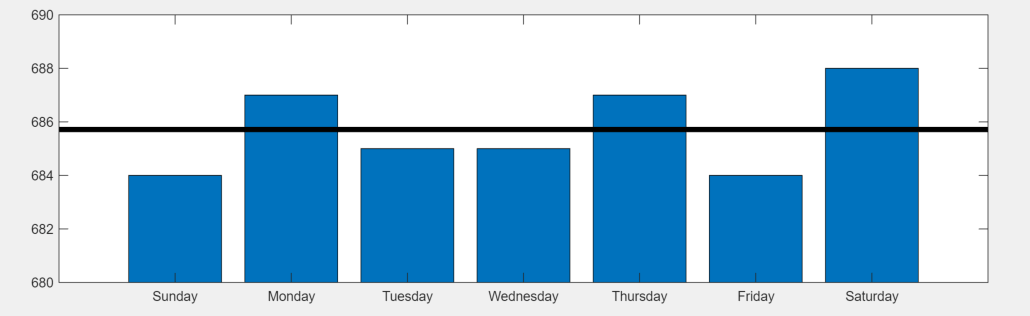
Convert MATLAB Code into Experiment
Convert your existing MATLAB code into an experiment that you can run using the Experiment Manager app.
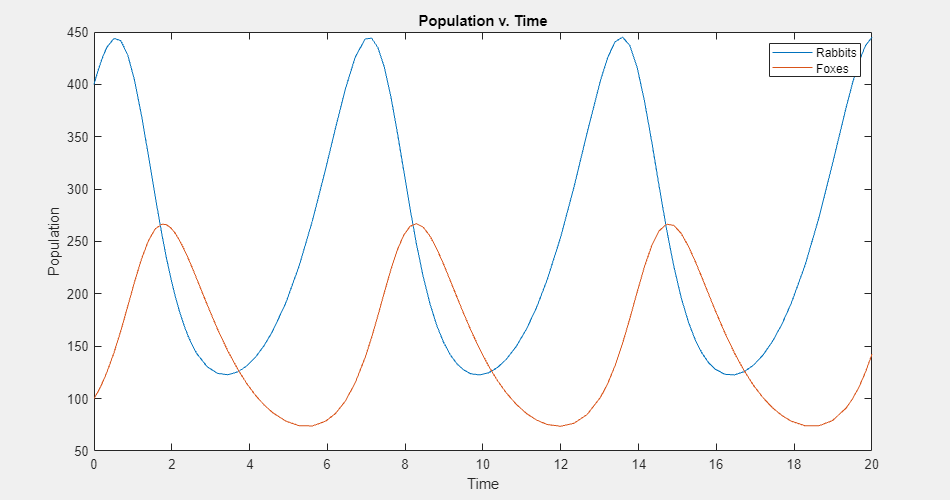
Experiment with Predator-Prey Equations
Explore different coefficients and initial values for a system of differential equations.
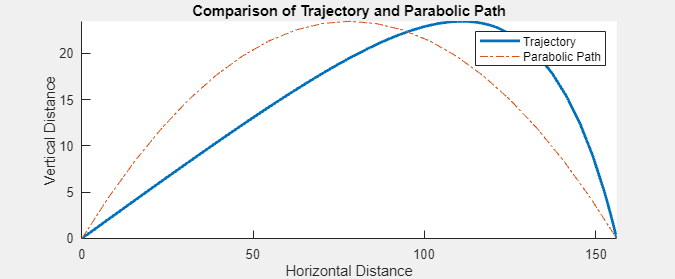
Compare Air Resistance Models for Projectile Motion
Calculate projectile trajectories assuming different models for air resistance.

