Signal Monitoring and Parameter Tuning
Configure communication between the host and the target hardware. Simulink® model is deployed as a C code on the hardware.
You can generate optimized code for TI’s C2000™ microcontrollers for real-time and interrupt-driven execution of code and perform real-time signal monitoring, parameter tuning, and processor-in-the-loop (PIL) testing with Embedded Coder®.

Topics
Host and Target Communication
- Set Up Serial Communication with Target Hardware
Establish the serial communication between the host computer and the C2000™ target hardware. - Set Up CAN Communication with Target Hardware
Configure CAN communication between the target hardware and your host computer.
Real-time Signal Monitoring and Parameter Tuning
- Realtime Data Logging with Two-Model Approach
Log data in realtime with two model approach. - Load Data/Code to Flash and Run from RAM on TI C2000
Execute performance-sensitive functions in RAM instead of ROM on TI C2000 processors. - Enhance Code Execution Speed in TI C2000 Simulink Applications
Optimize code for efficient execution. - Measuring Code Execution Time on TI C2000 Using Custom Code Blocks
Use custom code blocks to measure code execution time. - Signal Monitoring and Parameter Tuning over XCP on Serial
Use your host computer to monitor and control an application running on the target hardware. - Signal Monitoring and Parameter Tuning over XCP on CAN
Use XCP-based External mode simulation over CAN for calibrating parameters. - Signal Monitoring and Parameter Tuning over XCP on TCP/IP
Use your host computer to monitor and control an application running on the target hardware. - Code Execution Profiling on Texas Instruments C2000
Profiling on Texas Instruments® C2000 hardware. - Exploring TI C2000 Toolchain Options
Utilize TI C2000 toolchains like COFF ABI, EABI, and ARM® to generate code. - Summary of Profiling Techniques
Compare different profiling techniques based on your specific requirements and hardware capabilities.
Troubleshooting
Troubleshooting External Mode Issues
Troubleshoot the problems when you try to execute TI C2000 Simulink model in External Mode.
Optimizing Baud Rate Settings for External Mode Communication
Optimize baud rates of SCI-A, on-board FTDI, and windows COM port for external mode communication.
Featured Examples

Parameter Tuning and Signal Logging with Serial Communication
Perform parameter tuning and data logging with a Simulink® model running in Texas Instruments™ C2000™ targets.
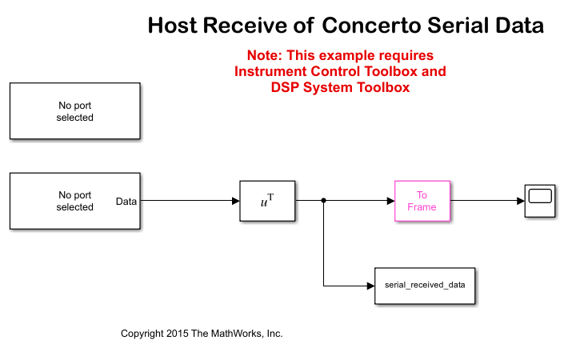
Serial Data Communication on F28M3x Concerto between ARM, C28x and the Host Computer
Use C2000™ Microcontroller Blockset for serial data exchange between the host computer and the target as well as serial data exchange between the ARM and c28x core.
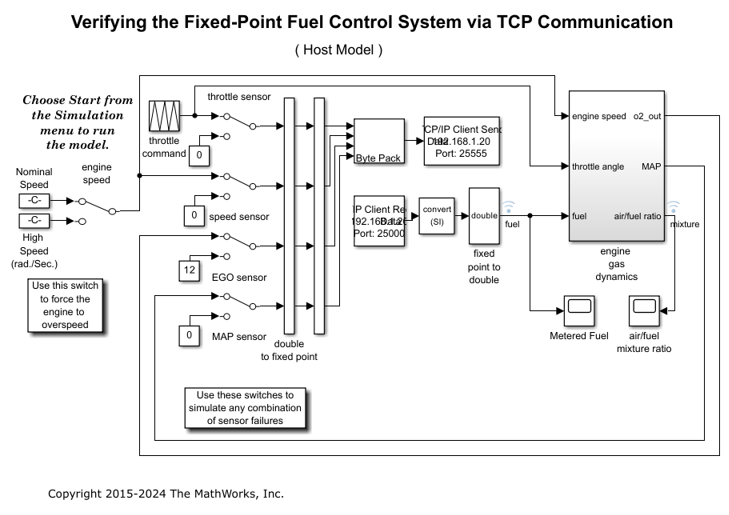
Exchanging Ethernet Data with the F28M3x Concerto Processor
Use C2000™ Microcontroller Blockset to send and receive UDP and TCP messages using the ARM Cortex-M3 core of F28M3x Concerto processor.
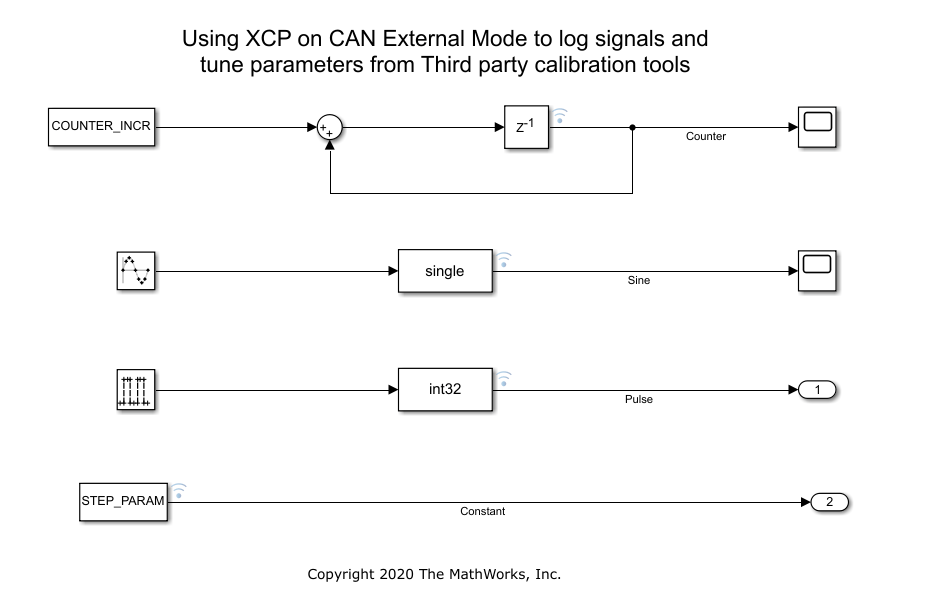
Calibrate ECU Parameters from Third-party Calibration Tools Using XCP-Based CAN Interface
Monitor signals and tune parameters of a Simulink® model on Texas Instruments® C2000™ board using XCP-based CAN Interface.
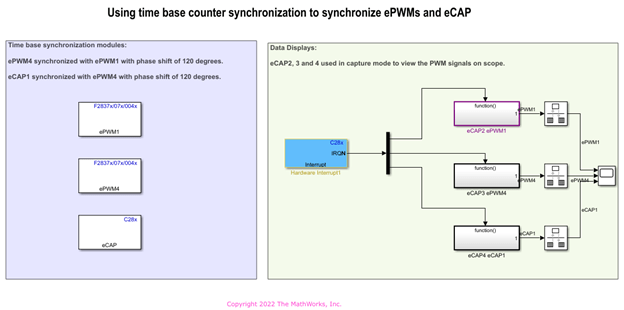
Signal Monitoring and Parameter Tuning Over XCP-based CAN Interface
Monitor signals and tune parameters of a Simulink® model on Texas Instruments® C2000™ board using XCP-based CAN Interface.

Code Execution Profiling on Texas Instruments C2000 Targets in XCP External Mode
Use for Texas Instruments™ C2000™ Microcontroller Blockset to profile real-time execution of the generated code running as an executable on a Texas Instruments C2000 board with XCP on Serial and XCP on TCP/IP Interface.

Signal Logging and Parameter Tuning in XCP External Mode with Packed Mode
Perform parameter tuning and data logging with a Simulink® model enabled with Packed Mode running on Texas Instruments™ C2000™ targets.
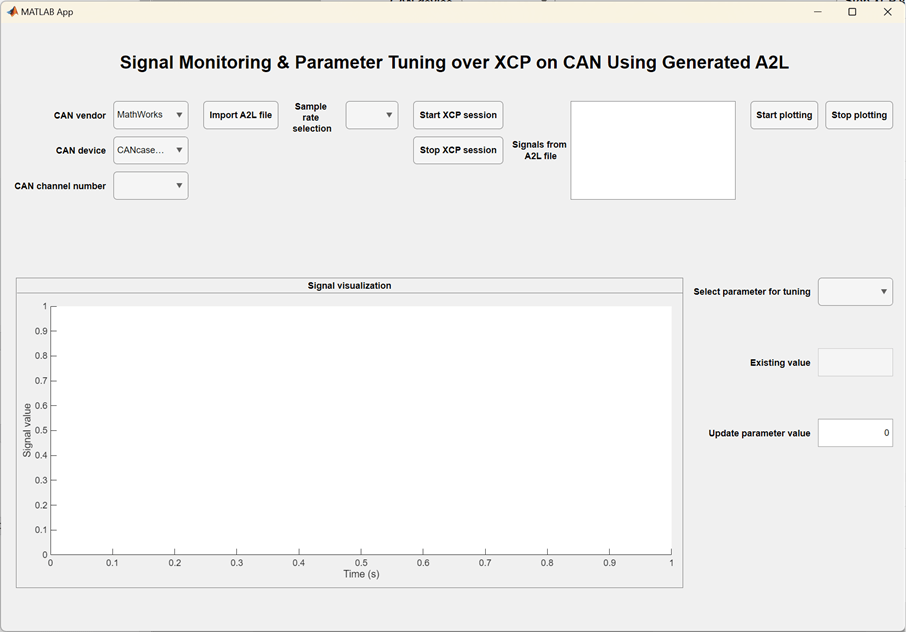
Signal Monitoring and Parameter Tuning over XCP on CAN Using Generated A2L
Build a standalone system application that uses a generated A2L file for signal monitoring and parameter tuning over XCP on CAN. You can then use MATLAB® Compiler™ to deploy the standalone application for logging and fine-tuning of parameters using XCP, independent of MATLAB and Simulink®.