Design of Experiments
R2026bDesign of experiments is crucial for the efficient collection of data for complex powertrain systems. Model-Based Calibration Toolbox™ offers a full range of proven experimental designs, including space-filling, optimal, and classical designs. You can define operating constraints, and generate test points using statistical design of experiments methods. You can augment existing designs and visually compare designs. Use the experimental design to define the test points to run in a test facility. You then bring the test data into Model-Based Calibration Toolbox to develop empirical models.
To get started with interactive design creation, see Set Up Design Inputs. When you know what design type you need, you might want to automate with a script. To learn more, see Automate Design and Modeling with Scripts.
Apps
| MBC Model Fitting | Create experimental designs and statistical models for model-based calibration |
Functions
Topics
- Design of Experiments Overview
Use Design of Experiments to create an efficient test to collect data for your system.
- About the Design Editor
Open the Design Editor and use the display functionality.
- Create a Design
Set up a project session, open the Design Editor, and create a new design.
- Define Design Constraints
Import boundary constraints, or create ellipsoid, hyperplane, and lookup table constraints.
- Manipulate Designs
Add design points, merge designs, and fix designs.
- Use the Prediction Error Variance Viewer
Use the Prediction Error Variance Viewer to explore the predictive power of your designs.
- Save, Export, and Import Designs
Export and import your designs using file, comma-separated values, or workspace formats.
- Fit Models to Collected Design Data
After you collect data at your design points, import data and fit models.
Featured Examples
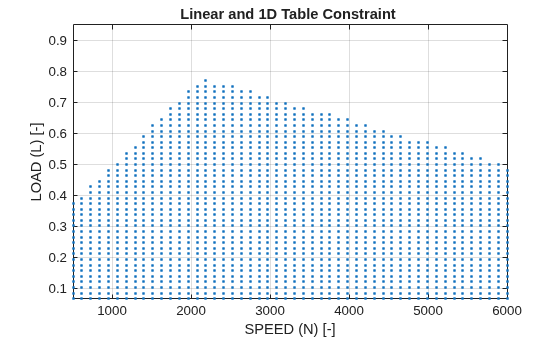
Create and Apply Constraints
Create and apply constraints to a design using the command-line interface.
Gasoline Case Study Design of Experiment
Design an experiment for the gasoline case study using the command-line interface.
Point-by-Point Modeling for a Diesel Engine
Use command-line functionality for point-by-point diesel engine modeling projects.
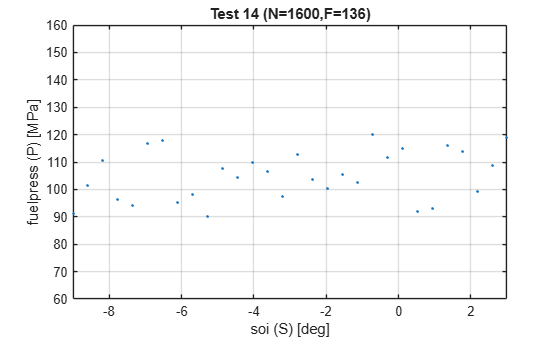
Create Local Designs
Generate local designs at each global operating point using the command-line interface.
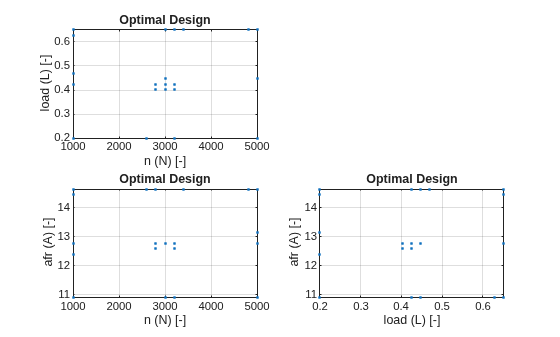
Create Optimal Designs
Create an optimal design for a polynomial model using the command-line interface.
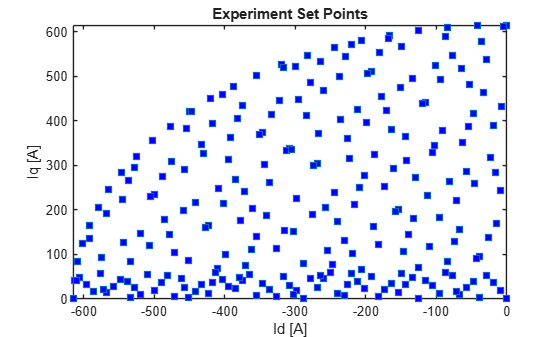
Create Design of Experiments for PMSM and Run Design Study
Create Design of Experiments for permanent magnet synchronous motor and run design study.

