Rolling Vineyard
R2026bDescription
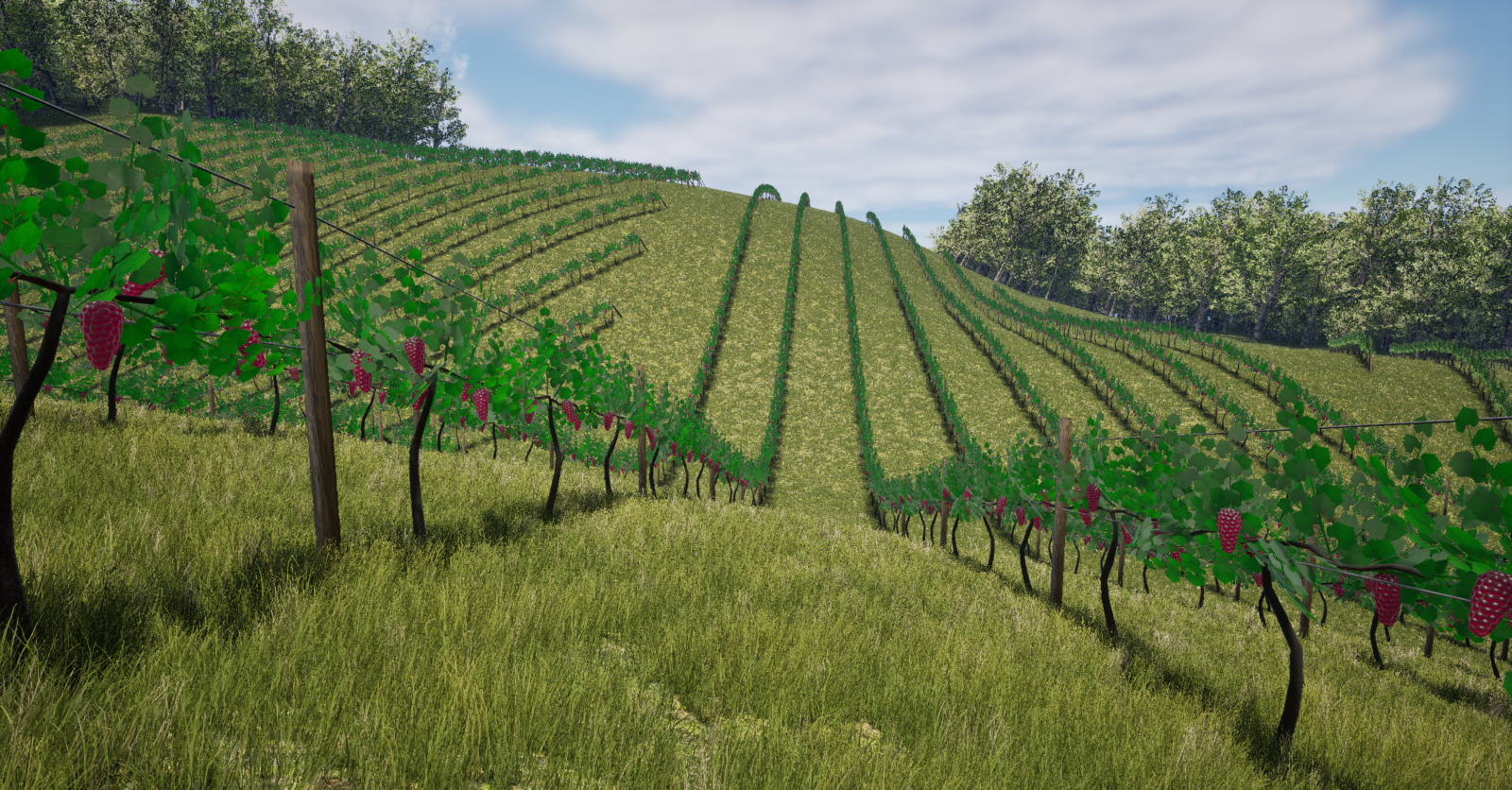
The Rolling Vineyard scene is an Unreal Engine® environment of a vineyard on rolling hills that consists of these elements:
Vine Blocks — Central focus of farming operations within the scene. There are three blocks of red grapes and one block of green grapes. Rows of vines are placed along sloping hills for maximal sun exposure.
Entry and Exit Areas — Agricultural equipment access points for entering and exiting each vine block.
Headland Areas — Free spaces at the end of each block for tractors and other heavy machinery to turn around.
Access Lanes — Engineered pathways facilitating the movement of agricultural vehicles between contiguous vine blocks.
Hedge Trees — Dense tree blocks demarcating the inner boundaries of the vineyard that act as year-round windbreaks.
Buffer Zones — Unplanted areas at the outer boundaries of the vineyard separating it from adjoining farms.
The scene is rendered using the Unreal Engine from Epic Games®.
Setup
To simulate offroad algorithms in the Rolling vineyard scene:
Check which scenes are installed on your local machine.
sim3d.maps.Map.local
If the table does not contain
"Rolling vineyard", then download the scene from the map server.sim3d.maps.Map.download("Rolling vineyard")Add a Simulation 3D Scene Configuration block to your Simulink® model.
In this block, set the Scene source parameter to
Default Scenes.Set the Scene name parameter to the
Rolling
              vineyard
.
Layout
The layout follows the Unreal Engine coordinate system, which follows the left-hand rule world coordinate system. For more information, see Coordinate Systems for Unreal Engine Simulation in Robotics System Toolbox.
| Top-Down View | Perspective View |
|---|---|
|
|
|
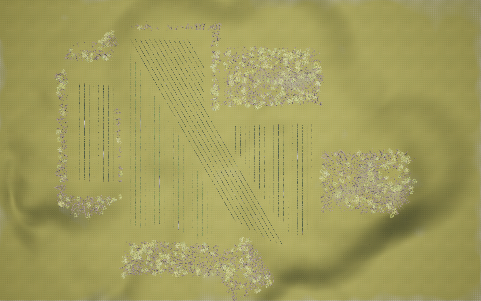
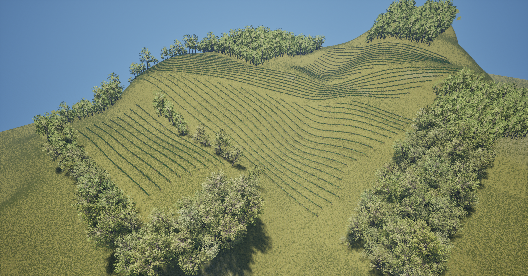
This figure shows the recommended starting locations, the perimeter points that define each of the vineyard blocks, and the tree borders.
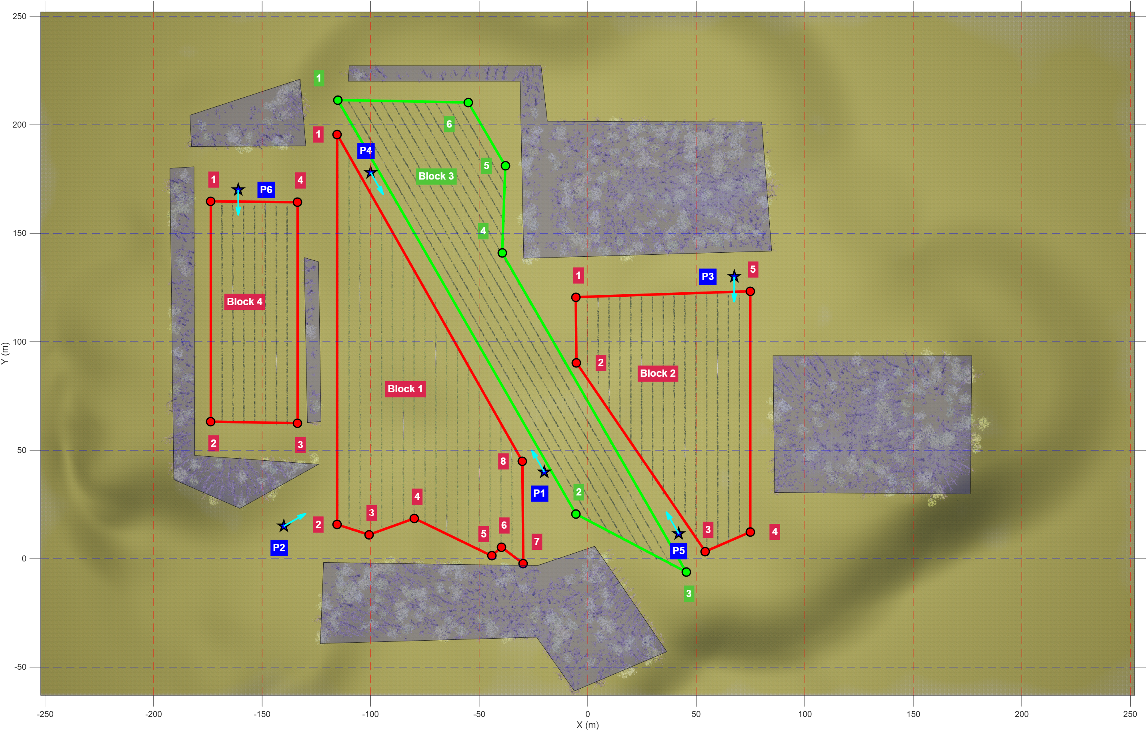
This table shows the perimeter points that define each shape of each vineyard block. Note that the space between each pair of trellis rows in a vineyard block is 5 meters.
| Block | Grape Color | Perimeter Points |
|---|---|---|
| Block 1 | Red |
[-115.426 195.522; -115.426 15.7762; -100.769 11.0653; -79.8297 18.60; -44.2335 1.3295; -39.7316 5.3075; -29.6809 -2.2298; -30.099 44.8789] |
| Block 2 | Red |
[-5.496 120.567; -5.182 90.3126; 54.1795 3.3185; 74.909 12.3215; 74.909 123.289]; |
| Block 3 | Green |
[-115.112, 211.434; -5.3917, 20.5917; 45.3851, -6.1032; -39.4175, 140.981; -37.9518, 181.075; -55.017, 210.283]; |
| Block 4 | Red |
[-173.636, 164.744; -173.636, 63.198; -133.643, 62.466; -133.643, 164.326]; |
This table shows the recommended starting locations for a vehicle in the MATLAB coordinate system. The x-, y-, and z-coordinates are in meters, and the yaw is in degrees. The scene diagram represents the recommended starting locations as stars.
| Start Location | X (m) | Y (m) | Z (m) | Yaw (deg) |
|---|---|---|---|---|
| P1 | -20.00 | 40.00 | 30.87 | 120.00 |
| P2 | -140.00 | 15.00 | 0.94 | 30.00 |
| P3 | 67.50 | 130.00 | 38.36 | -90.00 |
| P4 | -100.00 | 178.00 | 39.35 | -60.00 |
| P5 | 42.00 | 11.50 | 47.82 | 120.00 |
| P6 | -161.00 | 170.00 | 19.21 | -90.00 |
Examples
Open the SimulateTractorInRollingVineyardScene Simulink model. The model contains a Simulation 3D Scene Configuration block and a Simulation 3D Agricultural Tractor block. Note that the Rolling Vineyard scene must be installed before you can set it in the Simulation 3D Scene Configuration block. See Rolling Vineyard for instructions on installing the scene.
open_system("SimulateTractorInRollingVineyard");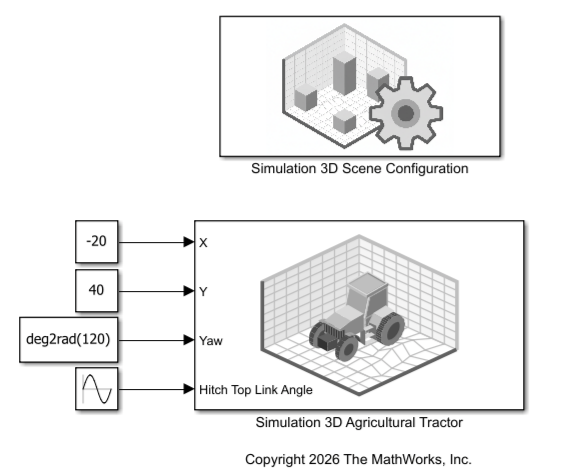
This model places the agricultural tractor at a recommended starting location and oscillates the hitch between its lowest and highest configurations. For more starting locations, see the Recommended Starting Locations section of Rolling Vineyard scene.
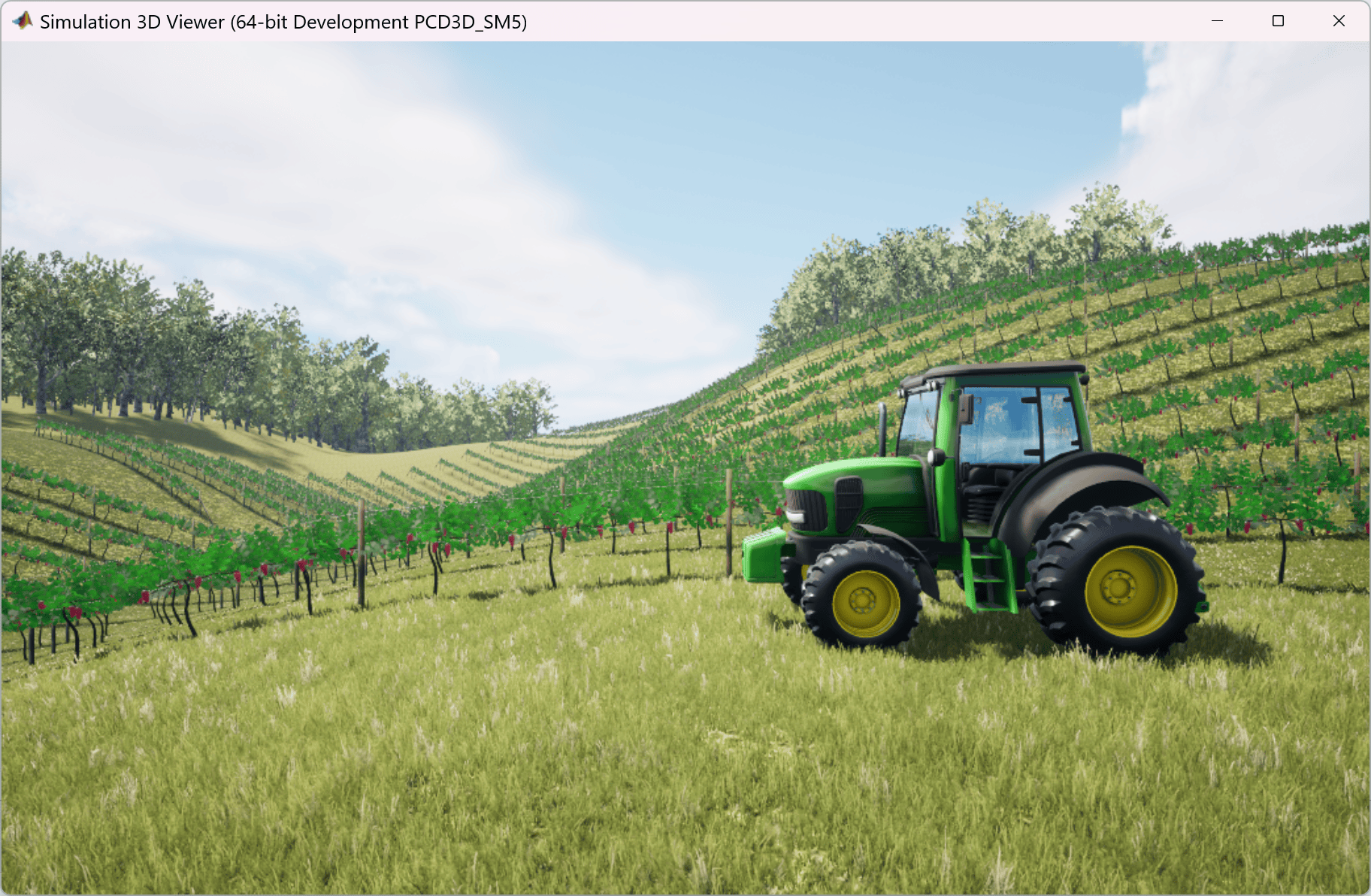
Simulate the model. This figure shows the Simulation 3D Viewer with the view manually set to the left camera view.
sim("SimulateTractorInRollingVineyard.slx");Warning: Support for GPU devices with compute capability 6.1 will be removed in a future MATLAB release. For more information on GPU support, see <a href="matlab:web('http://www.mathworks.com/help/parallel-computing/gpu-computing-requirements.html','-browser')">GPU Computing Requirements</a>.
Version History
Introduced in R2026a
See Also
Simulation 3D Scene Configuration | Offroad Pit Mining Scene | Construction Site Scene | Simulation 3D Agricultural Tractor

