可自定义的模块
R2026b使用 Customizable Blocks 库中的模块来设计仪表板控件和显示,其外观与您实际系统中的组件匹配。配置形状、颜色、标签、刻度线和指示器范围,为您的模型创建一个真实界面。
与标准 Dashboard 模块一样,可自定义的模块连接到可调参数或信号,并允许您在仿真期间显示和调整值。有关详细信息,请参阅 通过交互式仪表板控制仿真。
要将此库中的模块添加到您的模型,请参阅向模型添加模块。
模块
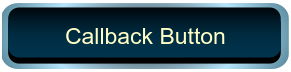 | Callback Button | Execute MATLAB code using button with customizable appearance |
 | Check Box | Change parameter or variable value during simulation using check box with customizable appearance (自 R2024b 起) |
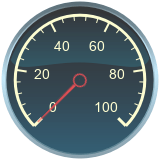 | Circular Gauge | Display signal value during simulation on circular gauge with customizable appearance |
 | Combo Box | Change parameter or variable value during simulation using combo box with customizable appearance (自 R2025a 起) |
 | Display | Display signal value during simulation in box with customizable appearance (自 R2023b 起) |
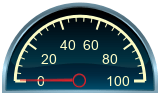 | Half Gauge | Display signal value during simulation on gauge shaped as half-circle with customizable appearance (自 R2024a 起) |
 | Horizontal Gauge | Display signal value during simulation on horizontal gauge with customizable appearance |
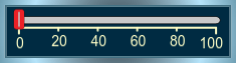 | Horizontal Slider | Change parameter or variable value using horizontal slider with customizable appearance |
 | Knob | Change parameter or variable value using knob with customizable appearance |
 | Lamp | Display color that reflects signal value on lamp with customizable appearance |
 | MultiStateImage | Display images based on signal values on block with customizable appearance (自 R2026b 起) |
 | Push Button | Change parameter or variable value using button with customizable appearance |
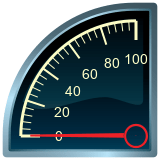 | Quarter Gauge | Display signal value during simulation on gauge shaped as quarter-circle with customizable appearance (自 R2024a 起) |
 | Radio Button | Change parameter or variable value during simulation using radio button with customizable appearance (自 R2025a 起) |
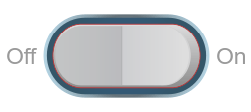 | Rocker Switch | Change parameter or variable value using switch with customizable appearance |
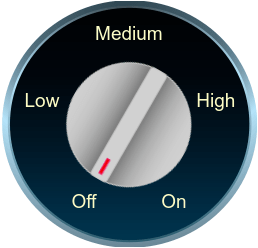 | Rotary Switch | Change parameter or variable value using rotary switch with customizable appearance |
 | Slider Switch | Change parameter or variable value using switch with customizable appearance |
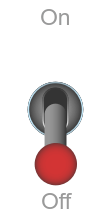 | Toggle Switch | Change parameter or variable value using switch with customizable appearance |
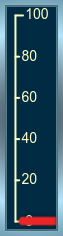 | Vertical Gauge | Display signal value during simulation on vertical gauge with customizable appearance |
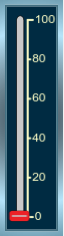 | Vertical Slider | Change parameter or variable value using vertical slider with customizable appearance |
工具
| 库浏览器 | 查找并向模型添加模块 |
主题
- 向模型添加模块
使用库浏览器和快速插入菜单插入模块。
相关信息
精选示例
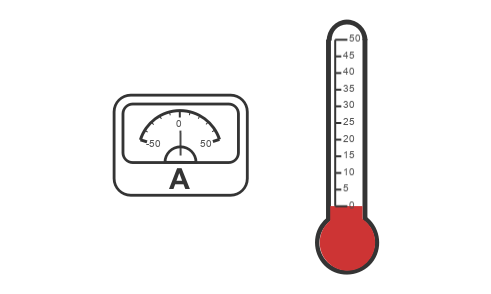
Design Custom Gauges
Design gauges using the Circular Gauge, Horizontal Gauge, and Vertical Gauge blocks.
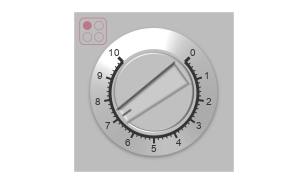
Design Custom Knobs
Design knobs using the customizable Knob block.
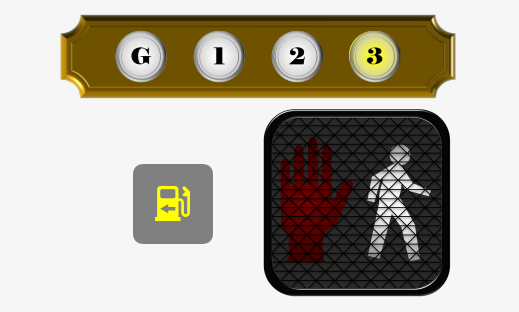
Design Custom Lamps
Design lamps using the customizable Lamp block.
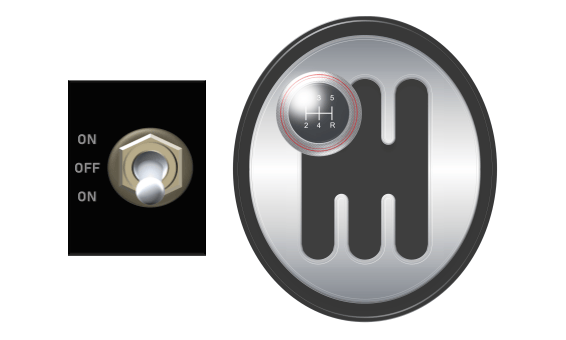
Design Custom Rocker, Slider, and Toggle Switches
Design switches using the customizable Rocker Switch, Slider Switch, and Toggle Switch blocks.
Design Custom Buttons
Design buttons using the customizable Callback Button and Push Button blocks.
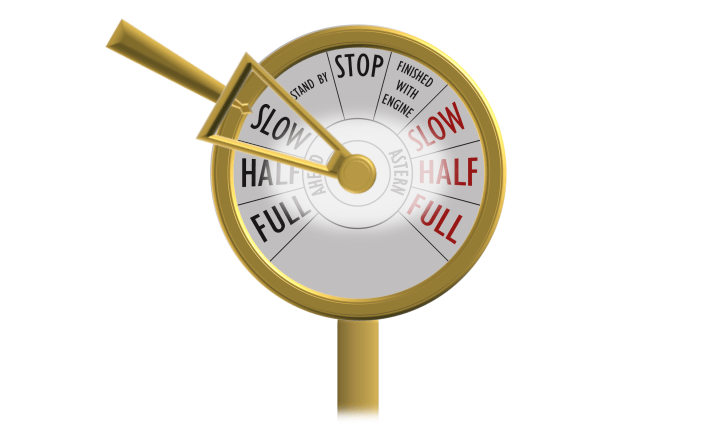
Design Custom Rotary Switches
Design rotary switches using the customizable Rotary Switch block.
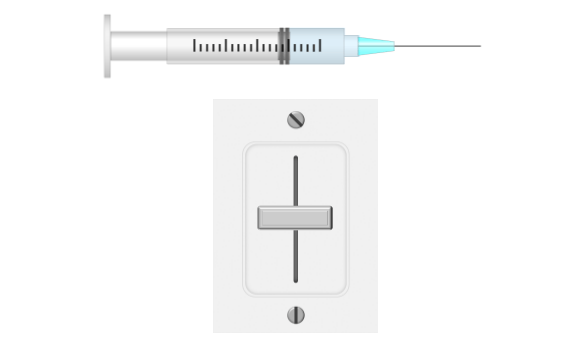
Design Custom Sliders
Design slider switches using the customizable Slider Switch block.
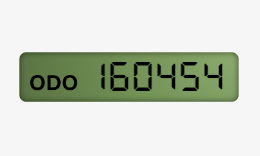
Design Custom Displays
Design displays using the customizable Display block.

