实时参数调优
在实时应用程序运行期间查询和修改可调模块参数及全局参数。执行参数扫描和极值检验。请参阅可调模块参数与可调全局参数。
App
| Simulink Real-Time | 生成实时应用程序,用于在目标计算机上运行的仿真,并与目标计算机中的 I/O 设备进行交互。 |
| Simulink Real-Time Explorer | Interact with target computer and real-time application running on target computer |
| Simulink Real-Time TET Monitor | 观察在目标计算机上运行的实时应用程序的任务执行时间 |
| Simulink Real-Time App Generator | Generate instrument panel app to interact with target computer and real-time application running on target computer (自 R2022a 起) |
工具
| 仿真数据检查器 | 检查并比较数据与仿真结果,以验证和迭代模型设计 |
对象
ParameterSet | 实时应用参数集 |
函数
slrtExplorer | 打开 Simulink Real-Time 资源管理器,并与目标计算机及实时应用程序进行交互 |
slrtTETMonitor | 打开 Simulink Real-Time 任务执行时间 (TET) 监控器 |
slrtAppGenerator | 生成仪表盘应用程序,用于与目标计算机及其上运行的实时应用程序进行交互。 (自 R2022a 起) |
getparam | 在实时应用中读取可观测参数的值 |
setparam | 在实时应用中更改可调参数的值 |
getParameters | 获取实时应用程序参数 |
主题
- 可调模块参数与可调全局参数
在实时执行过程中修改可调模块参数和可调全局参数。
- Filter Hierarchical List of Signals and Parameters in Simulink Real-Time Explorer
Find and view signals and parameters with hierarchical path information.
- Save and Reload Parameters by Using Simulink Real-Time Explorer
Save real-time application parameter values to a file on the target computer.
- Save and Reload Parameters by Using the MATLAB Language
Save real-time application parameter values to a file on the target computer.
- Internationalization Issues for Simulink Real-Time
Learn about Simulink® Real-Time™ support for internationalization.
疑难解答
在使用 Simulink Real-Time 产品时遇到的问题的故障排除
Troubleshoot Parameters Not Accessible by Name
Investigate issues that prevent you from observing or tuning some parameters in the real-time application.
相关信息
精选示例
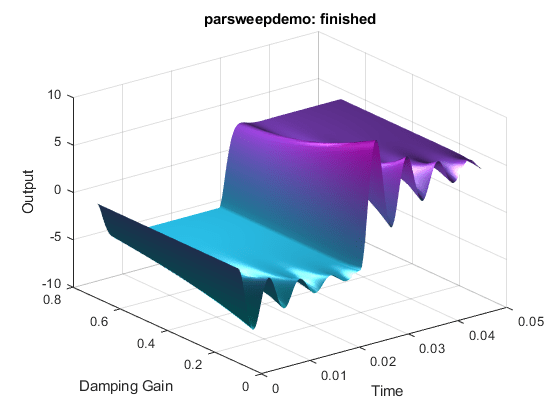
实时信号记录与参数调优
此示例演示了如何使用 Simulink® Real-Time™ 进行实时参数调优和数据记录。
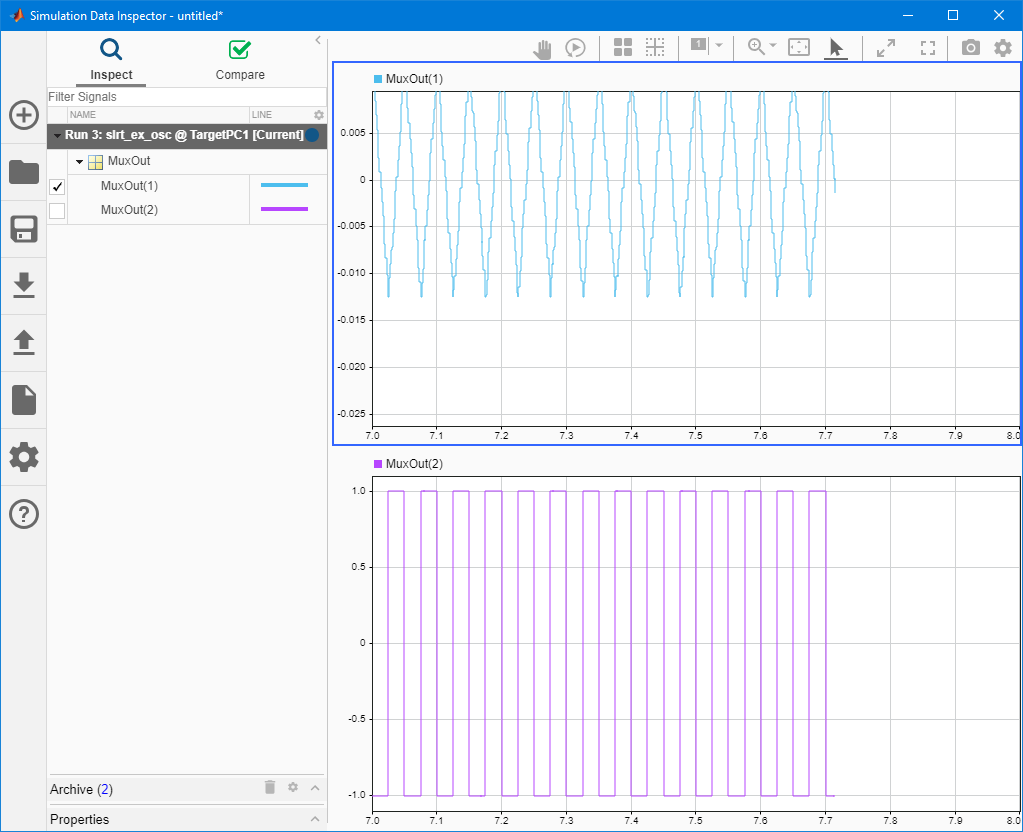
Tune Parameters by Using Simulink® Real-Time™ Explorer
Change block parameters while your real-time application is running on the target computer.

Tune Inlined Parameters by Using Simulink Real-Time Explorer
Tune inlined parameters that have been made tunable with MATLAB® variables.
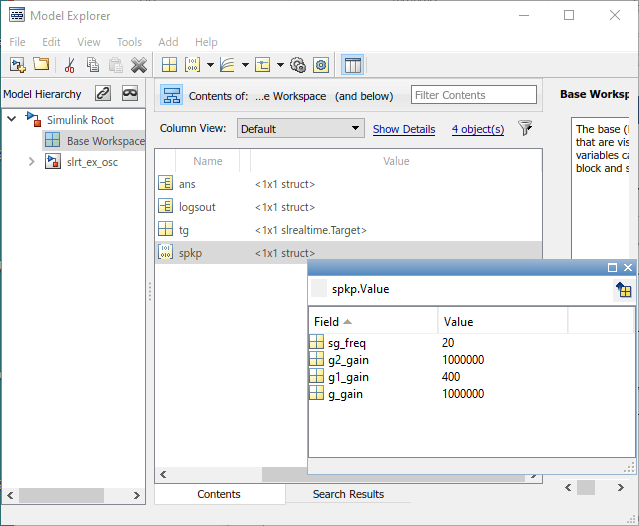
Tune Parameter Structures by Using Simulink® Real-Time™ Explorer
Organize related parameters into a structure and tune the structure.

Tune Parameters by Using Simulink® External Mode
Change real-time application parameters by using the Simulink model as a user interface.

