实时应用程序仪表板 App
R2026a通过图形化仪表板与目标计算机上运行的实时应用程序进行交互。创建仪表板,向面板中添加仪表,然后使用仪表对象将参数和信号连接至仪表。在 MATLAB® 中运行您的实时应用程序。使用仪表控制参数并查看信号输出。请参阅实时应用的仪表应用程序。
App
| Simulink Real-Time | 生成实时应用程序,用于在目标计算机上运行的仿真,并与目标计算机中的 I/O 设备进行交互。 |
| Simulink Real-Time Explorer | Interact with target computer and real-time application running on target computer |
| Simulink Real-Time TET Monitor | 观察在目标计算机上运行的实时应用程序的任务执行时间 |
| Simulink Real-Time App Generator | Generate instrument panel app to interact with target computer and real-time application running on target computer (自 R2022a 起) |
| Simulink Real-Time Application Property Inspector | 查看和修改应用程序属性 (自 R2023b 起) |
工具
| 仿真数据检查器 | 检查并比较数据与仿真结果,以验证和迭代模型设计 |
对象
Instrument | 创建实时仪表对象 |
slrealtime.instrument.LineStyle | 创建实时仪表线型对象 (自 R2022b 起) |
函数
属性
| slrealtime.ui Properties | slrealtime UI component properties for instrument panel UI |
主题
- 实时应用的仪表应用程序
通过仪表盘应用程序与您的实时应用程序进行交互。
- Create App Designer Instrument Panels by Using App Generator
Create real-time application instrument panel by using App Generator.
- Create and Update Instrument Panel for Stateflow Car Transmission
Configure and update an App Designer instrument panel app for a Simulink Real-Time car transmission application.
- Tips for Running Apps on Simulink Normal Mode Target
Follow these tips to run App Designer instrument panel apps on a Simulink Normal Mode target.
- Tips for Creating Standalone Executable Apps
Follow these tips to aid development of standalone executable apps.
相关信息
精选示例
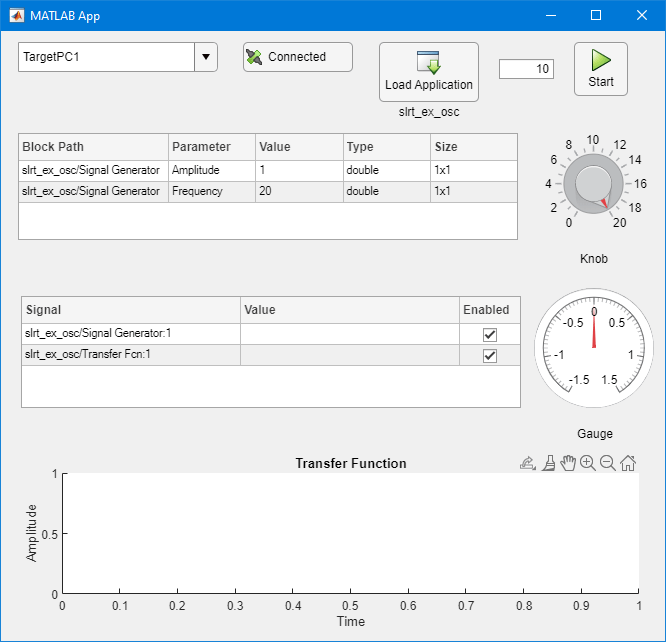
Create App Designer Instrument Panels by Using Simulink Real-Time Components
Create real-time application instrument panel by using App Designer components.
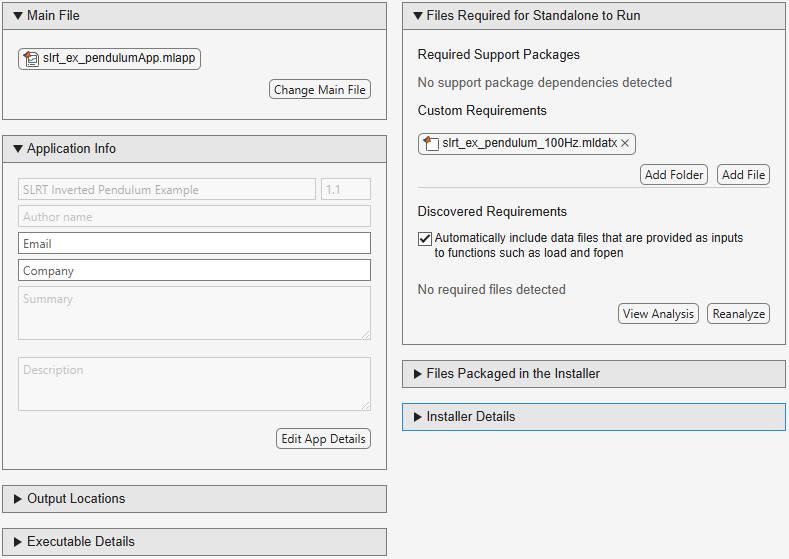
Create Standalone Instrument Panel App Using Standalone Application Compiler
Create executable instrument panel apps by using application compiler.
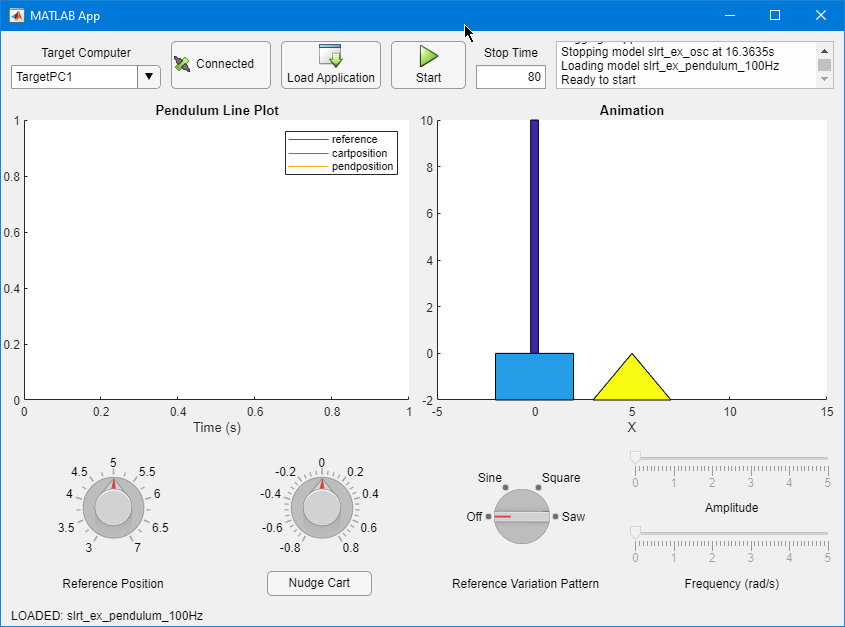
将 App Designer App 添加到倒立摆模型中
从 Simulink Real-Time 应用程序向 App Designer 仪表盘 App 流式传输信号。
使用 MATLAB® 控制仪表盘上的灯的颜色®
将仪表盘上的指示灯连接起来,将该指示灯与实时应用程序连接,并控制指示灯的颜色。

Control Color of Lamp on Instrument Panel by Using App Generator
Connect a lamp indicator on an instrument panel from App Generator, connect the lamp instrument to the real-time application, and control the color of the lamp.

基础 App Designer 工具:实时应用程序界面设计应用
为 Simulink Real-Time 应用程序配置一个基础的 App Designer 仪表板应用程序。

