实时信号记录与流传输
R2026a通过信号记录或流式传输,可视化实时应用程序运行中的实时信号
要评估信号在实时应用程序中的行为,您可以向模型中添加仪表,调整参数并显示结果。
仪表包含以下信号:通过仿真数据检查器或 Simulink® Scope 模块标记用于可视化的信号、连接至 File Log 模块的信号,以及通过仪表对象连接至图形化仪表的信号。您可以在实时应用程序中通过使用 Simulink Real-Time™ Explorer 或 MATLAB® 语言来对信号进行监控。
使用仿真数据检查器调整标量、向量或矩阵参数,并以数字形式或带时间戳的轨迹形式查看信号值。要确定需要调整的参数或需要观察的信号,请浏览模型层次结构或创建参数和信号组。
设计并运行包含图形仪表的 App Designer 仪表板。当运行仪表板时,它会持续与实时应用程序交互,并更新相关的参数和信号。
App
| Simulink Real-Time | 生成实时应用程序,用于在目标计算机上运行的仿真,并与目标计算机中的 I/O 设备进行交互。 |
| Simulink Real-Time Explorer | Interact with target computer and real-time application running on target computer |
| Simulink Real-Time TET Monitor | 观察在目标计算机上运行的实时应用程序的任务执行时间 |
| Simulink Real-Time App Generator | Generate instrument panel app to interact with target computer and real-time application running on target computer (自 R2022a 起) |
工具
| 仿真数据检查器 | 检查并比较数据与仿真结果,以验证和迭代模型设计 |
函数
模块
 | File Log | 在目标计算机上写入信号数据文件日志 |
 | Enable File Log | 启用或禁用目标计算机上信号的文件日志记录 |
主题
背景
- Real-Time Signal Logging and Streaming Basics
Acquire signal data while running a real-time application and transfer the data to the development computer for analysis. - 实时文件日志记录和流式传输工作流
在运行实时应用程序时,可通过启用日志记录和开启/关闭记录接口来控制信号数据的采集。 - Import File Log Data from Speedgoat Target Computer
Import file log data from Speedgoat target computer by direct import into the Simulation Data Inspector, by import of Parquet format files with Simulink Real-Time, by manual import of Parquet format files with MATLAB or third-party tools, or by manual import into the Simulation Data Inspector. - 实时信号记录与参数调优
此示例演示了如何使用 Simulink® Real-Time™ 进行实时参数调优和数据记录。 - Simulink Real-Time 的国际化问题
了解 Simulink Real-Time 对国际化的支持。
可视化信号
- 使用 Simulink Real-Time Explorer 流式传输实时信号
采集未带时间戳的信号数据,并以文本格式显示。 - Filter Hierarchical List of Signals and Parameters in Simulink Real-Time Explorer
Find and view signals and parameters with hierarchical path information. - Post-Process Real-Time Signals Streamed to the Simulation Data Inspector
This example shows how to use a Simulink® Real-Time™ log of signal data and the Simulation Data Inspector. Signals are logged during model execution. - 向 Stateflow 子系统添加仪表
使用实时应用程序仪表可视化 Stateflow® 的状态。 - 使用 Simulink 外部模式启用 Stateflow 图表动画
在您的模型中以图形方式显示 Stateflow 的状态变化。 - 使用 Simulink 外部模式流式传输实时信号
使用 Simulink 模型作为用户界面,流式传输实时信号。
使用 MATLAB 语言
- Target and Application Objects
Use the MATLAB Command Window to change properties and control the target computer and your real-time application. - 实时应用的仪表应用程序
通过仪表盘应用程序与您的实时应用程序进行交互。
疑难解答
在使用 Simulink Real-Time 产品时遇到的问题的故障排除
Troubleshoot Signals Not Accessible by Name
Investigate issues for some signal types prevent file logging or streaming.
精选示例
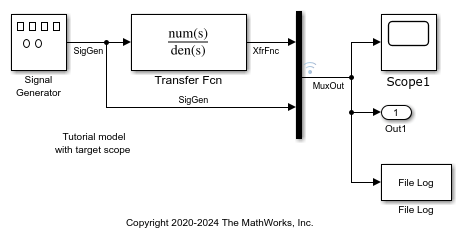
从 Simulink 模型创建并运行实时应用程序
将 Simulink 模型适配为可在目标计算机上运行的实时模型。
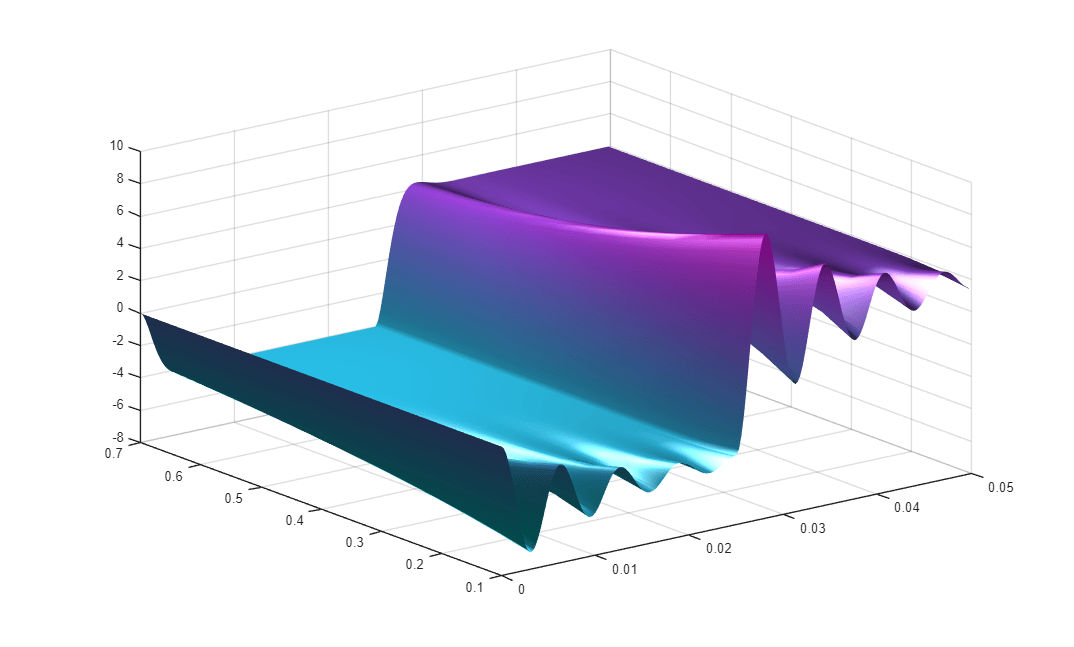
实时信号记录与参数调优
此示例演示了如何使用 Simulink® Real-Time™ 进行实时参数调优和数据记录。
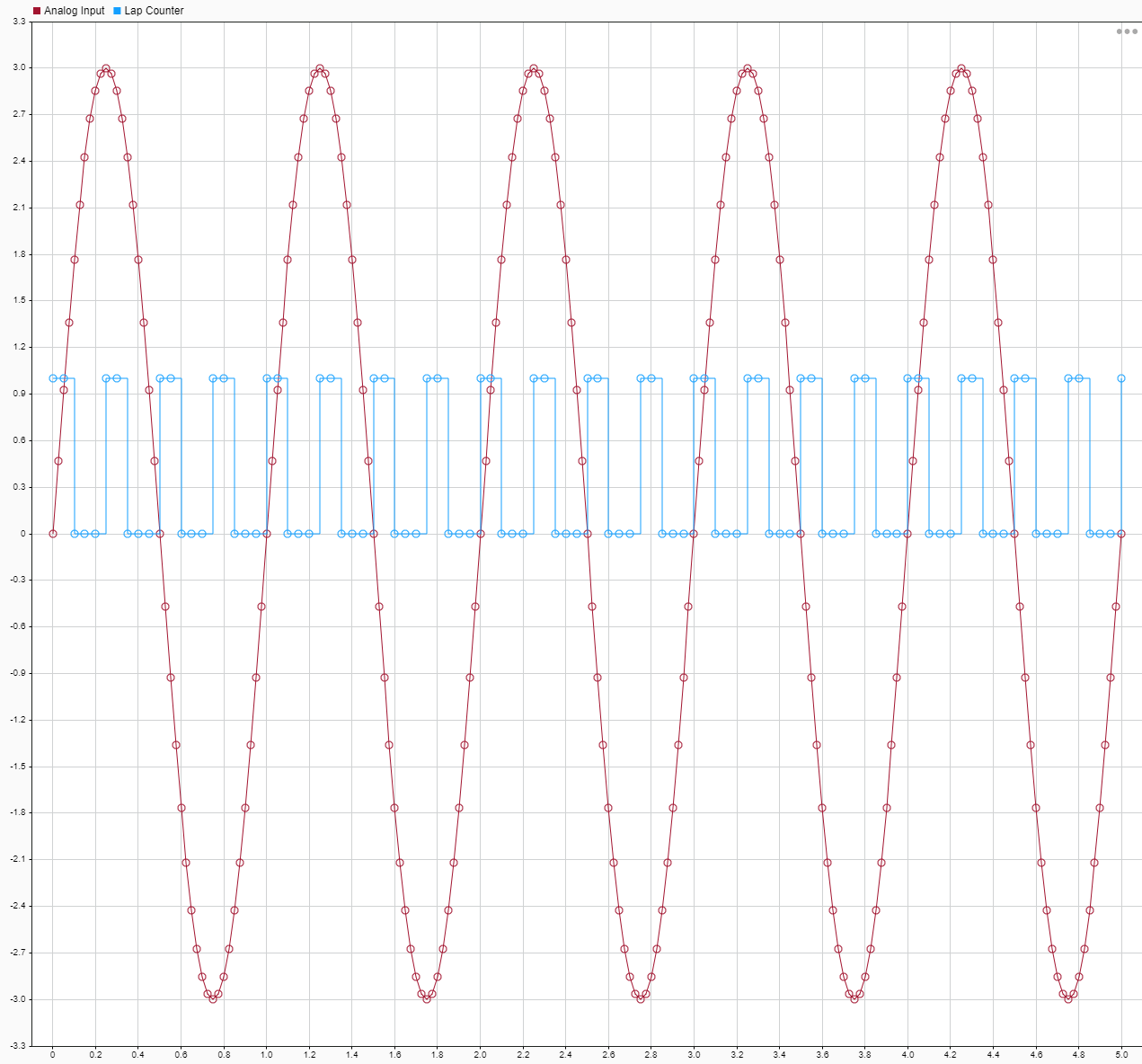
无需重建模型即可对文件日志数据进行调优降采样
在数据记录中使用可调降采样。

