仿真和分析
R2026a更新模块图以装配多体模型并可视化其初始配置。可视化图将在多体资源管理器中打开。对模型进行仿真以播放交互式动画。请务必选择适合物理模型的求解器(例如 daessc),并指定足够小的最大时间步,以捕获仿真过程中预期的最快有意义变化。
打开相机管理器以添加用于捕获动画的移动动态相机。动态相机可分为两种类型:关键帧相机或跟踪相机。关键帧相机在多体资源管理器中以交互方式创建的视点之间移动。跟踪相机关联到模型中的坐标系并瞄准它们。使用视频创建器或 smwritevideo 函数以视频格式录制动画。
使用 KinematicsSolver 类创建模型的运动学表示,并生成要求解的运动学问题。KinematicsSolver 对象包含模型中所有可用的关节变量。通过坐标系变量来补充这些对象,并将关节变量和坐标系变量指定为分析的目标、估计值和输出。
工具
模型设置
函数
主题
基础可视化
- Enable Multibody Explorer
Set the model configuration parameters to ensure that Multibody Explorer opens automatically on model update or simulation. - Manipulate the Visualization Viewpoint
Select a standard view, set the up-axis convention, and use mouse shortcuts to rotate, roll, pan, or zoom a model. - Using Operating Points to Initialize Multibody Models
This example shows how to use operating points to initialize multibody models, specify the initial positions and velocities of the joints in a model, and start simulations of flexible bodies from their deformed states. - Update and Simulate a Model
Workflow steps for updating and simulating a Simscape™ Multibody™ model. - Visualize a Model and Its Components
Visualization is not only a central part of a multibody simulation, but also an essential tool in modeling bodies and verifying their shapes, sizes, frame placements, and colors. Here is an overview of the visualization utilities available in the Simscape Multibody environment and the roles they play in your modeling workflow. - Visualize Simscape Multibody Frames
Use Multibody Explorer frame highlights and Graphic blocks to visualize frames.
高级可视化
- Go to a Block from Multibody Explorer
Use Multibody Explorer to go to the block corresponding to a tree view pane node. - Selective Model Visualization
Visualization filtering as a means to selectively show and hide solids, bodies, and multibody subsystems in Multibody Explorer. - Selectively Show and Hide Model Components
Use selective model visualization to show only those model components that are relevant to you.
相机和视频创建
- Create a Dynamic Camera
Use Camera Manager to create or edit a model visualization camera with a moving viewpoint. - Create a Model Animation Video
Save an animation in video format using Video Creator or thesmwritevideofunction. - Visualization Cameras
Distinction between dynamic cameras and the global camera. Camera Manager as a tool for creating dynamic cameras. Dynamic camera keyframe and tracking modes. - Working with Animation
Review how model animations work and explore the basic controls available for animations.
故障建模
- Blocks That Support Fault Modeling
Information on blocks that support faults.
故障排除
- Multibody Simulation Issues
Learn about Simscape Multibody simulation issues.
精选示例
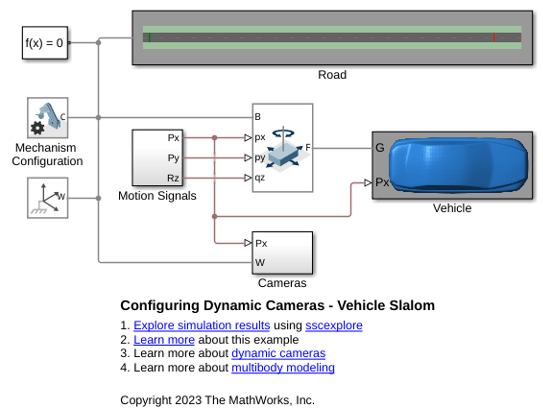
Configuring Dynamic Cameras - Vehicle Slalom
Illustrates the use of dynamic cameras to view a vehicle traversing a slalom course. The vehicle accelerates from stationary to a fixed speed and then enters the slalom course. Upon exiting, the vehicle decelerates back to stationary before the end of the road. The model has four dynamic cameras: three with tracking parameterization and one with keyframes. The tracking cameras show the front and side views of the vehicle from a fixed offset relative to the vehicle, along with the view from the driver's perspective. The keyframed camera shows a sweeping view of the vehicle maneuver.
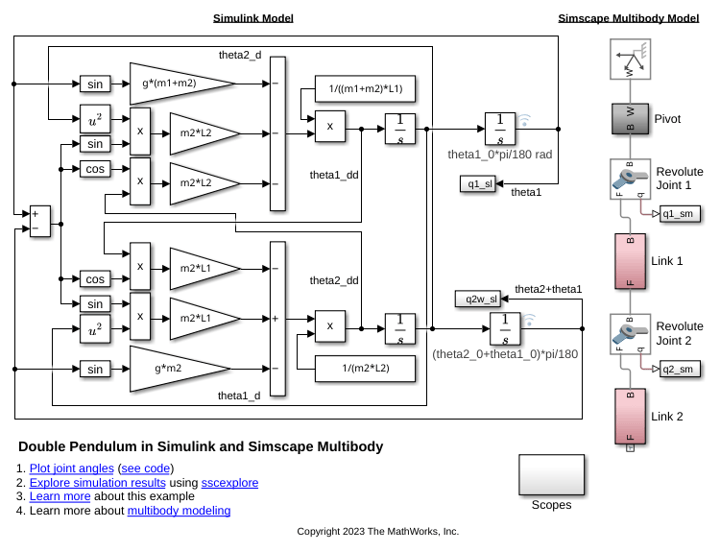
Double Pendulum in Simulink and Simscape Multibody
Two models of a double pendulum, one using Simulink® input/output blocks and one using Simscape™ Multibody™.
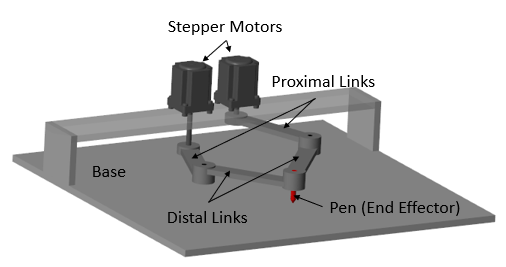
Perform Forward and Inverse Kinematics on a Five-Bar Robot
Use the KinematicsSolver object to perform forward kinematics (FK) and inverse kinematics (IK) on a five-bar robotic mechanism. First, the example demonstrates how to perform FK analyses to calculate a singularity-free workspace for a five-bar robot. Then the example shows how to perform IK analyses to compute the motor angles that correspond to an end-effector trajectory within that workspace.
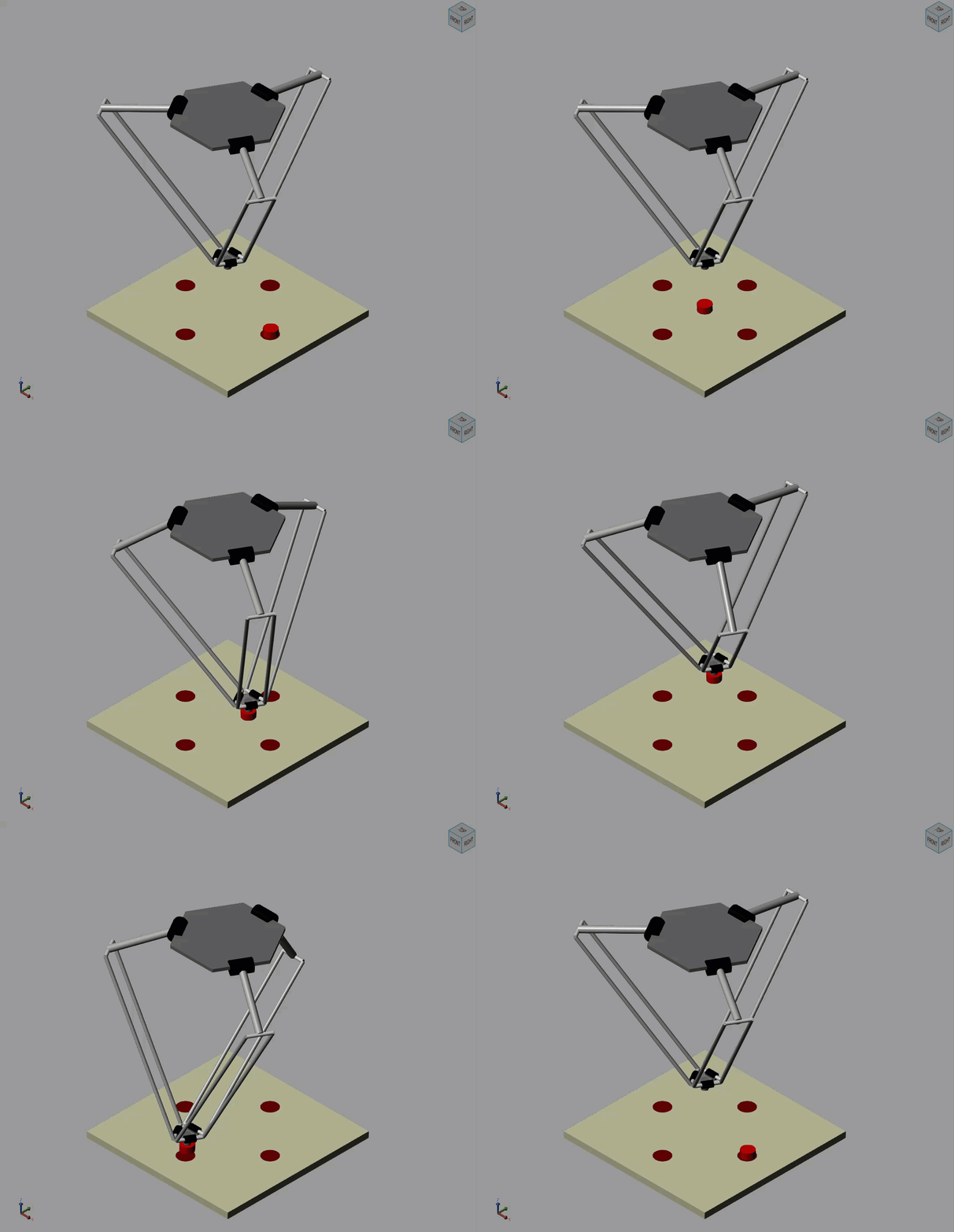
Pick and Place Robot Using Forward and Inverse Kinematics
Model a delta robot performing a pick and place task.
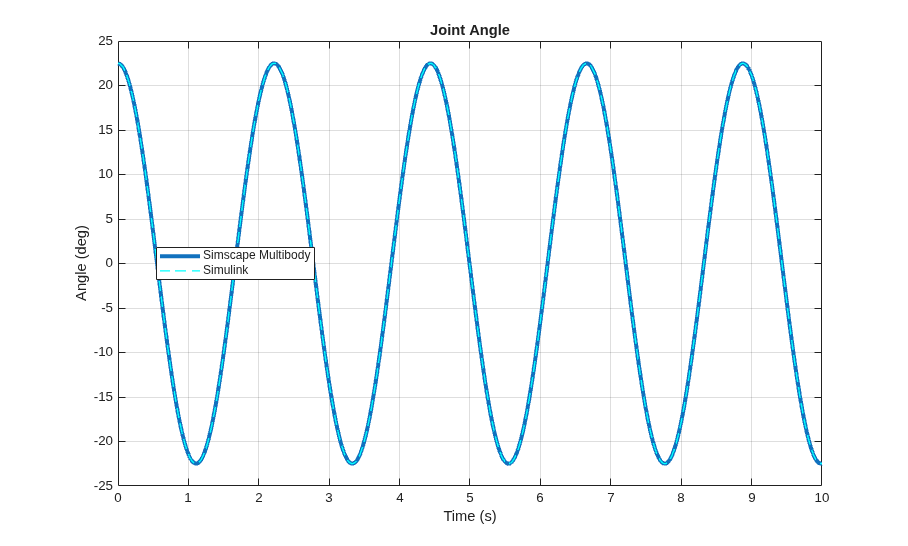
Single Pendulum in Simulink and Simscape Multibody
A single pendulum modeled using Simulink® input/output blocks and using Simscape™ Multibody™. The initial angle for the joint is defined by a MATLAB® variable. The annotations on the integrator block show the initial angle of the joint with respect to the world frame.

