Architecture Development
R2026bAUTOSAR Blockset software supports software composition modeling for the AUTOSAR Adaptive Platform and Classic Platform. An AUTOSAR architecture model provides resources and a canvas for developing AUTOSAR composition and component models. From the architecture model, you can:
Define component behavior by creating, importing, or linking Simulink® models.
Define and share interfaces, data types, and constants using Simulink data dictionaries.
Configure scheduling and simulation.
Design AUTOSAR Adaptive software components by refining software component service interfaces and algorithmic model content. (AUTOSAR Adaptive Platform)
Add Basic Software (BSW) service calls and service implementations. (AUTOSAR Classic Platform)
Add and configure AUTOSAR parameter components and parameter ports. (AUTOSAR Classic Platform)
Tools
| Architectural Data Editor | (To be removed) Manage Architectural Data section of Simulink data dictionaries (Since R2023b) |
| Code Mappings Editor | Map AUTOSAR elements for code generation |
| Interface Editor | Create and author interfaces in local and shared data dictionaries |
| Service Mappings Editor | Map model elements to service interface definitions (Since R2026b) |
Blocks
 | Adaptive Component | Model adaptive software component in AUTOSAR architecture model (Since R2023a) |
 | Classic Component | Model classic software component in AUTOSAR architecture model |
 | Software Composition | Model software composition in AUTOSAR architecture model |
 | Diagnostic Service Component | Configure AUTOSAR Diagnostic Services and Runtime Environment (RTE) for emulation |
 | NVRAM Service Component | Configure AUTOSAR NVRAM Services and Runtime Environment (RTE) for emulation |
 | Adapter | Connect components with different interfaces |
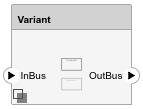 | Variant Component | Conditional variations of AUTOSAR architecture models (Since R2025a) |
Objects
Simulink.dictionary.ArchitecturalData | Edit architectural data in a Simulink data dictionary programmatically (Since R2023b) |
autosar.dictionary.ARClassicPlatformMapping | Manage platform-specific properties for elements in data dictionary mapped to AUTOSAR Classic Platform (Since R2022b) |
autosar.arch.Model | AUTOSAR architecture model |
autosar.arch.Composition | AUTOSAR software composition in architecture model |
autosar.arch.Component | AUTOSAR software component in architecture model |
autosar.arch.CompPort | AUTOSAR component or composition port in architecture model |
autosar.arch.Connector | Connection between ports in AUTOSAR architecture model |
autosar.arch.ParameterComponent | AUTOSAR software parameter component (Since R2025a) |
autosar.arch.ParameterPort | AUTOSAR software parameter component port (Since R2025a) |
Functions
open | Open AUTOSAR architecture model |
find | Find AUTOSAR architecture, composition, component, parameter component and elements |
get | Get property of AUTOSAR architecture element |
getArchPort | Get architecture port corresponding to component or composition port |
getXmlOptions | Get XML option for AUTOSAR architecture model |
getPlatformProperty | Get AUTOSAR platform property from data dictionary (Since R2022b) |
setPlatformProperty | Set AUTOSAR properties for data interface or element in data dictionary (Since R2022b) |
getPlatformProperties | Get AUTOSAR platform properties from data dictionary (Since R2022b) |
connect | Connect AUTOSAR architecture components and compositions |
layout | Arrange AUTOSAR composition or architecture model layout based on heuristics |
set | Set property of AUTOSAR architecture element |
linkDictionary | Link data dictionary to AUTOSAR architecture model (Since R2023a) |
setInterface | Assign port interface to AUTOSAR component, composition, or architecture port |
setPlatform | Set platform kind of architecture model to classic or adaptive (Since R2023a) |
setXmlOptions | Set XML option for AUTOSAR architecture model |
Topics
Composition and Component Development
- Define AUTOSAR Component Behavior by Creating or Linking Models
Add Simulink behavior to AUTOSAR components by creating, linking, or importing models. - Define AUTOSAR Compositions by Creating or Linking Models
Define AUTOSAR software compositions by creating, linking, or importing compositions as implementation models. - Configure AUTOSAR Architecture Model Programmatically
Call architecture functions to configure an AUTOSAR software architecture model. - Add and Connect Client-Server Ports in AUTOSAR Software Architectures
Configure client-server communication by using client server ports and Simulink data dictionaries in AUTOSAR software architectures (requires System Composer).
Architecture Data Management
- Manage AUTOSAR Architectural Data With Data Dictionaries
Manage architectural data in AUTOSAR models using the Architectural Data Editor. - Programmatically Manage AUTOSAR Architectural Data
This example shows how to programmatically manage shared data types, interfaces, constants, software address methods, and AUTOSAR C code generation properties by using the Architectural Data section of a Simulink® data dictionary. - Link AUTOSAR Components to Requirements
Link AUTOSAR components that implement requirements to requirements. - Create Profiles, Stereotypes, and Views for AUTOSAR Architecture Analysis
To help analyze AUTOSAR architecture, create filtered views of model hierarchies.
Simulation
- Configure AUTOSAR Classic Scheduling and Simulation
Schedule and simulate components in AUTOSAR architecture model.
Featured Examples
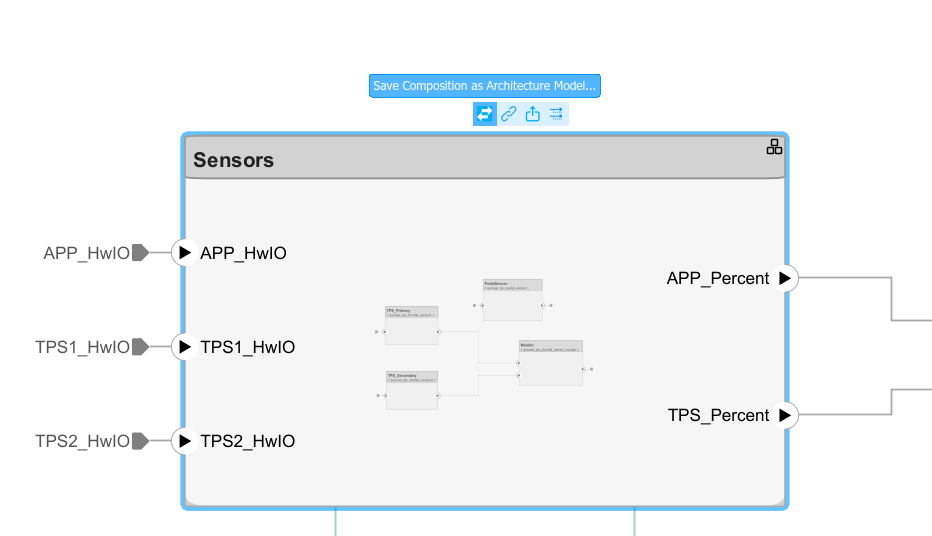
Author AUTOSAR Compositions and Components in Architecture Model
Develop AUTOSAR compositions and components for the Classic Platform using an architecture model.
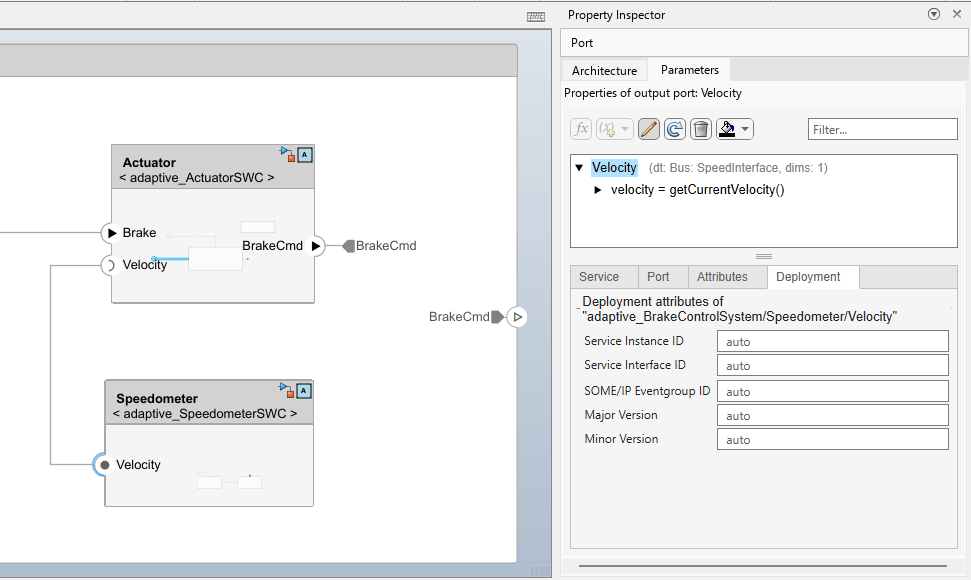
Author AUTOSAR Adaptive Compositions with Software Architectures
Develop AUTOSAR software compositions and components for the AUTOSAR Adaptive Platform by using a software architecture model.
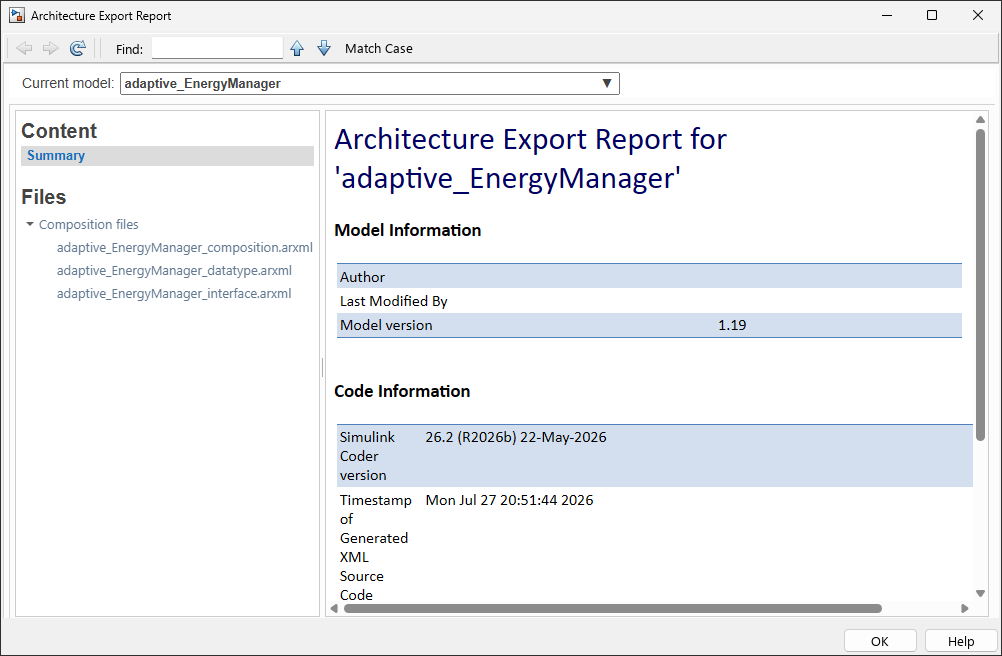
Configure and Export ARXML from AUTOSAR Adaptive Software Architectures
Generate and optionally package AUTOSAR XML descriptions and C++ code from AUTOSAR software architectures. If you have Simulink® Coder™, Embedded Coder®, and System Composer™, from an AUTOSAR Adaptive software architecture model, you can:
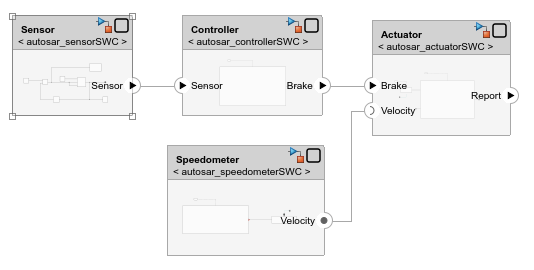
Assemble and Simulate AUTOSAR Software Components in Architecture Model
An AUTOSAR architecture model in Simulink provides a graphical environment and modeling elements for developing AUTOSAR software compositions and software components (requires System Composer™). From the architecture model, you can:
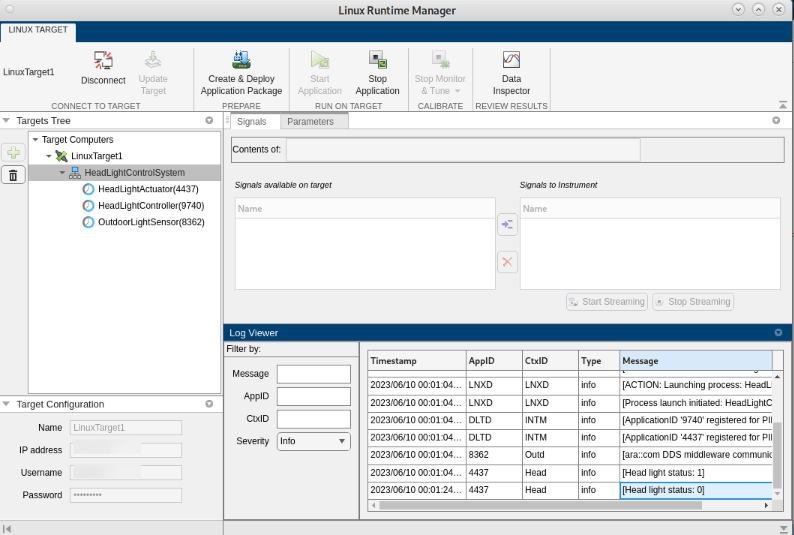
Deploy AUTOSAR Adaptive Architecture Model
Deploy an AUTOSAR(R) adaptive architecture model to a Linux(R) target and use external mode to monitor and tune a component using AUTOSAR Blockset(TM) and Embedded Coder(R). You deploy a headlight control system where three components communicate through adaptive events and methods, then use external mode to calibrate sensor thresholds while observing the end-to-end adaptive communication.

