建模
R2026b准备 Simulink 模型以进行硬件连接,并添加模块以支持 NVIDIA 硬件。
模块
 | ALSA Audio Capture | 使用 ALSA 从声卡捕获音频 |
 | ALSA Audio Playback | Send audio to sound card for playback using ALSA |
 | Audio File Read | Read audio frames from an audio file |
 | Camera | Capture video from a USB or CSI camera connected to the NVIDIA target |
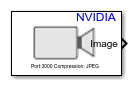 | Network Video Receive | Receive video from network RTP or IP camera RTSP stream on NVIDIA Jetson hardware |
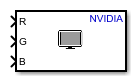 | SDL Video Display | Display video on a monitor connected to the NVIDIA target |
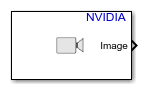 | Video Read | Read video frames from multimedia file on NVIDIA target (自 R2024a 起) |
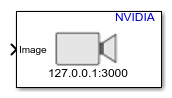 | Video Send | Send video stream to remote hardware (自 R2023b 起) |
 | GPIO Read | Read logical state of an input pin |
 | GPIO Write | Set logical state of an output pin |
 | CAN Receive | Receive messages from the controller area network (CAN) bus |
 | CAN Transmit | Transmit messages on the controller area network (CAN) bus |
 | Serial Read | Read data from serial port |
 | Serial Write | Write data to serial port |
 | SPI Register Write | Write to register of SPI device connected to NVIDIA Jetson board (自 R2026a 起) |
 | SPI Register Read | Read from register of SPI device connected to NVIDIA Jetson board (自 R2026a 起) |
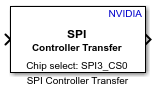 | SPI Controller Transfer | Write to and read from SPI device connected to NVIDIA Jetson board (自 R2026a 起) |
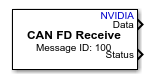 | CAN FD Receive | Receive messages on controller area network (CAN) bus with flexible data rate (自 R2026b 起) |
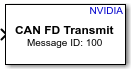 | CAN FD Transmit | Transmit messages on controller area network (CAN) bus with flexible data rate (自 R2026b 起) |
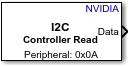 | I2C Controller Read | Read from I2C device connected to NVIDIA Jetson (自 R2026b 起) |
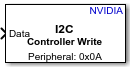 | I2C Controller Write | Write to I2C device connected to NVIDIA Jetson board (自 R2026b 起) |
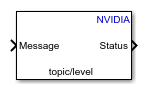 | MQTT Publish | Publish messages to MQTT broker on specified topic (自 R2023a 起) |
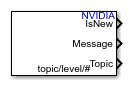 | MQTT Subscribe | Receive messages from the MQTT broker for specified topic (自 R2023a 起) |
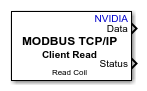 | Modbus TCP/IP Client Read | Client device reads data from server device register(s) over TCP/IP network (自 R2022a 起) |
 | Modbus TCP/IP Client Write | Client device writes data to server device register(s) over TCP/IP network (自 R2022a 起) |
 | Modbus TCP/IP Server Read | Server device reads data from server device register over TCP/IP network (自 R2022a 起) |
 | Modbus TCP/IP Server Write | Server device writes data to server device register over TCP/IP network (自 R2022a 起) |
 | TCP/IP Receive | 通过 TCP/IP 网络从远程主机接收数据 |
 | TCP/IP Send | 通过 TCP/IP 网络将数据发送到另一个远程主机 |
 | UDP Receive | Receive UDP packets from UDP host |
 | UDP Send | Send UDP packets to UDP host |

模型设置
主题
- Model Configuration Parameters for NVIDIA Hardware Board
Parameter and configuration options for creating and running applications on an NVIDIA hardware board.
- Open Block Library for NVIDIA Hardware
Locate Simulink block library for NVIDIA hardware.
- Accelerate Simulation Speed by Using GPU Coder (GPU Coder)
Achieve faster simulation for models that contain MATLAB Function blocks.
- Code Generation from Simulink Models with GPU Coder (GPU Coder)
Generate CUDA® code from Simulink models by using GPU Coder™.
- GPU Code Generation for Deep Learning Networks Using MATLAB Function Block (GPU Coder)
Simulate and generate code for deep learning models in Simulink using MATLAB Function blocks.
- GPU Code Generation for Blocks from the Deep Neural Networks Library (GPU Coder)
Simulate and generate code for deep learning models in Simulink using library blocks.
- 通过 Jetson 连接和使用 USB 转串行转换器
将 USB 转串行转换器连接到 NVIDIA Jetson™ 板。
- NVIDIA Jetson 板的串行端口映射
识别 NVIDIA Jetson 板上串行端口的端口名称。
- Read and Write Data over Serial Port on NVIDIA Jetson Platforms
This example shows how to use MATLAB® Coder™ Support Package for NVIDIA® Jetson® and NVIDIA DRIVE® to read and write serial data over the UART port on a Jetson board.
- MQTT 简介
MQTT 消息传递协议的基础知识。
精选示例
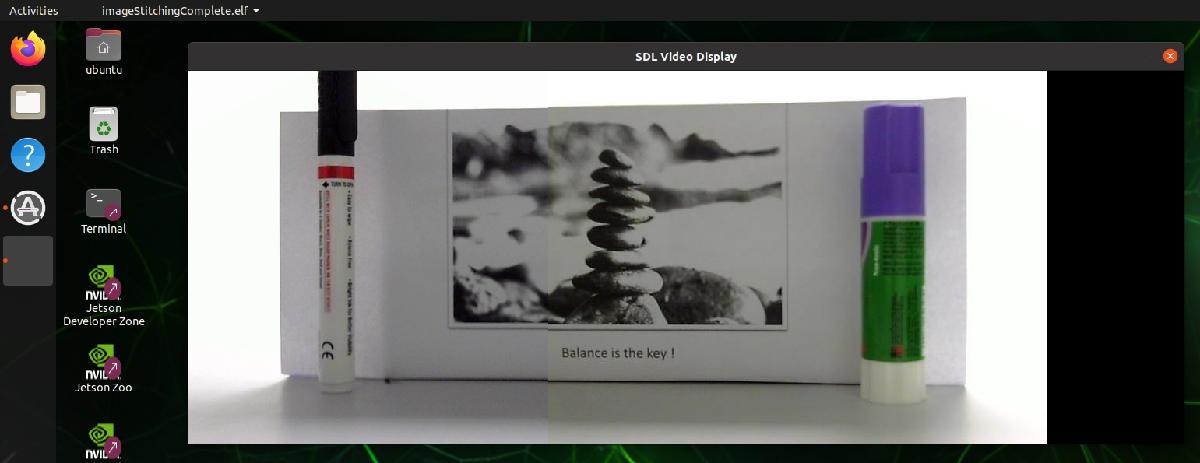
Capture and Stitch Together Images from Multiple Cameras on NVIDIA Jetson
Capture video from two cameras on an NVIDIA Jetson to create a composite image.
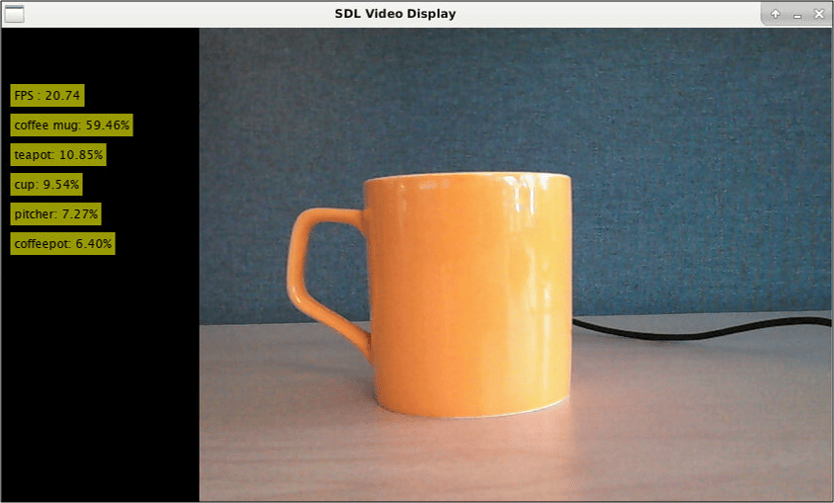
Deploy and Classify Webcam Images on NVIDIA Jetson Platform from Simulink
Deploy a Simulink® model on the NVIDIA® Jetson™ board for classifying webcam images. This example classifies images from a webcam in real-time by using the pretrained deep convolutional neural network, ResNet-50. The Simulink model in the example uses the camera and display blocks from the MATLAB® Coder™ Support Package for NVIDIA Jetson and NVIDIA DRIVE™ Platforms to capture the live video stream from a webcam and display the prediction results on a monitor connected to the Jetson platform.

Code Generation for a Deep Learning Simulink Model to Classify ECG Signals
Demonstrates how you can use powerful signal processing techniques and Convolutional Neural Networks together to classify ECG signals. We will also showcase how CUDA® code can be generated from the Simulink® model. This example uses the pretrained CNN network from the Classify Time Series Using Wavelet Analysis and Deep Learning example of the Wavelet Toolbox™ to classify ECG signals based on images from the CWT of the time series data. For information on training, see Classify Time Series Using Wavelet Analysis and Deep Learning (Wavelet Toolbox).
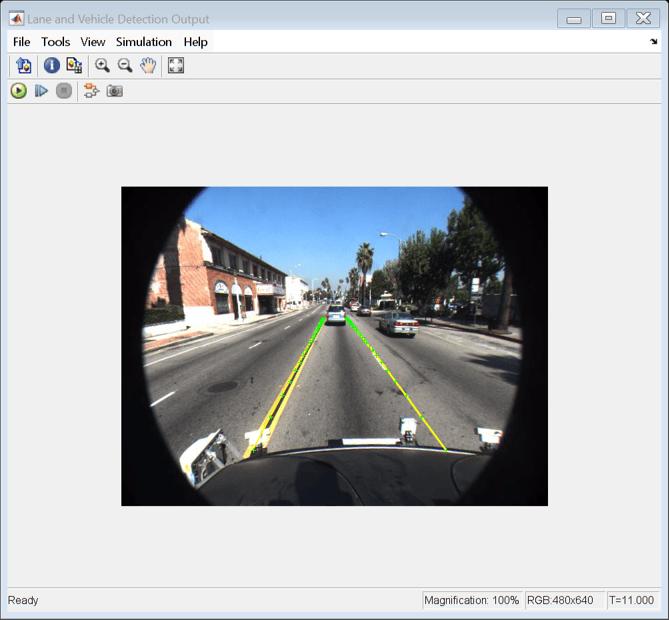
Code Generation for a Deep Learning Simulink Model That Performs Lane and Vehicle Detection
Develop a CUDA® application from a Simulink® model that performs lane and vehicle detection using convolutional neural networks (CNN). This example takes the frames of a traffic video as an input, outputs two lane boundaries that correspond to the left and right lanes of the ego vehicle, and detects vehicles in the frame. This example uses the pretrained lane detection network from the Lane Detection Optimized with GPU Coder example of the GPU Coder™ product. For more information, see Lane Detection Optimized with GPU Coder (GPU Coder). This example also uses the pretrained vehicle detection network from the Object Detection Using YOLO v2 Deep Learning example of the Computer Vision Toolbox™. For more information, see 使用 YOLO v2 深度学习进行目标检测 (Computer Vision Toolbox).
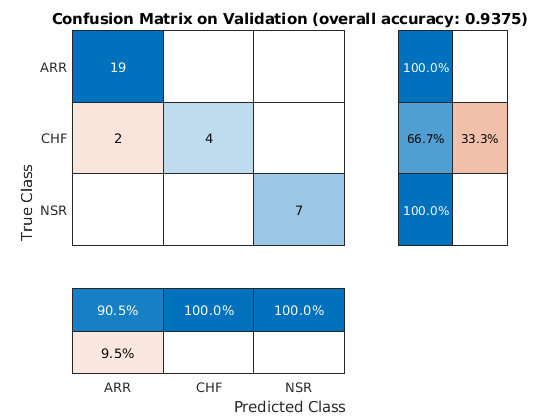
Deploy Signal Classifier on NVIDIA Jetson Using Wavelet Analysis and Deep Learning
Generate and deploy a CUDA® executable that classifies human electrocardiogram (ECG) signals using features extracted by the continuous wavelet transform (CWT) and a pretrained convolutional neural network (CNN).
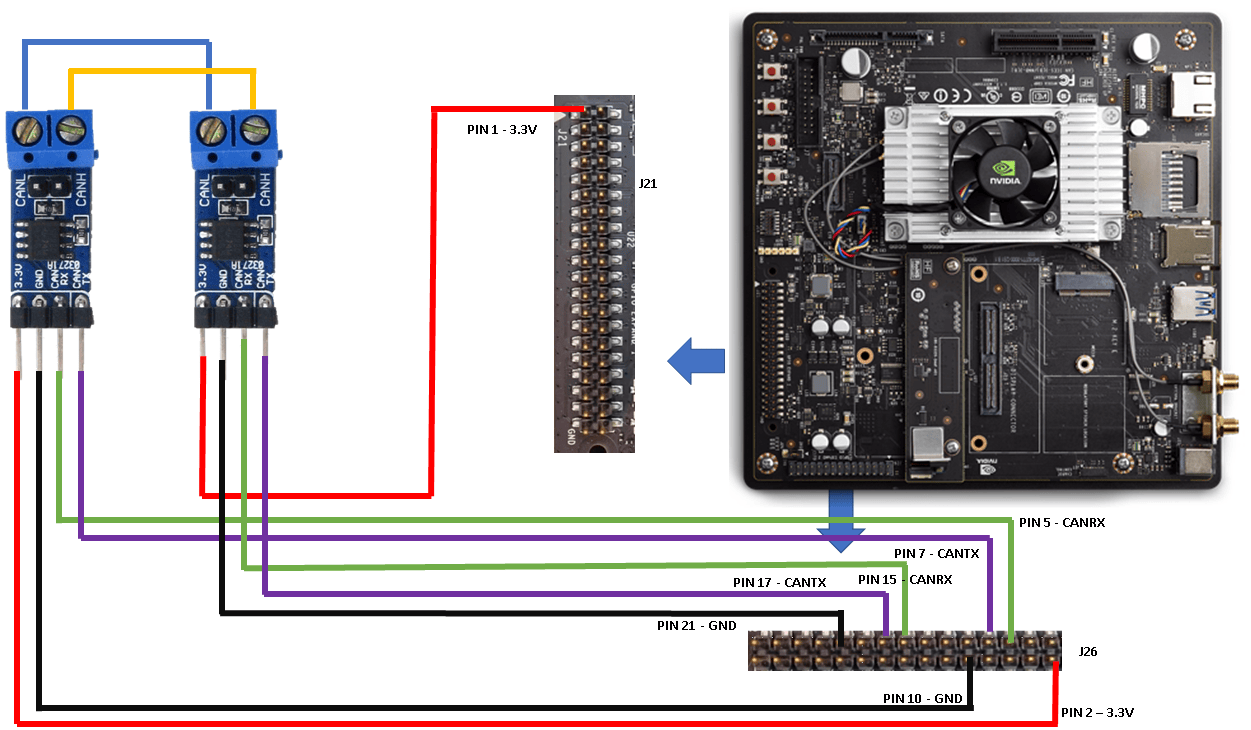
CAN Bus Communication on NVIDIA Jetson TX2 in Simulink
Deploy a Simulink® model that uses CAN communication for a deep learning application. The Simulink model in this example uses the CAN Transmit and CAN Receive blocks from the MATLAB® Coder™ Support Package for NVIDIA® Jetson® and NVIDIA DRIVE® Platforms to model a CAN bus system on the Jetson TX2 platform. The model uses the CAN bus to transmit the recognized traffic sign objects in a video frame from one CAN node to another CAN node.
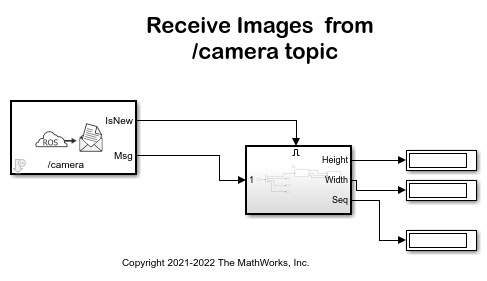
Stream Images from NVIDIA Jetson Xavier NX Using Robot Operating System (ROS)
Stream images captured from a webcam on NVIDIA® Jetson™ Xavier NX board to the host computer using ROS communication interface.

Send and Receive Data over UDP on NVIDIA Jetson Platforms
Use MATLAB® Coder™ Support Package for NVIDIA® Jetson® and NVIDIA DRIVE® to send and receive UDP data over the network on a Jetson board.
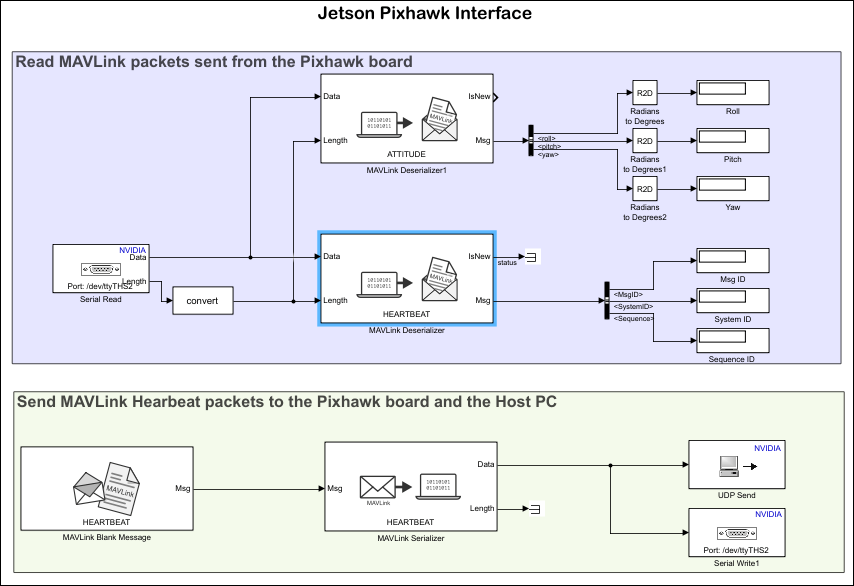
Send and Receive MAVLink Packets on Jetson Boards
Use MATLAB® Coder™ Support Package for NVIDIA® Jetson® and NVIDIA DRIVE® to send and receive MAVLink packets on a Jetson board via serial from a Pixhawk® board.
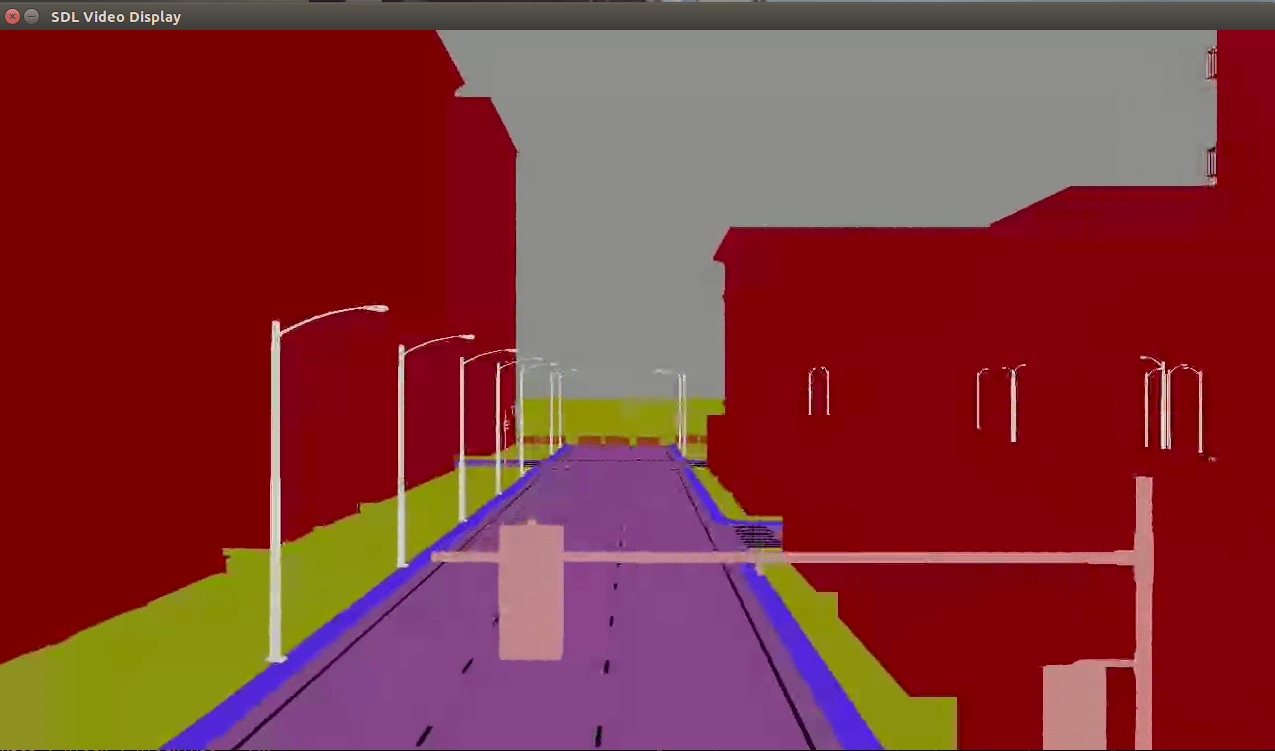
Stream Camera, Depth and Semantic Segmentation Data from Unreal Engine to NVIDIA Jetson
Stream simulated camera, depth, and semantic segmentation label data from an Unreal Engine® scene to NVIDIA® Jetson™ with Simulink®.
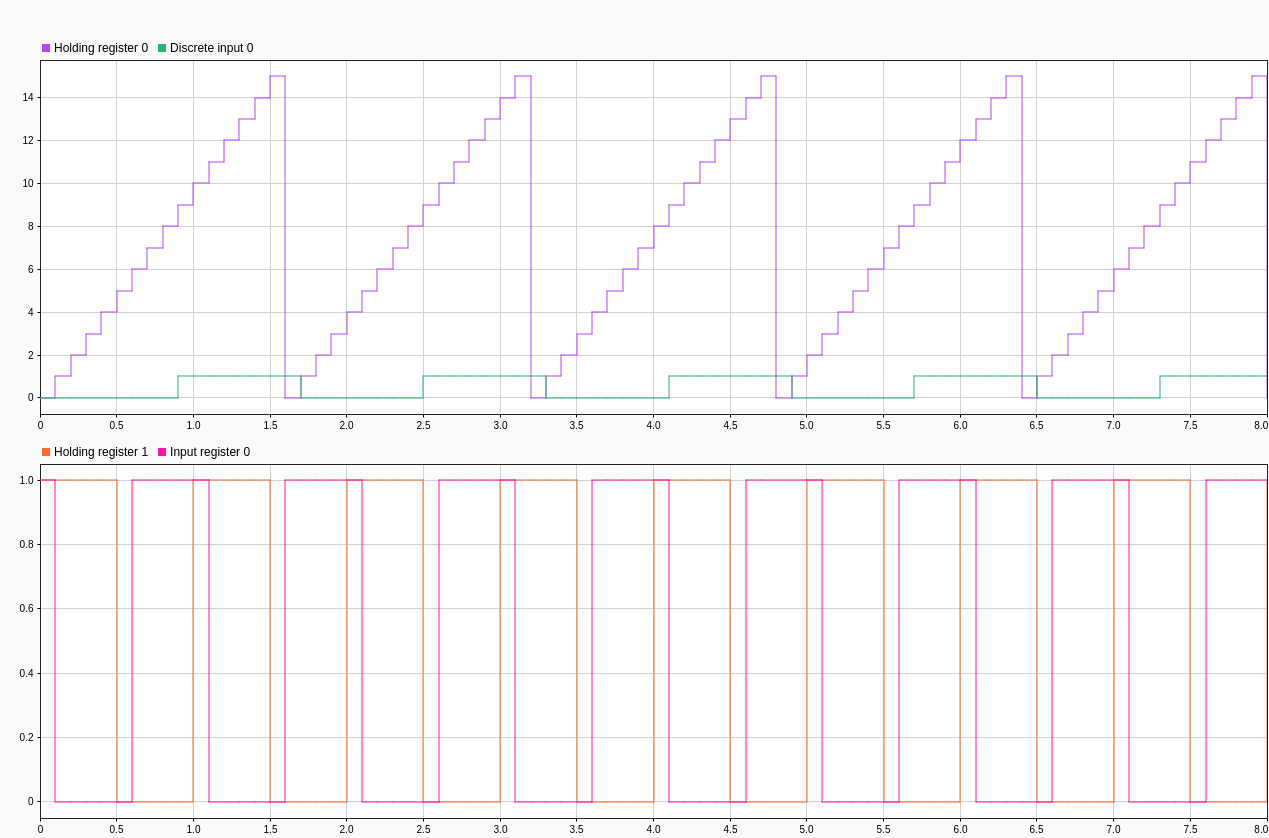
MODBUS TCP/IP Communication Between Client and Server Devices Using NVIDIA Jetson TX2 Hardware
Use the MATLAB® Coder™ Support Package for NVIDIA® Jetson® and NVIDIA DRIVE® Platforms to implement MODBUS® TCP/IP communication between MODBUS client and server devices. It also shows how to communicate between the two devices in four modes of operation, Client Read, Client Write, Server Read, and Server Write.
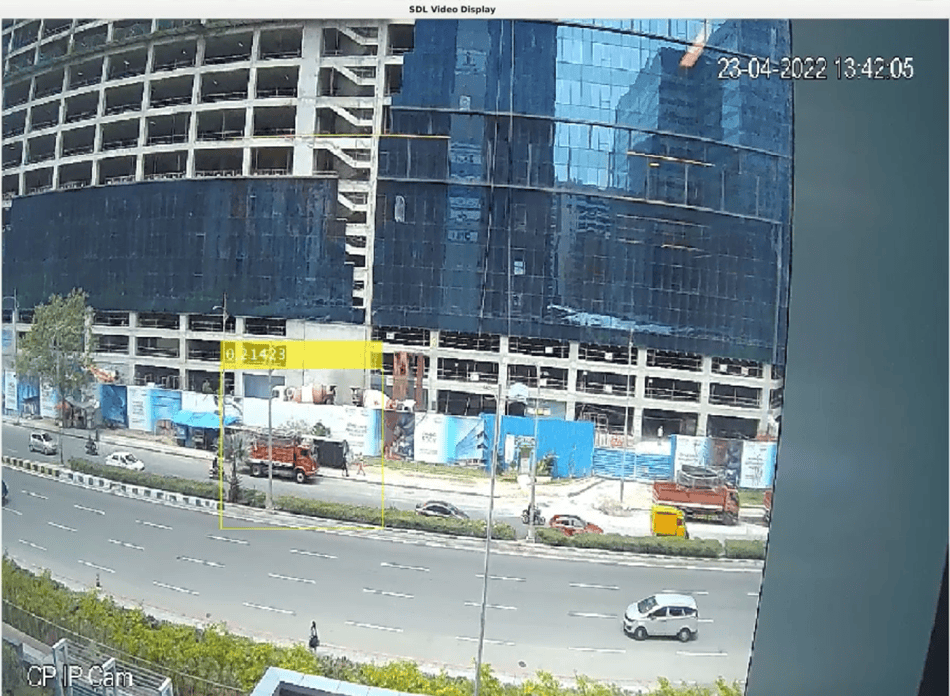
Deep Learning Vehicle Detector from IP Camera Stream on Jetson
Develop a CUDA® application from a Simulink® model that performs vehicle detection using convolutional neural networks (CNN). This example takes the IP camera stream as an input and detects vehicles in the frame. This example uses the pretrained vehicle detection network from the Object Detection Using YOLO v2 Deep Learning example of the Computer Vision Toolbox™. For more information, see 使用 YOLO v2 深度学习进行目标检测 (Computer Vision Toolbox).
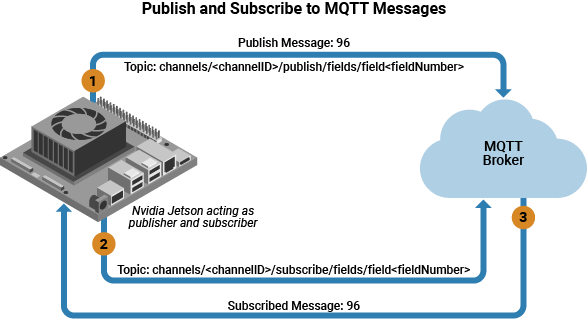
Publish and Subscribe to Messages on ThingSpeak Using MQTT Blocks
Use Simulink blocks to communicate using Message Queuing Telemetry Transport (MQTT) on NVIDIA Jetson or NVIDIA DRIVE®.
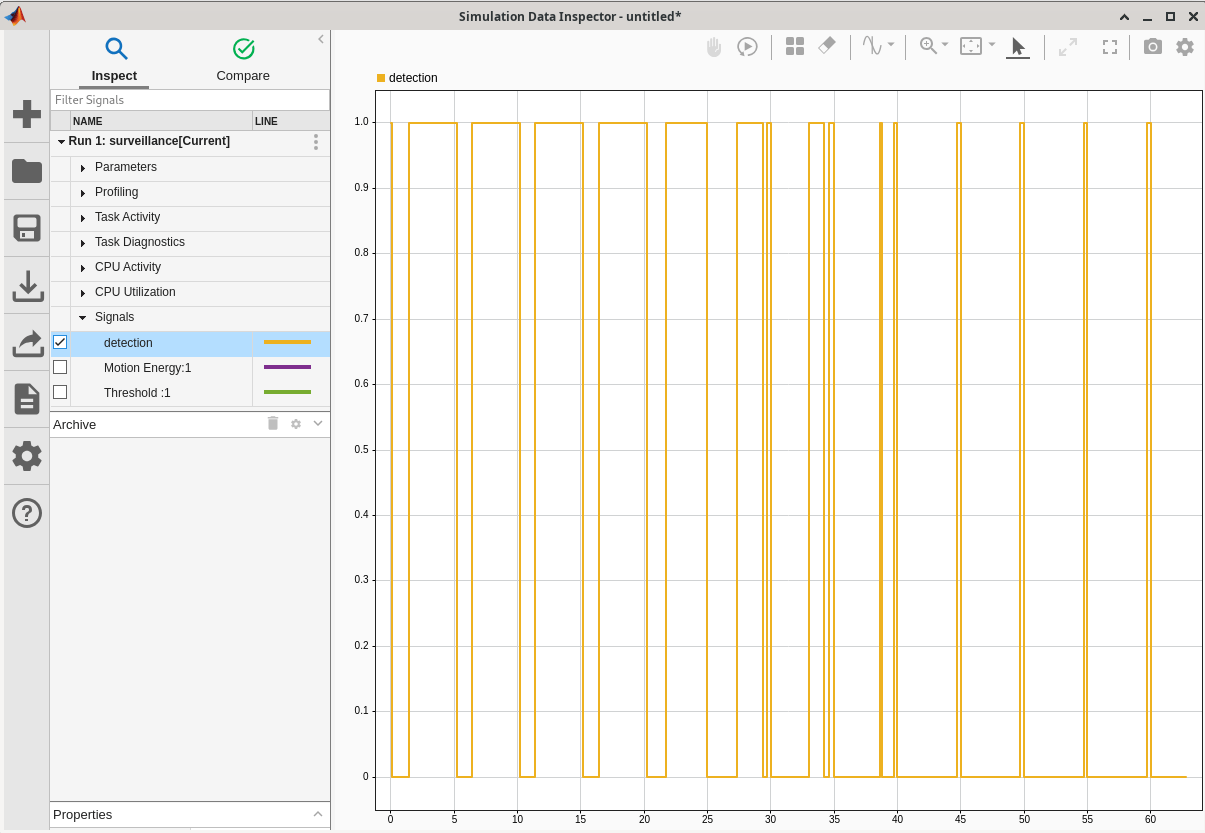
Tune Motion Detection Algorithm Running on NVIDIA Jetson
Monitor and tune a Simulink model that implements a motion detection algorithm.
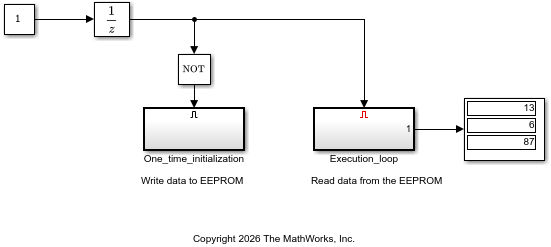
Communicate with EEPROM Device From NVIDIA Jetson Hardware
Read from and write to an EEPROM device by using I2C communication from NVIDIA Jetson hardware.
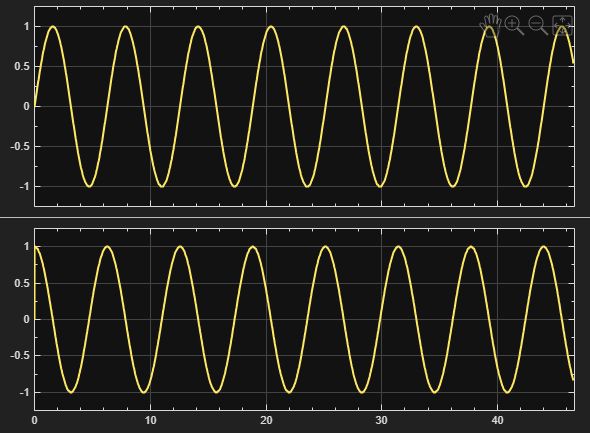
Send and Receive CAN FD Messages on NVIDIA Jetson
Use the CAN FD communication protocol on a Jetson board from Simulink.

